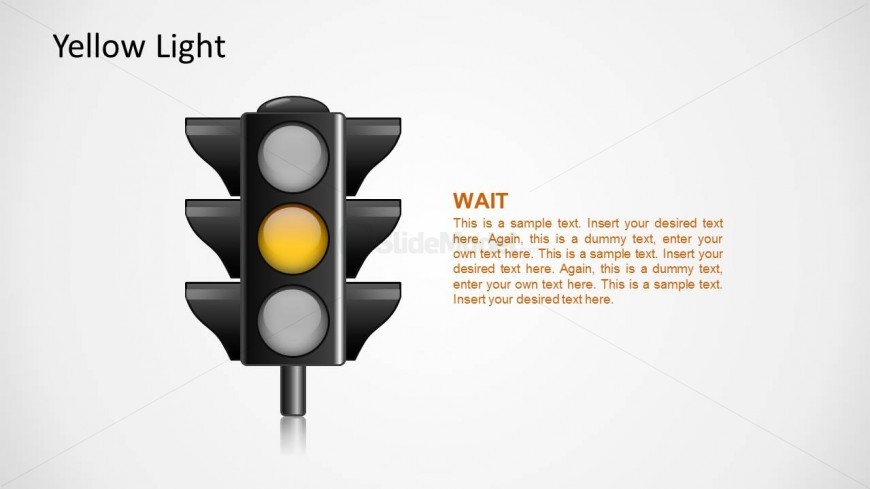
Slide 3 of 5 from Traffic Lights Shape for PowerPoint
1128-traffic-lights-shapes-wide-3
Yellow Light Traffic Signal Slide
- Media Layout
- Other
- Concept Explanation Slide
- 16:9
- 100% Editable
The Yellow Light Signal slide from the Traffic Lights Shape for PowerPoint template offers a clear visual explanation ideal for traffic safety presentations and educational materials. This slide uses editable shapes and vector icons to emphasize the yellow light's role, making it a practical addition to any corporate presentation or driving lesson slide deck focused on road rules.
What’s on This Slide
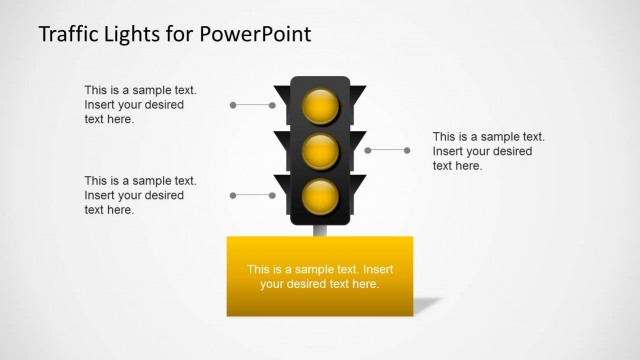
The slide features a traffic light with a prominent yellow light in the center. The yellow light is circular and larger than the surrounding gray lights above and below. To the left, there is a title placeholder labeled 'Yellow Light' aligned at the top. On the right, a text placeholder labeled 'WAIT' is highlighted in orange, followed by additional text placeholders for content. The background is light gray, providing contrast to the dark traffic light. The overall layout is centered, emphasizing the traffic light icon.
How to Use It
This layout serves to illustrate the meaning of the yellow light in traffic signals, functioning as a visual explanation. It fits within a presentation sequence discussing traffic signals, allowing for a clear understanding of each light's purpose. This slide is useful in educational contexts, traffic safety presentations, or discussions on road regulations, providing a straightforward visual reference for the yellow light's significance.
Text Placeholders & Capacity
Keep your copy within these limits so it fits without resizing. Text slots can accommodate a moderate amount of content, with body text around 20 words each.
| Placeholder | Count | Max characters (approx.) |
|---|---|---|
| Slide title | 1 | 20 |
| Item heading | 1 | 4 |
| Item body | 1 | 160 |
Slide Keywords
Download unlimited PowerPoint templates, charts and graphics for your presentations with our annual plan.
DOWNLOADReturn to Traffic Lights Shape for PowerPoint.