Slide 6 of 6 from Timeline Template for PowerPoint
Vertical Timeline Template for PowerPoint
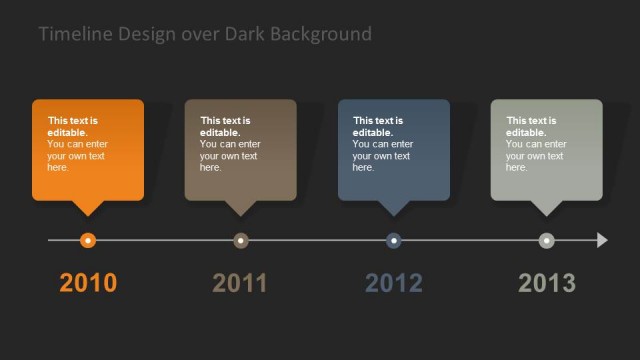
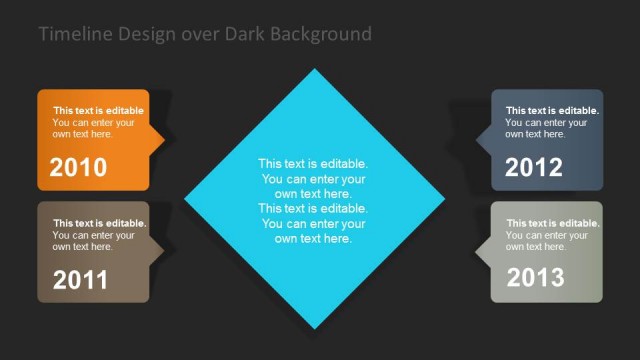
Timeline Design over Dark Background
- Diagram
- Timeline Horizontal
- Timeline Slide
- 16:9
- 100% Editable
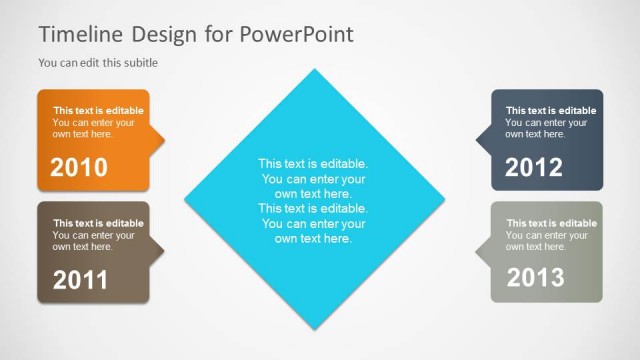
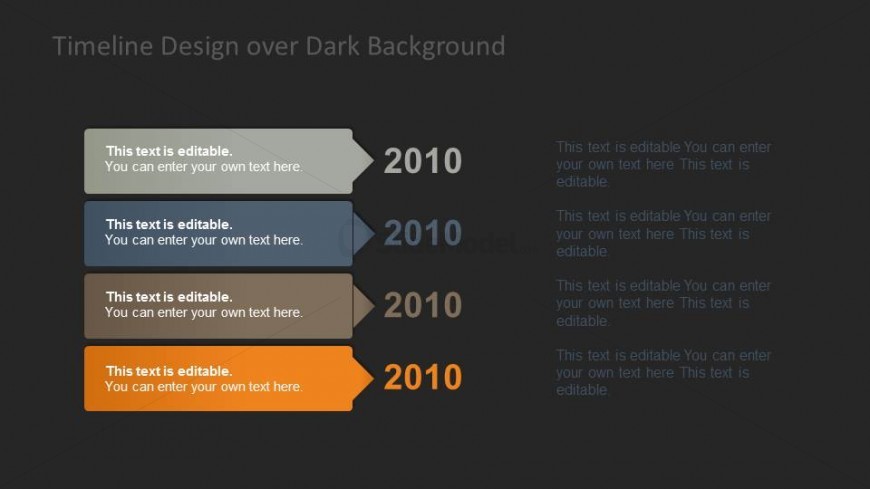
The Timeline Design over Dark Background slide from the Timeline Template for PowerPoint offers a horizontal timeline layout ideal for project milestones and progress tracking. Featuring editable shapes with year labels and a visually distinct color scheme, this slide enhances clarity in business presentations and planning slide decks. Its dark background improves contrast, making it suitable for corporate presentations that require a clear chronological overview of events or developments.
About This Slide
Vertical timeline design for PowerPoint presentations with dark background.
What’s on This Slide
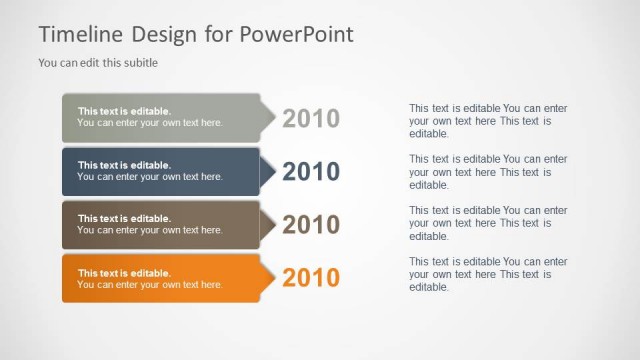
The slide features a horizontal timeline layout against a dark background. It contains four rectangular shapes, each representing a milestone, arranged vertically. Each shape includes a year label, '2010', and a text placeholder for editable content. The shapes are in varying colors: light gray, blue, brown, and orange, creating a visual hierarchy. Text placeholders are centrally aligned within each shape. The overall composition emphasizes the timeline's flow from top to bottom, with clear boundaries for each milestone. The background is a solid dark color, enhancing contrast.
How to Use It
This layout serves as a chronological timeline, ideal for showcasing project milestones or events over a specified period. It fits well in presentations aimed at project managers, consultants, or planners. The slide can be used to illustrate progress, highlight key dates, or summarize a series of events in a clear, visual format. It is best positioned at the conclusion of a presentation to recap important developments or future plans, following a problem or strategy slide.
Text Placeholders & Capacity
Keep your copy within these limits so it fits without resizing. Each node can hold approximately 30 characters for labels and 50 characters for body text.
| Placeholder | Count | Max characters (approx.) |
|---|---|---|
| Item heading | 4 | 30 |
| Item body | 4 | 50 |
Slide Keywords
Download unlimited PowerPoint templates, charts and graphics for your presentations with our annual plan.
DOWNLOADReturn to Timeline Template for PowerPoint.