Slide 5 of 6 from Timeline Template for PowerPoint
6002-timeline-powerpoint-CT1-5
Timeline Design with Year Callouts
- Diagram
- Timeline Horizontal
- Timeline Slide
- 16:9
- 100% Editable
The Timeline Design with Year Callouts slide from the Timeline Template for PowerPoint offers a clear and structured way to present project timelines or historical milestones. Featuring editable shapes and distinct year callouts, this slide layout supports business presentations and pitch deck templates by visually emphasizing chronological events within a corporate presentation or slide deck.
What’s on This Slide
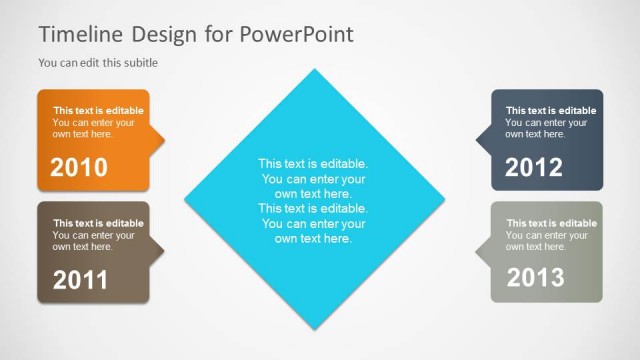
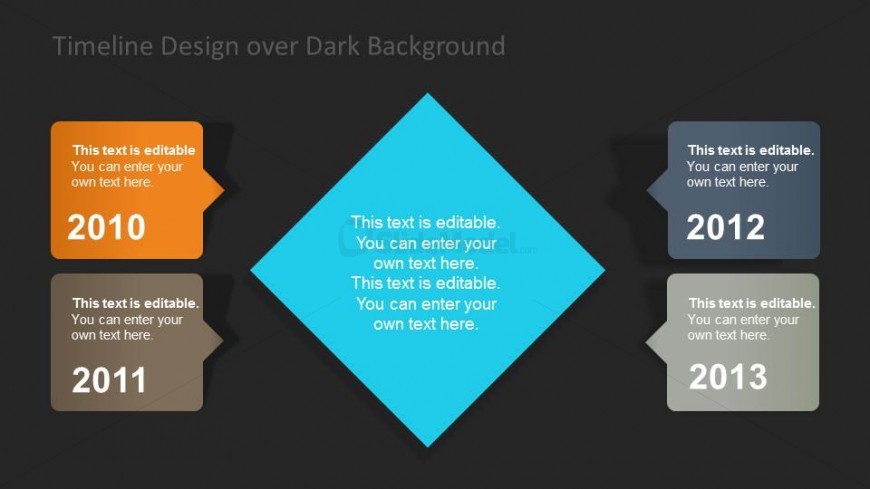
The slide features a dark background with a central diamond shape in blue, surrounded by four year callouts positioned at the left, right, top, and bottom. Each callout is a rounded rectangle with editable text placeholders, indicating years 2010, 2011, 2012, and 2013. The callouts are colored orange, gray, blue, and dark gray, respectively. The visual hierarchy is clear, with the diamond shape being the focal point. Text placeholders are aligned centrally within each callout, emphasizing the timeline's chronological flow. The overall composition is balanced and structured.
How to Use It
This layout serves as a chronological timeline, effectively displaying milestones or events over several years. It fits well in presentations that require a visual representation of project timelines or historical overviews. This structure is useful for project managers or consultants presenting project plans, progress updates, or strategic roadmaps. It can be used in various contexts, such as annual reports, project reviews, or planning sessions to highlight key dates and achievements.
Text Placeholders & Capacity
Keep your copy within these limits so it fits without resizing. Node labels can hold about 40 characters each, while body text can hold around 60 characters.
| Placeholder | Count | Max characters (approx.) |
|---|---|---|
| Item heading | 4 | 40 |
| Item body | 4 | 60 |
| Slide title | 1 | 60 |
Slide Keywords
Download unlimited PowerPoint templates, charts and graphics for your presentations with our annual plan.
DOWNLOADReturn to Timeline Template for PowerPoint.