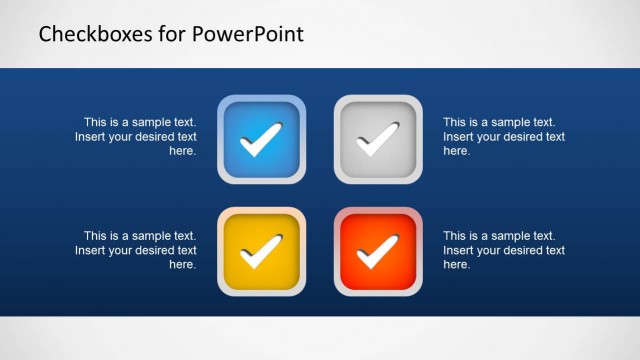
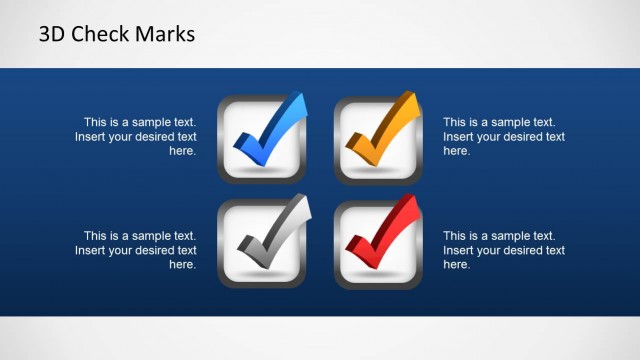
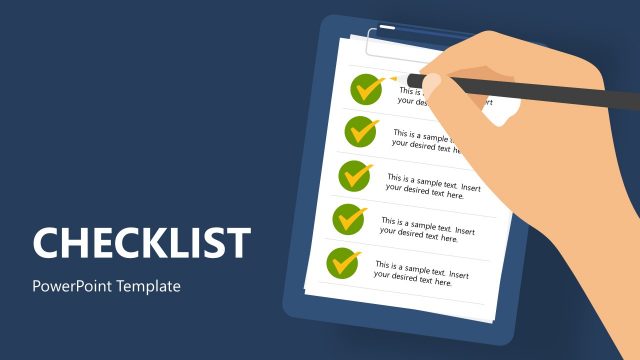
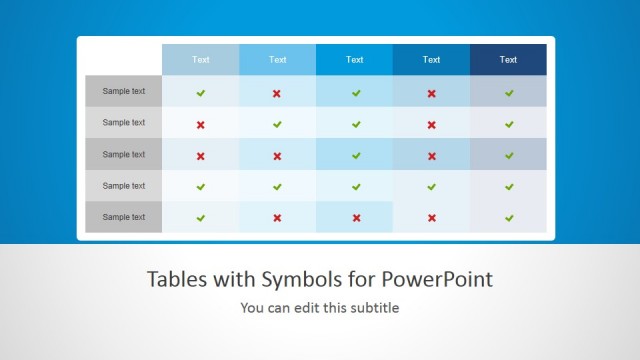
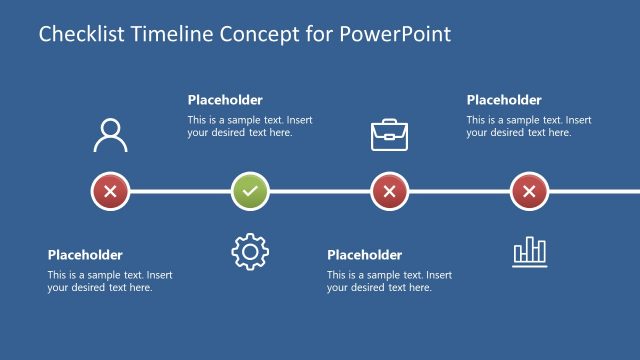
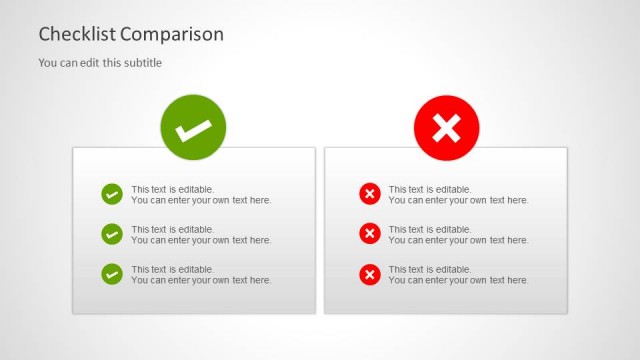
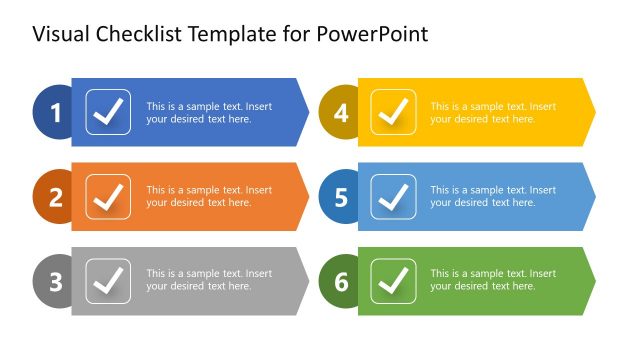
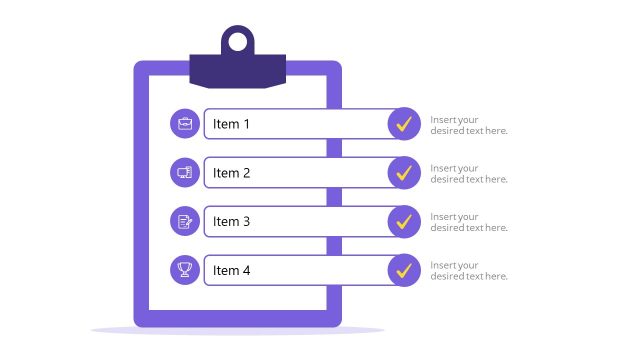
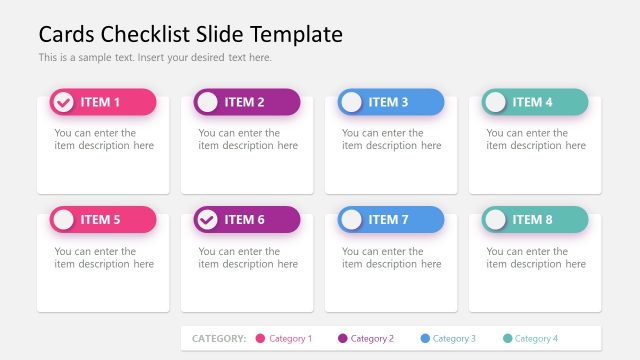
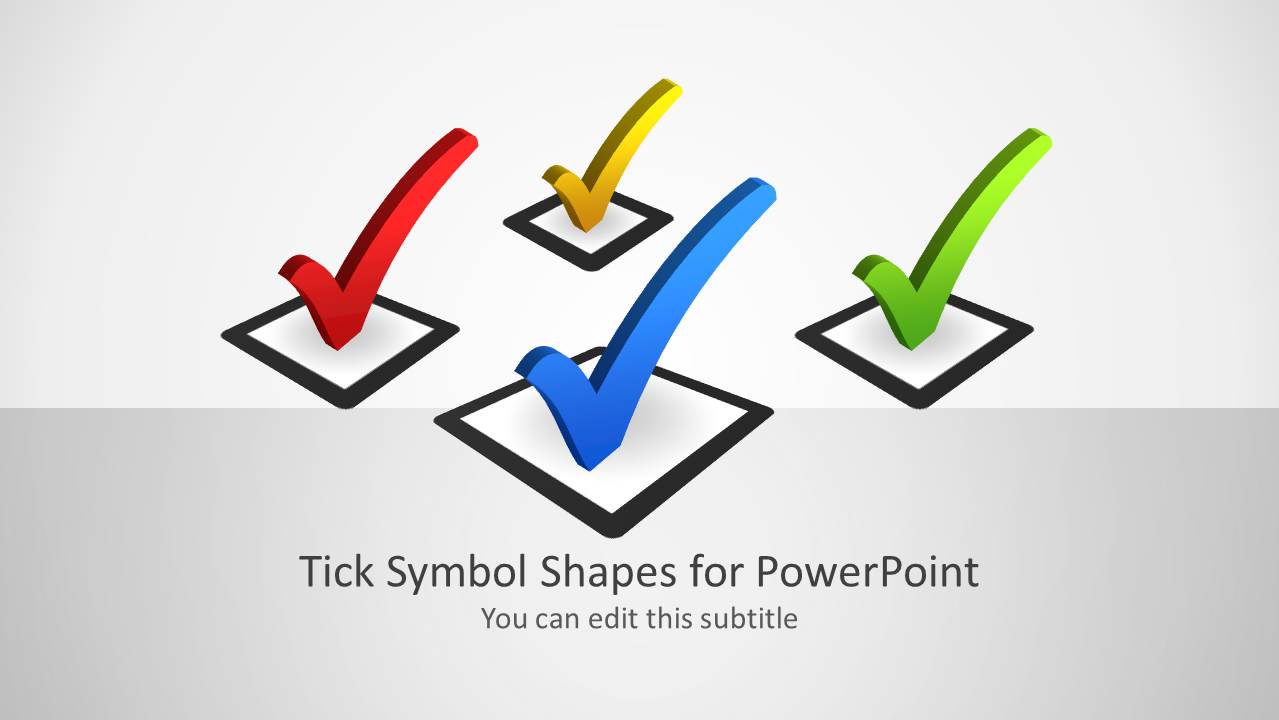
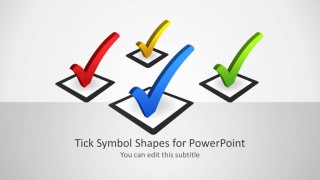
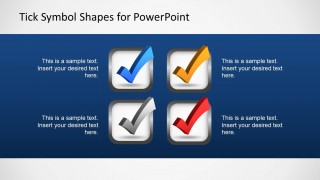
Tick Symbol Shapes for PowerPoint is a very complete set of tick images matching different sizes and layouts, ideal for check lists and tasks lists. Each tick and its check-box are independent PowerPoint objects that the user can manipulate. The presentation offers different backgrounds , colors and layouts.
This presentation is sometime combined with roadmap and timelines templates for the elaboration of plans.
What’s inside this template
Example presentation scenarios
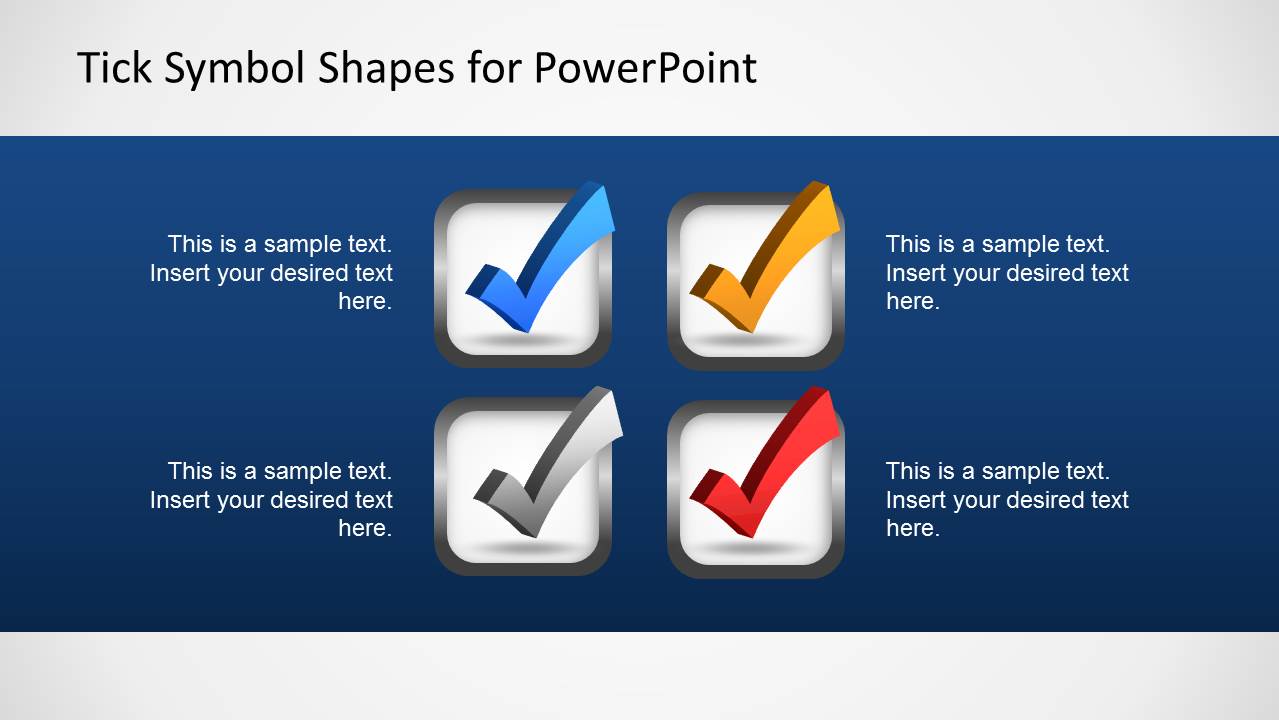
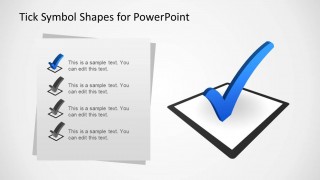
- A project manager can present completed deliverables in a status meeting using the checklist panels with four editable tick items.
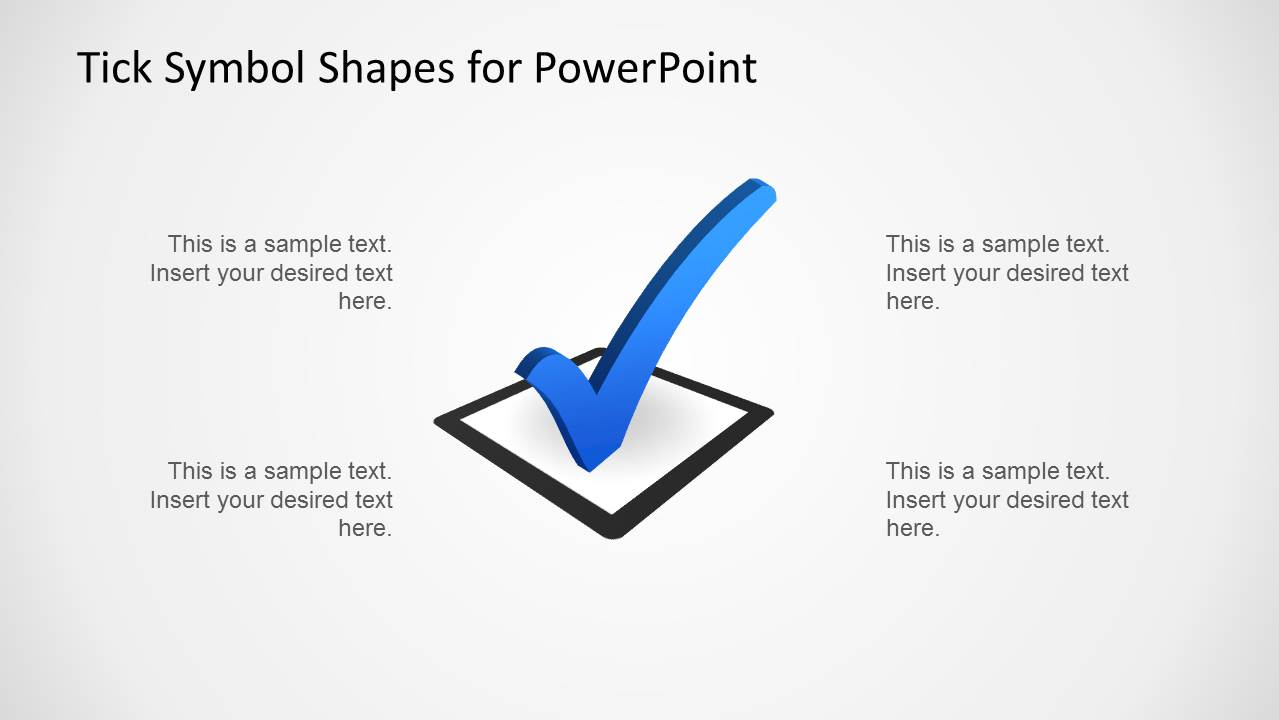
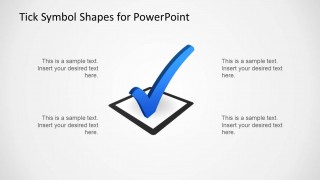
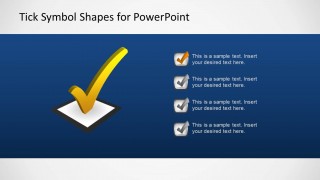
- A consultant can mark recommended options in a client decision workshop using the single hero checkbox and surrounding text callouts.
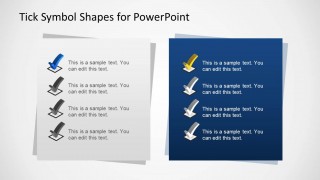
- A trainer can explain required actions at the end of a session using the two-panel checklist layout with tick icons for each task.
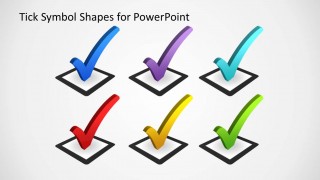
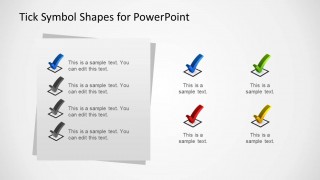
- A sales presenter can show approved requirements or confirmed customer needs using the multi-color tick symbol gallery and option layout.
Features
- 100% editable presentation template
- Compatible with Microsoft PowerPoint and Google Slides
- Scalable vector shapes, icons and illustrations
- AI-Ready for Microsoft Copilot and Claude
- Instant access and download
Frequently asked questions
Q: How should a presenter use the tick symbols without making the slide look like a generic checklist?
A: Treat each check mark as a decision cue, not decoration. Use one large checkbox for the main approved point, then support it with short item text in the checklist panels. Keep each line action-based, such as completed, approved, selected, or ready, so the audience understands what the tick symbol confirms.
Q: Who gets the most value from this tick symbol template?
A: This template fits presenters who need to show task completion, approvals, or selected options quickly. Project managers can show finished work, consultants can confirm recommendations, and trainers can list action items. The slides are best when the message is binary or status-based rather than analytical.
Q: Why does the checkbox metaphor work well for business presentations?
A: A checkbox is a familiar completion metaphor, so the audience reads it instantly as done, selected, or approved. The deck varies the metaphor through a hero checkbox, grouped option ticks, and checklist panels. That repetition creates recognition while giving the presenter different levels of emphasis.
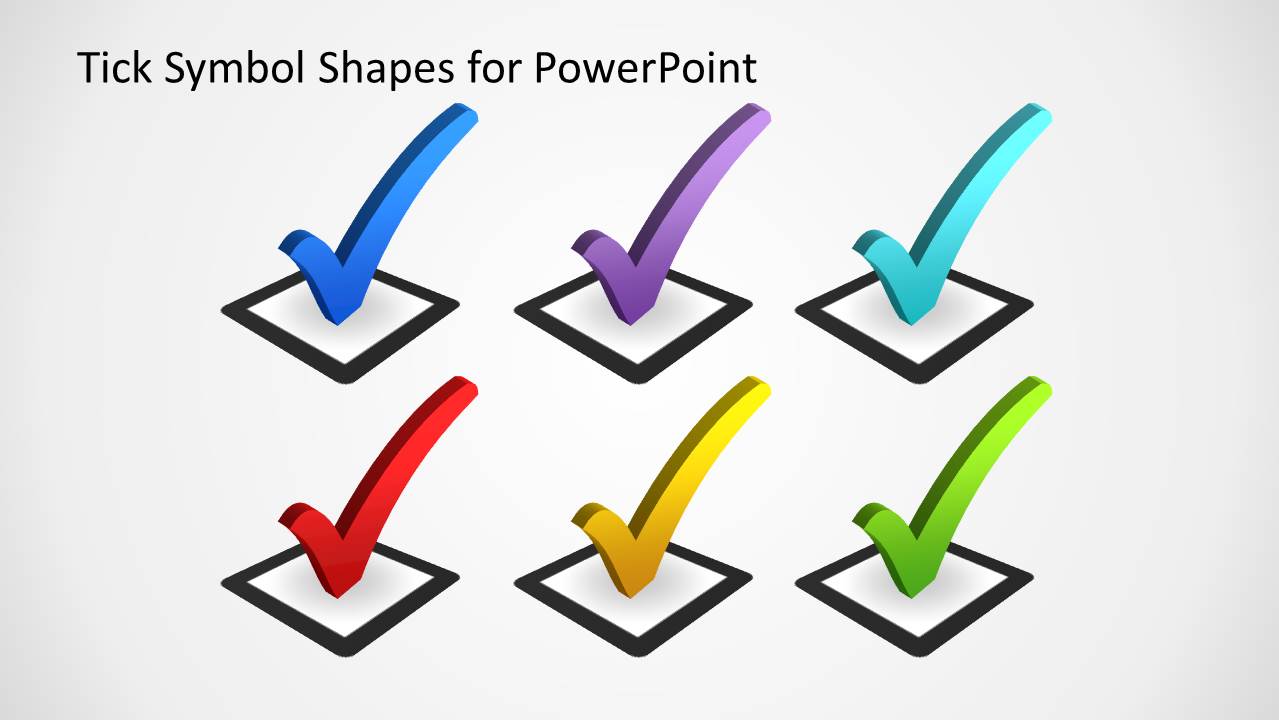
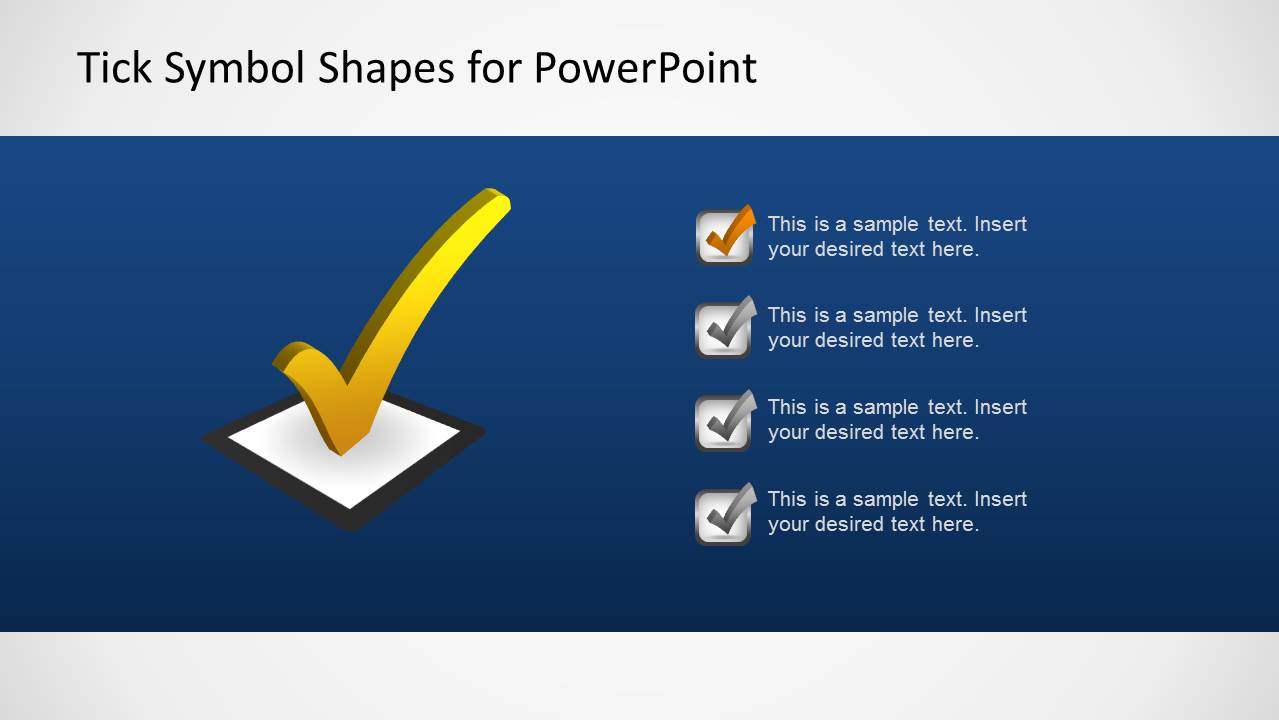

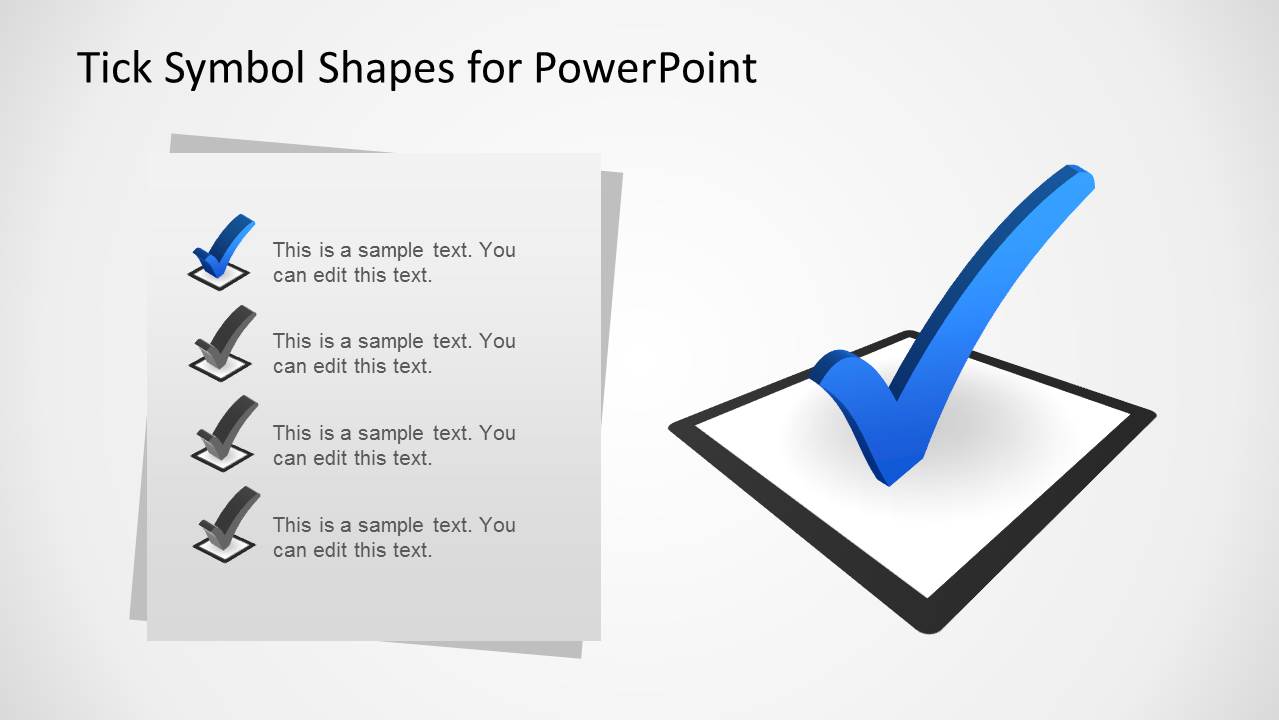
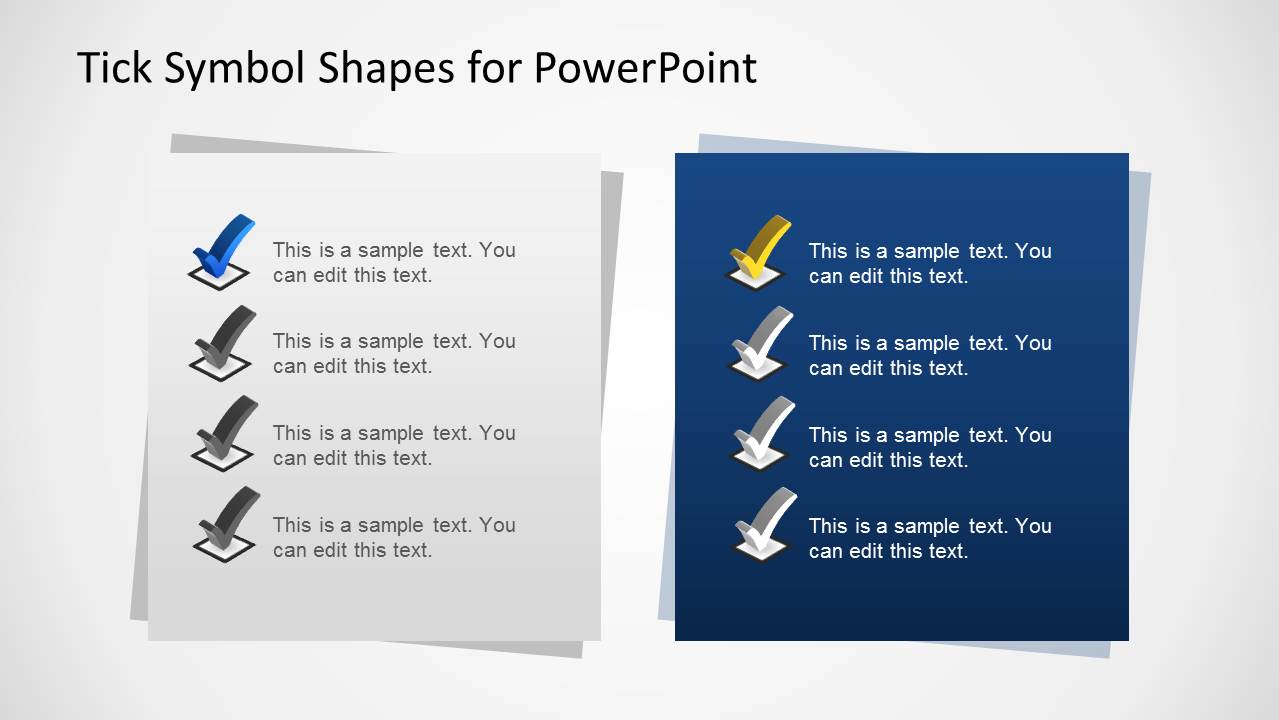
Tick Symbol Shapes for PowerPoint
8-slide PowerPoint shapes template for check marks, checkbox layouts, and checklist visuals
Tick Symbol Shapes for PowerPoint is an 8-slide PowerPoint shapes template with editable check mark icons, checkbox illustrations, checklist pages, and multi-option tick layouts. It is built for presenters who need completion, approval, task status, or selection visuals using reusable PowerPoint shapes and vector graphics.


 Loading...
 Microsoft PowerPoint
  Microsoft Copilot
  Claude for PowerPoint
 Other formats supported
Subscribe today and get immediate
access to download our PowerPoint templates.