Policy PowerPoint Templates
Rolling out a new policy or walking employees through an existing one works better as a structured walkthrough than a read-aloud of a written document nobody remembers a week later. A policy PowerPoint template gives that rollout a visual structure, breaking a policy into its scope, requirements, and consequences instead of a single dense page. Our policy templates are built for HR teams and compliance officers who need employees to actually retain what a policy says.

Virtual Onboarding PowerPoint Template
Procedures Handbook PowerPoint Template

Staff Handbook PowerPoint Template
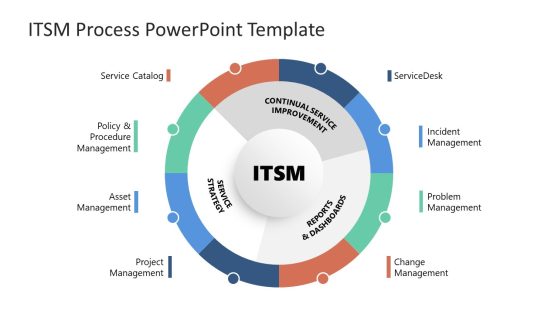
ITSM Process PowerPoint Template
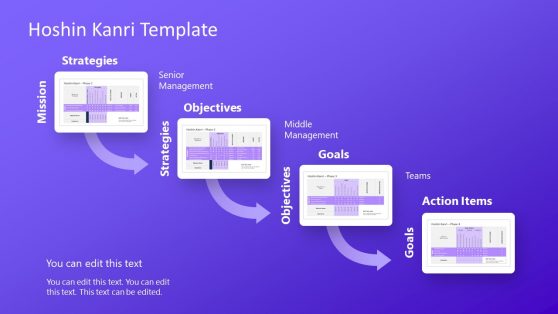
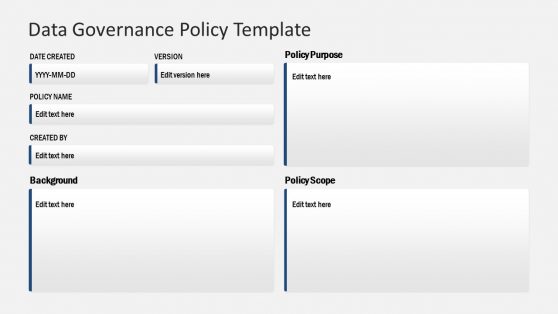

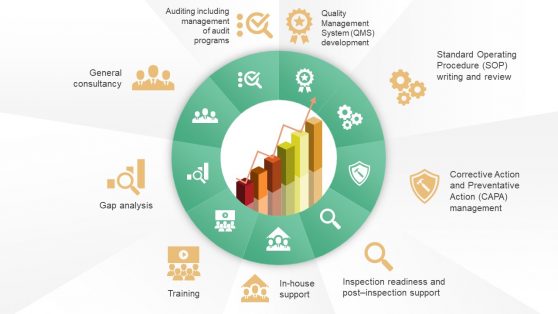
9 Steps Circular Diagram With Service Icons

Work From Home Corporate Policies PowerPoint Template
Why HR and Compliance Teams Choose Policy Slides
A written policy document is built for reference, but a policy presentation is built for retention, and those are different jobs. Policy templates break a dense document into digestible sections: who the policy applies to, what it requires, and what happens when it isn’t followed, so employees leave a training session actually able to summarize the policy rather than having skimmed it. This structure matters most during onboarding, when a new hire is absorbing a dozen policies in one sitting and needs each one to be visually distinct from the last. Companies introducing a new open door policy or updating an existing code of conduct find that a presentation format gets more genuine engagement in a town hall than a memo ever does.
What a Policy PowerPoint Template Covers
A policy PPT template is a slide set structured around the core components of any workplace policy: scope, requirements, and consequences. Core slides typically include:
- Scope slides defining who the policy applies to
- Requirement slides breaking down specific rules or procedures
- Consequence slides outlining what happens in cases of non-compliance
- Acknowledgment or sign-off slides for training documentation
Who Uses Policy Templates, and When
HR teams use the full policy structure during new hire onboarding, walking through each company policy as its own short section rather than one long document review. Compliance officers reuse the same format when a regulatory change requires updating and re-communicating an existing policy across the organization, and department managers use a condensed version to remind teams of a specific procedure during a team meeting. Legal teams reviewing governance materials alongside policy updates find that a consistent visual format across both makes cross-referencing easier for auditors. Distributed HR teams also rely on Google Slides to keep one master policy deck updated centrally rather than maintaining separate versions per office.
What is a policy presentation template?
It’s a slide deck built to present a company policy’s scope, requirements, and consequences in a structured format, used for onboarding and compliance training rather than a full written document review.
How do I create a policy PowerPoint template?
Start with a layout that already structures the scope and requirements sections, then add your organization’s specific policy language and adjust the consequences section to match your enforcement process.
Where can I find a free policy presentation template?
Our library includes free and premium policy layouts, covering scope, requirements, consequences, and sign-off sections for onboarding and compliance training.
Should a policy slide deck replace the written policy document?
No. The presentation supports training and communication, while the written document remains the official reference record that employees sign off on and that HR retains for compliance purposes.
Can the requirement slides show different rules for different employee categories, like full-time versus contractor?
Yes, separate requirement columns or sections can be added per category, since policy requirements often do vary by employment type.
Do the consequence slides distinguish between first-offense and repeated non-compliance?
Yes, a tiered consequence structure can be shown, escalating from a first-offense response to more serious consequences for repeated violations.
Can the acknowledgment slide be adapted to track sign-off status for a whole team, not just an individual?
Yes, a roster-style table can replace the single signature line, tracking acknowledgment status across a full team or department.