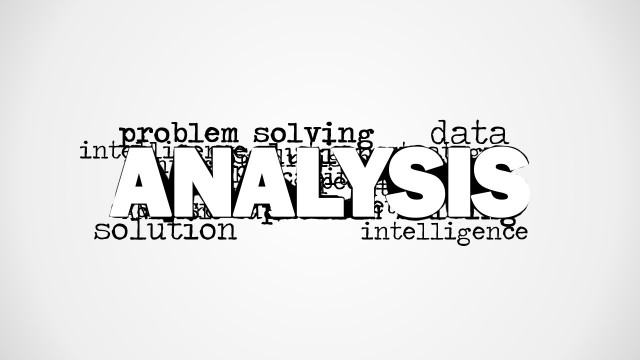
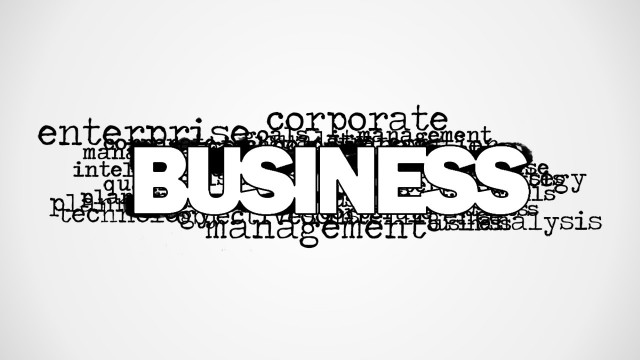
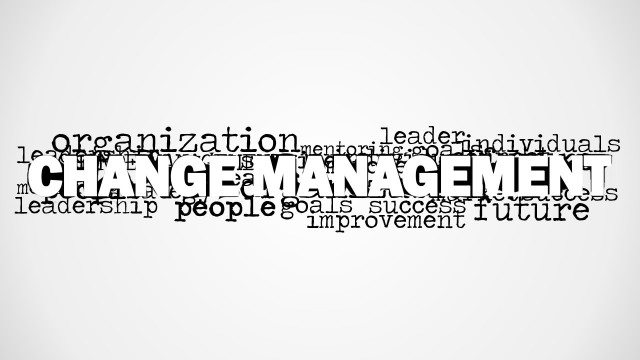
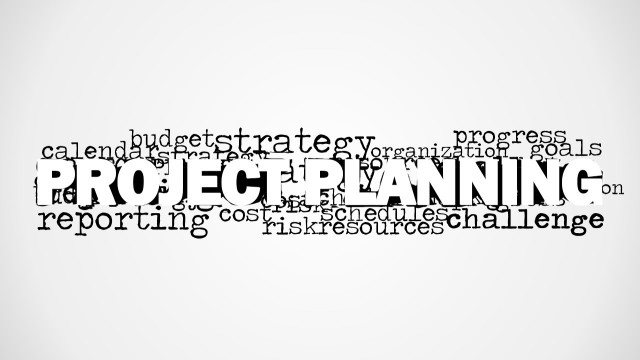
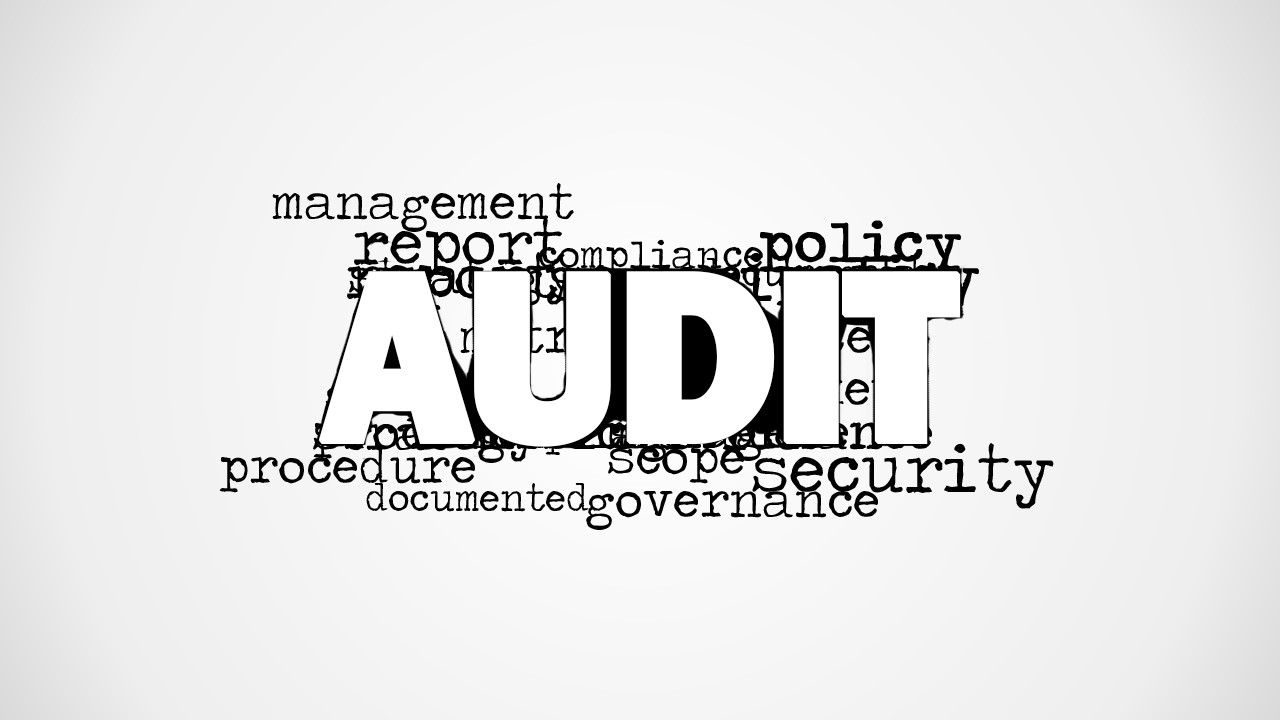
Create a simple, effective presentation of auditing and accounting concepts with the Audit Word Cloud Picture for PowerPoint. The presentation design contains the word Audit on top of the slide and other words related to an internal audit process.
Using the PowerPoint template, the presenter can discuss the internal auditing process. Auditing refers to process of completely and carefully analyzing and examining the financial records of an entity. This entity can be a person, an organization, or a company. Audit procedures are strictly regulated for accuracy. A proper audit proceeding allows management and governing bodies to bring unethical financial behaviors to light. They expose financial fraud and impose proper financial security.
Word clouds, in general, allow the users to provide key words and terms that can be used to break down a complex concept into its basic features. The presenter can pick out certain terms for discussion. The size of the words on the word cloud correlates to their importance to the topic. This allows the presenter to choose the most important points easily.
The word is found in white block letters at the center of the slide for emphasis. Important points are featured in a lowercase font in a typewritten style. They are located behind the main word. Some of these words include management, report, policy, procedure, security, and governance. They are emphasized by the plain white presentation background.
The Audit Word Cloud Picture for PowerPoint is ideal for time-bound business presentations. The presenter can pick out the most important points, and provide explanations for specific information, without having to add to the presentation design. The PowerPoint objects can be rearranged to suit the presenter’s specifications. Any modification, even to the size, will not affect its graphic resolution so the design remains visually appealing. The presenter can opt to download other Word Cloud PowerPoint Templates from the SlideModel Gallery.
What’s inside this template
Example presentation scenarios
- An internal auditor can use the central AUDIT word cloud to open a findings report and point the audience to terms such as scope, procedure, report, and governance before discussing results.
- A compliance officer can use the blank white canvas after the word cloud to add agenda items, policy reminders, or required actions for a staff briefing.
- A finance manager can use the audit keyword picture to introduce documentation, security, and procedure topics during an accounting controls meeting.
- A governance consultant can use the word cloud as a visual anchor in a board workshop, then connect the visible policy and management terms to the audit process.
Features
- 100% editable presentation template
- Compatible with Microsoft PowerPoint and Google Slides
- 16:9 aspect ratio slides
- Scalable vector shapes, icons and illustrations
- AI-Ready for Microsoft Copilot and Claude
- Instant access and download
Frequently asked questions
Q: How should a presenter use the word cloud without making the slide feel like decoration?
A: Treat the word cloud as an agenda in visual form. Start with the central AUDIT label, then select three to five surrounding terms, such as policy, procedure, report, security, or governance. Explain why each term matters to the audit audience, instead of reading every word on the slide.
Q: Who is this template best suited for in a business presentation?
A: It is best for auditors, compliance officers, finance managers, and governance presenters who need a concise opener for an audit-related conversation. The word cloud works well before a report, policy review, control discussion, or training session because it frames the subject before detailed evidence or instructions appear.
Q: Why does the large central AUDIT word improve the message?
A: The layout uses scale as a visual metaphor for priority. AUDIT dominates the slide, while related terms sit around it like supporting evidence or process components. This hierarchy helps the audience understand that management, policy, security, documentation, and governance are connected parts of the same audit topic.
Audit Word Cloud Picture for PowerPoint
2-slide audit word cloud presentation template for compliance, governance, and policy discussions.
Audit Word Cloud Picture for PowerPoint is a 2-slide presentation template for audit and compliance discussions. It centers a large AUDIT word cloud with surrounding terms such as management, report, policy, procedure, security, documentation, and governance, plus a clean blank content canvas. It is for business, finance, compliance, and governance presenters in PowerPoint and Google Slides.
- Category
- Pictures
- Rating


 Loading...
- Aspect ratio
- 16:9, 4:3
- Item ID
- 8342-01
- Colors
 Microsoft PowerPoint
  Microsoft Copilot
  Claude for PowerPoint
 Other formats supported
Subscribe today and get immediate
access to download our PowerPoint templates.