Customer Engagement PowerPoint Templates
Presenting a customer engagement strategy is different from presenting a sales pitch, since engagement is measured over the life of a relationship rather than closed in a single transaction. A customer engagement PowerPoint template gives that longer arc a visual structure, with lifecycle diagrams and touchpoint maps instead of a funnel that ends the moment a sale closes. Our customer engagement templates are built for CX teams and marketers who present retention and loyalty strategy on a recurring basis.
Featured Templates
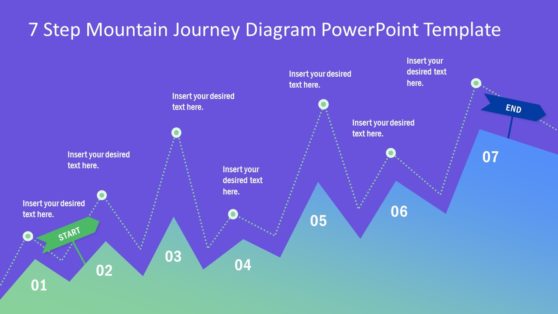
7 Step Mountain Journey PowerPoint Template
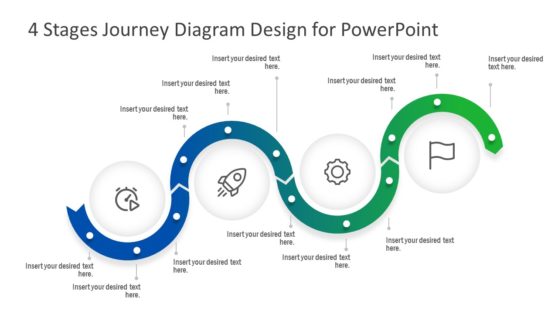
4 Stages Journey Diagram Design for PowerPoint
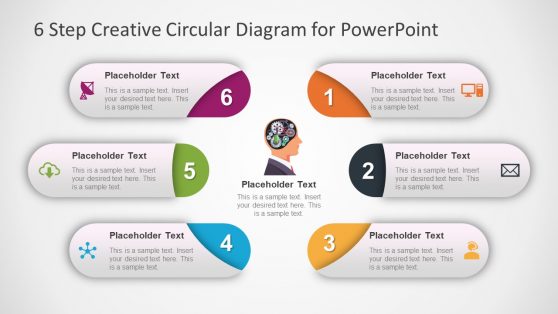
6 Step Brain Machinery Circular Diagram for PowerPoint
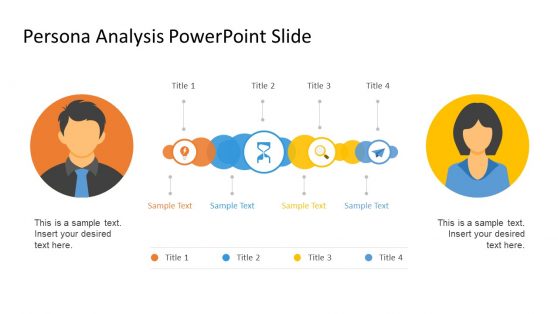
Persona Analysis Slide Design for PowerPoint
Latest Templates
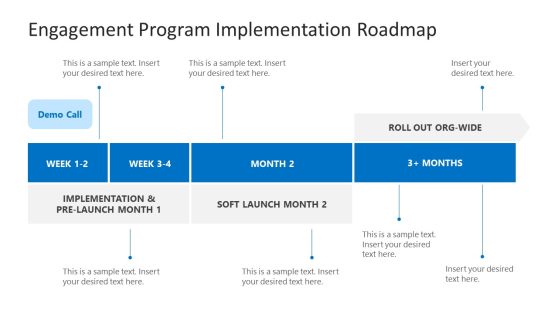
Engagement Program Implementation Roadmap PowerPoint Template
Customer Onboarding PowerPoint Template
3-Item Testimonials Slide PowerPoint Template

Customer Analysis Presentation Template
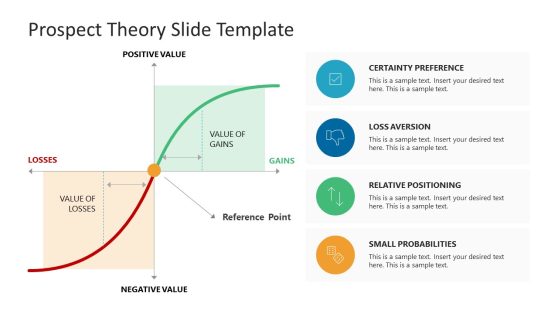
Prospect Theory PowerPoint Template
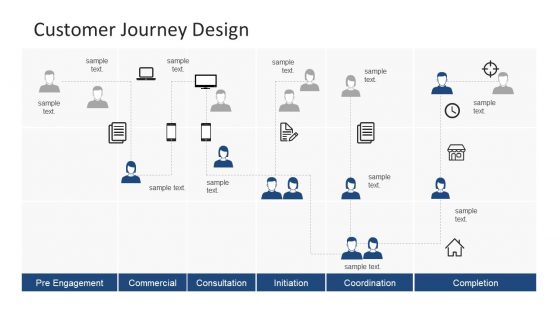
Customer Journey PowerPoint Template
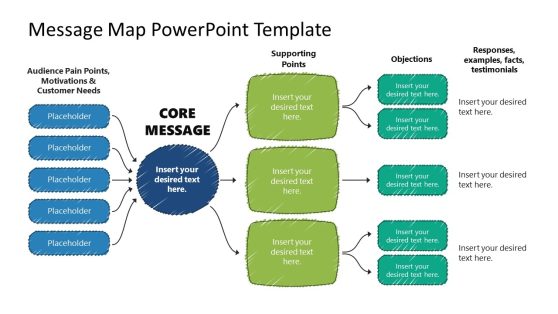
Message Map PowerPoint Template

Omnichannel Strategy PowerPoint Template
Engaging Company Overview PowerPoint Template
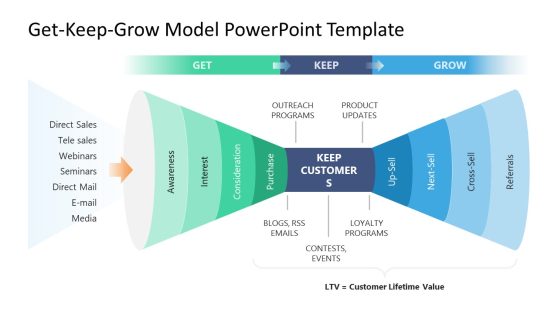
Engagement Slides Track a Relationship, Not Just a Sale
A sales funnel ends at conversion. The customer relationship does not: onboarding, regular usage, renewal, and advocacy all sit past the point where funnel logic stops looking, so a deck built on the funnel alone has nothing to show for most of the relationship it is describing. Customer engagement templates cover the longer span instead, using lifecycle diagrams and touchpoint maps that follow an account from signup through renewal.
The gap shows up sharply in subscription and recurring revenue models, where growth comes from keeping and expanding accounts rather than filling the top of the funnel. A lifecycle view also gives a team somewhere to attach individual touchpoints, a rushed onboarding call or an ignored renewal reminder, so each one reads as part of the customer experience the brand delivers rather than an isolated incident.
What a Customer Engagement PowerPoint Template Covers
A customer engagement PPT template is a slide set built around lifecycle diagrams and touchpoint maps tracking a customer relationship beyond the initial sale. The core elements usually include:
- Customer lifecycle diagrams from onboarding through advocacy
- Touchpoint maps showing every interaction across channels
- Engagement score dashboards tracking activity over time
- Retention and churn risk indicator slides
Customer Engagement Slides Outlive the Sales Funnel That Feeds Them
CX teams use the lifecycle diagram to present a retention strategy to leadership, showing where engagement typically drops off and what interventions target each stage. Marketing teams use the touchpoint map to plan a communication cadence across email, in-app, and support channels, and customer success teams use the engagement score dashboard to flag accounts at risk of churn before renewal conversations happen.
Teams mapping the full experience alongside a broader customer journey use the engagement template to add a quantitative layer on top of the qualitative journey map, and distributed CX teams tracking engagement across regions rely on Google Slides to keep one shared dashboard current.
What is a customer engagement presentation template?
Retention strategy depends on seeing the relationship as a continuum, not a single sale, which is exactly what a lifecycle diagram is built to make visible.
How do I create a customer engagement PowerPoint template?
Start from a lifecycle diagram layout already structured, then map your own touchpoints and connect them to your engagement or retention data.
Where can I find a free customer engagement PowerPoint template?
Our collection includes free and premium customer engagement layouts, covering lifecycle diagrams, touchpoint maps, and engagement score dashboards.
How is a customer engagement model different from a sales funnel?
A sales funnel ends at conversion, while a customer engagement model continues tracking the relationship through onboarding, ongoing use, renewal, and advocacy well beyond the initial purchase.
Can the touchpoint map show channels that don’t exist yet, like a planned future integration?
Yes, touchpoints are individually editable, so planned or hypothetical channels can be added alongside existing ones to show a roadmap, not just current state.
Is the engagement score dashboard based on a specific scoring methodology?
The layout is methodology-agnostic, so whatever scoring model your team already uses, points-based, tiered, or a custom formula, can be dropped into the dashboard structure.
Does the churn risk indicator slide require integration with a CRM?
No integration is required; figures are entered manually or pasted in, so it works whether or not your CRM has direct export capability.