Slide 4 of 5 from Table Timeline Template for PowerPoint
6034-01-table-timeline-4
Weekly Table Timeline for PowerPoint
- Table
- Weekly Table
- Timeline Slide
- 16:9
- 100% Editable
What’s on This Slide
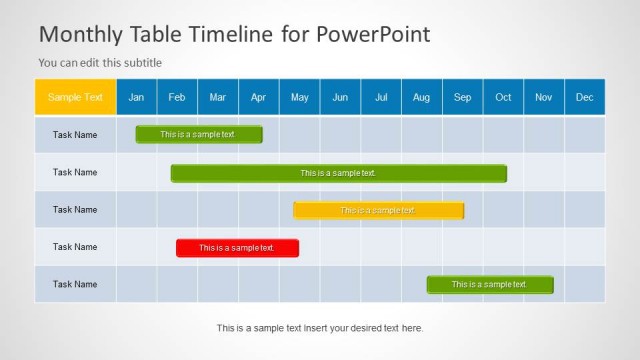
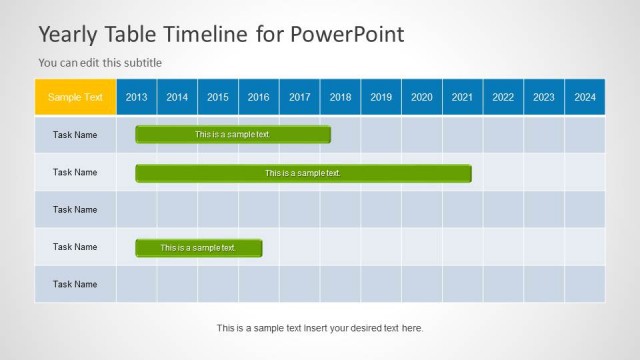
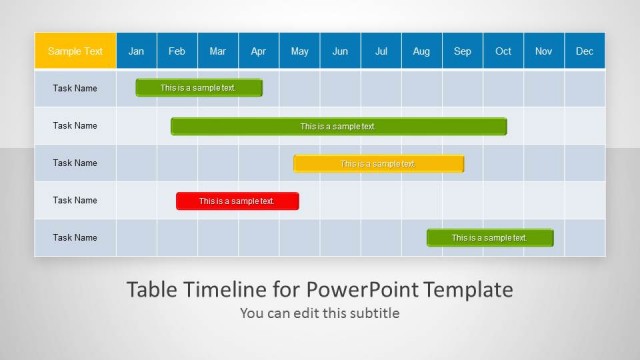
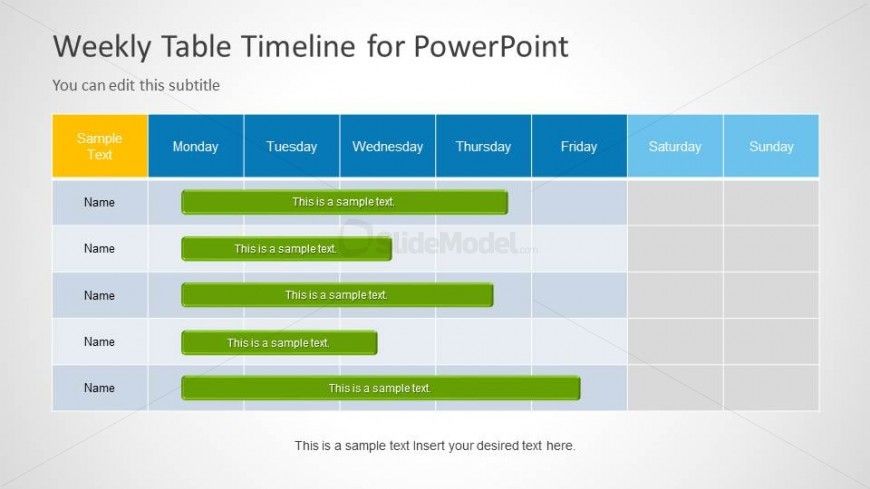
The layout features a table with seven columns representing days of the week, including a header row. The first column is labeled 'Sample Text,' followed by columns for each day from Monday to Sunday. Each row contains placeholders for names and corresponding sample text, with some cells highlighted in green. Text placeholders are centrally aligned within their respective cells. The overall background is light, with a subtle gradient, and the header cells are filled with a blue color. The visual hierarchy emphasizes the header row.
How to Use It
This layout serves as a weekly timeline for project management or task scheduling. It is suitable for tracking tasks or milestones across a week. The table format allows for clear organization of information, making it easy to compare activities for each day. This slide fits well in presentations focused on planning, resource allocation, or project timelines. It can be used in business meetings to discuss weekly objectives or progress updates.
Text Placeholders & Capacity
Keep your copy within these limits so it fits without resizing. Node labels can hold about 3-5 words each.
| Placeholder | Count | Max characters (approx.) |
|---|---|---|
| Slide title | 1 | 30 |
| Subtitle | 1 | 50 |
| Item heading | 7 | 20 |
| Item body | 5 | 30 |
| Body paragraph | 1 | 50 |
Slide Keywords
Download unlimited PowerPoint templates, charts and graphics for your presentations with our annual plan.
DOWNLOADReturn to Table Timeline Template for PowerPoint.