Slide 3 of 5 from SWOT TOWS PowerPoint Template
Editable SWOT TOWS PPT Template
SWOT TOWS Analysis Diagram for PowerPoint
- Diagram
- Matrix Quadrant
- Strategic Analysis Slide
- 16:9
- 100% Editable
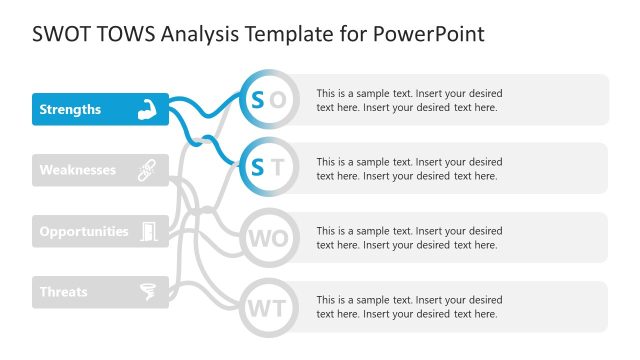
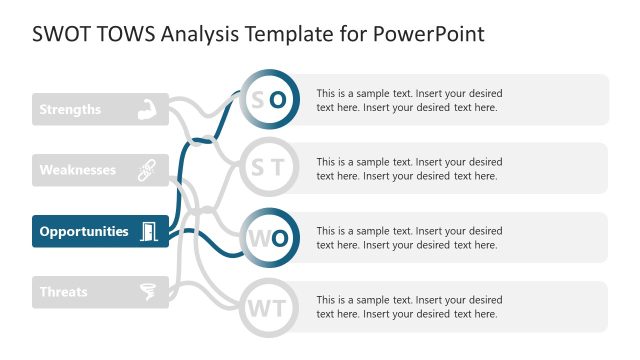
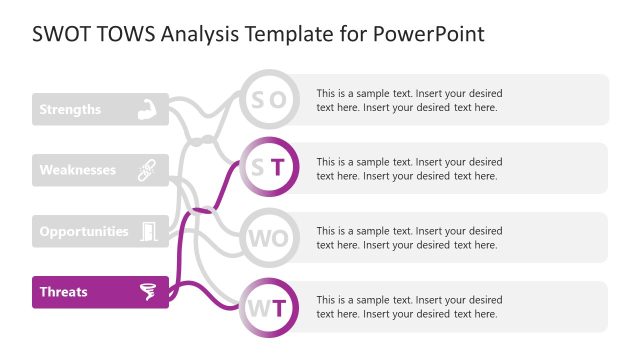
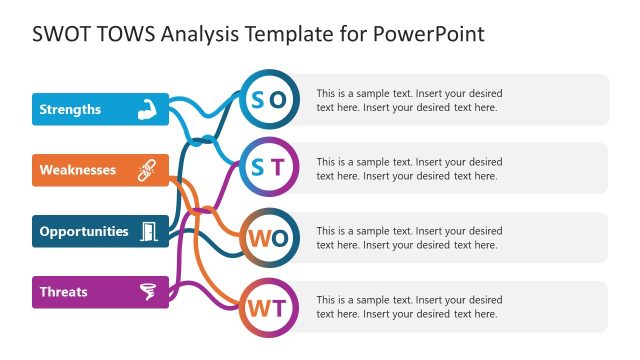
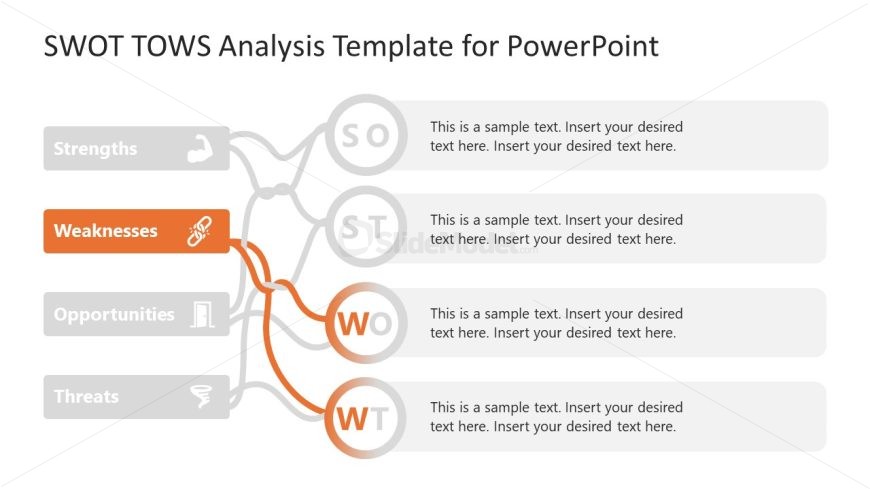
The SWOT TOWS Analysis Diagram slide from the SWOT TOWS PowerPoint Template offers a clear matrix quadrant layout ideal for strategic planning and competitive analysis. This slide features editable shapes and vector icons arranged to visually connect weaknesses with strengths, opportunities, and threats, supporting effective team workshops and business presentations. It integrates seamlessly into slide decks focused on strategic frameworks, enhancing clarity in corporate presentations.
What’s on This Slide
The layout features a central node labeled 'Weaknesses' in orange, surrounded by four nodes labeled 'Strengths', 'Opportunities', and 'Threats' in gray. Each node is circular and contains sample text placeholders aligned centrally within. Connecting lines in orange link 'Weaknesses' to 'Opportunities' and 'Threats', indicating relationships. The background is light gray, and the overall composition is balanced with a clear visual hierarchy. Text placeholders are positioned below each node, indicating where content should be inserted.
How to Use It
This layout serves as a SWOT TOWS analysis framework, illustrating connections between weaknesses and other SWOT elements. It fits within a presentation sequence after introducing SWOT concepts, facilitating strategic discussions. This structure is useful for business scenarios such as strategic planning sessions, team workshops, or presentations analyzing competitive landscapes. It visually organizes thoughts on how weaknesses can be addressed using strengths, opportunities, and threats.
Text Placeholders & Capacity
Keep your copy within these limits so it fits without resizing. Node body slots can accommodate roughly 15-20 words each.
| Placeholder | Count | Max characters (approx.) |
|---|---|---|
| Item heading | 4 | 20 |
| Item body | 4 | 100 |
| Slide title | 1 | 50 |
Slide Keywords
Download unlimited PowerPoint templates, charts and graphics for your presentations with our annual plan.
DOWNLOADReturn to SWOT TOWS PowerPoint Template.