Slide 5 of 5 from SWOT TOWS PowerPoint Template
Creative SWOT TOWS Presentation Template
TOWS Analysis Diagram for PowerPoint
- Diagram
- Matrix Quadrant
- Strategic Analysis Slide
- 16:9
- 100% Editable
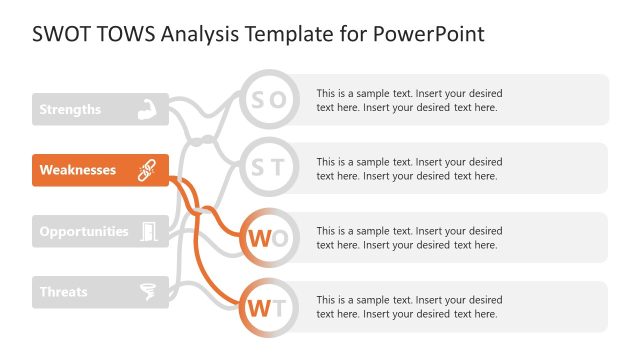
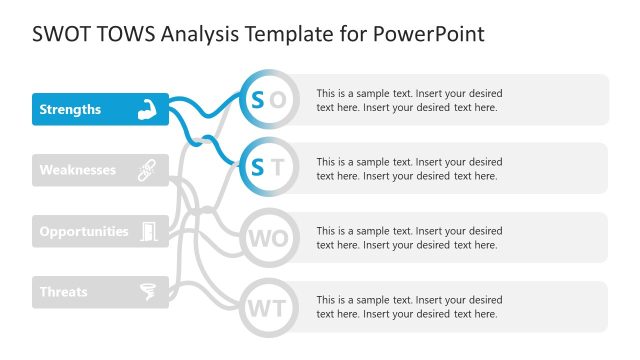
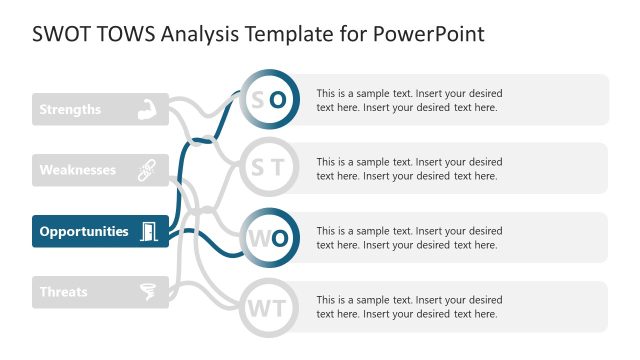
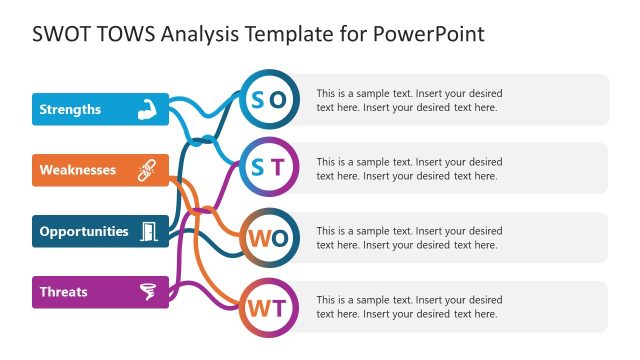
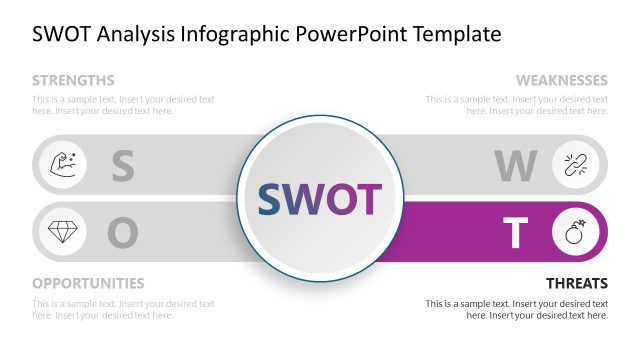
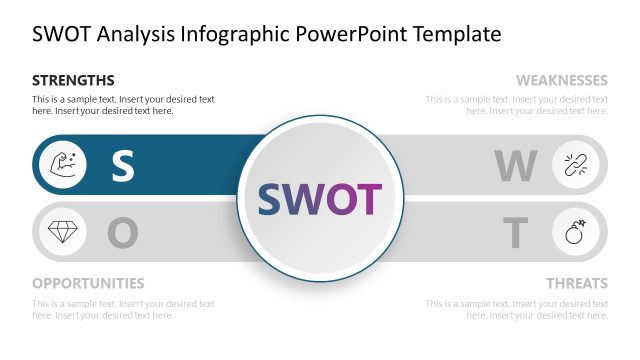
The TOWS Analysis Diagram slide from the SWOT TOWS PowerPoint Template offers a clear matrix quadrant layout ideal for strategic planning sessions and competitive analysis discussions. This slide uses editable shapes and vector icons to visually connect strengths, weaknesses, opportunities, and threats, making it a practical addition to business presentation slide decks focused on risk assessments and strategic insights.
What’s on This Slide
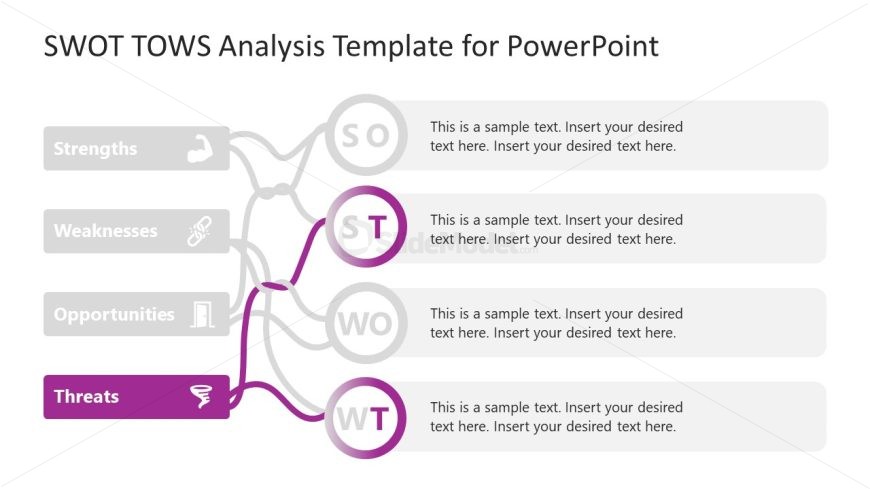
The slide features a central diagram with four main nodes labeled Strengths, Weaknesses, Opportunities, and Threats. Each node is represented by a rounded rectangle, with the Threats node highlighted in purple. Lines connect the nodes to indicate relationships, with arrows pointing towards the Threats node. Text placeholders are present within each node for content input, aligned centrally. The background is light, and the overall layout is organized in a vertical flow, emphasizing the Threats section at the bottom. Icons accompany some nodes, enhancing visual context.
How to Use It
This layout serves as a TOWS analysis framework, effectively illustrating the interconnections between strengths, weaknesses, opportunities, and threats. It fits well at the conclusion of a SWOT analysis presentation, summarizing strategic insights. This structure is useful for business scenarios such as strategic planning sessions, risk assessments, or competitive analysis discussions, allowing teams to visualize and evaluate strategic options based on internal and external factors.
Text Placeholders & Capacity
Keep your copy within these limits so it fits without resizing. Node body slots can accommodate roughly 15-20 words each.
| Placeholder | Count | Max characters (approx.) |
|---|---|---|
| Item heading | 4 | 30 |
| Item body | 4 | 100 |
Slide Keywords
Download unlimited PowerPoint templates, charts and graphics for your presentations with our annual plan.
DOWNLOADReturn to SWOT TOWS PowerPoint Template.