Slide 3 of 3 from SWOT Mind Map for PowerPoint
6026-05-swot-mindmap-3
SWOT Mind Map Diagram for Strategy Presentations
- Diagram
- Mind Map
- Strategic Analysis Slide
- 16:9
- 100% Editable
What’s on This Slide
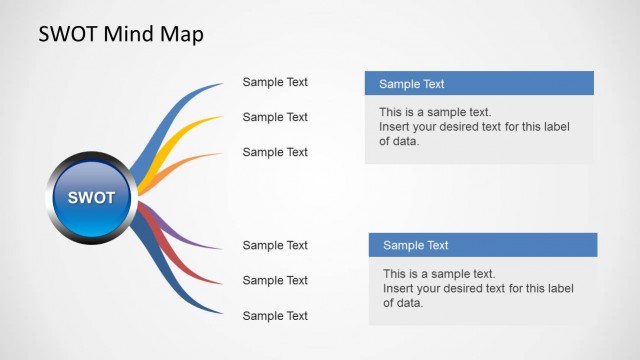
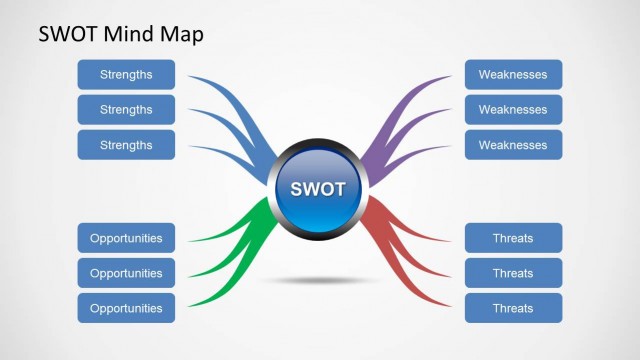
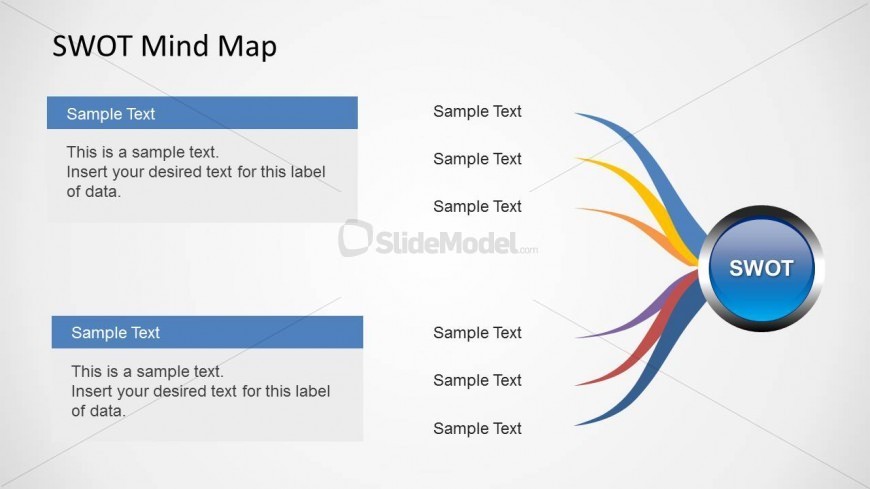
The layout features a central circular node labeled 'SWOT' positioned in the center-right. Four colorful branches extend from this node, each leading to rectangular text placeholders on the left and right. The placeholders are aligned vertically, with two on each side. The left side contains two blue rectangular boxes with sample text, while the right side has corresponding sample text placeholders. The overall background is light, enhancing the visibility of the colorful branches and text areas. The visual hierarchy emphasizes the central node and its connections.
How to Use It
This layout serves as a mind map for organizing SWOT analysis components. It is ideal for illustrating strengths, weaknesses, opportunities, and threats in a business context. Positioned at the end of a presentation, it summarizes key points discussed. This format is useful for strategic planning sessions, team discussions, or stakeholder presentations, where clarity and organization of ideas are essential. It can also be adapted for brainstorming sessions or project evaluations.
Text Placeholders & Capacity
Keep your copy within these limits so it fits without resizing. Each node body can hold about 15-20 words comfortably.
| Placeholder | Count | Max characters (approx.) |
|---|---|---|
| Item heading | 4 | 30 |
| Item body | 4 | 100 |
Slide Keywords
Download unlimited PowerPoint templates, charts and graphics for your presentations with our annual plan.
DOWNLOADReturn to SWOT Mind Map for PowerPoint.