Slide 2 of 5 from SWOT Analysis Infographic PowerPoint Template
SWOT Analysis Infographic PPT Slide Layout
SWOT Analysis Quadrant Diagram for Presentations
- Diagram
- Matrix Quadrant
- Strategic Analysis Slide
- 16:9
- 100% Editable
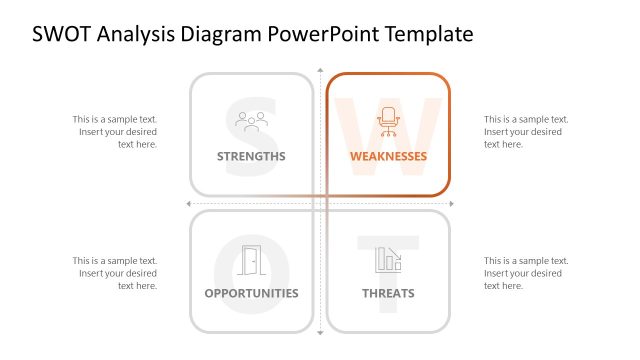
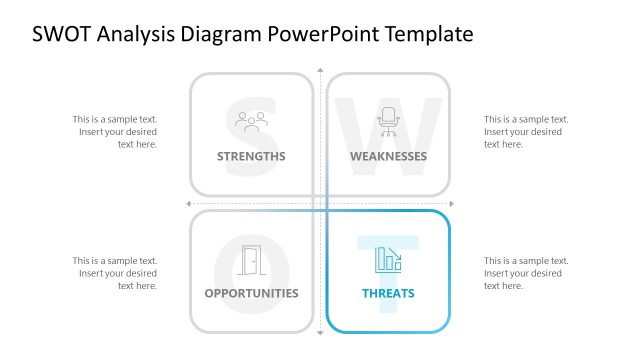
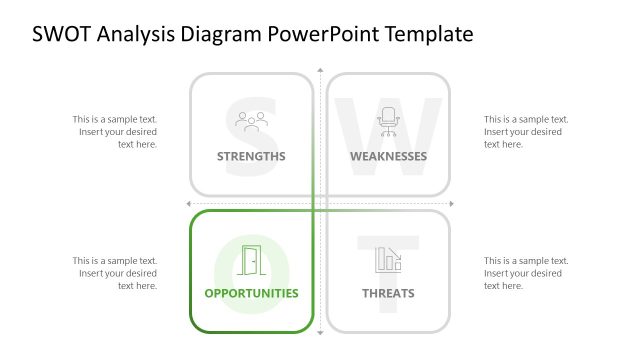
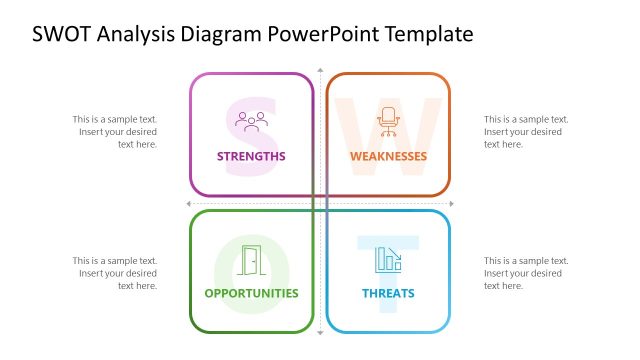
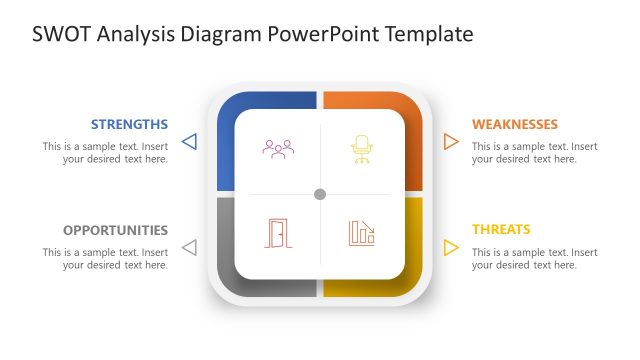
The SWOT Analysis Quadrant Diagram slide from the SWOT Analysis Infographic PowerPoint Template offers a structured layout for strategic planning and project assessments. This slide template features editable shapes and vector icons that visually separate strengths, weaknesses, opportunities, and threats, making it suitable for business presentations and team discussions. Its clear four-quadrant design supports effective communication of internal and external factors within a corporate presentation or pitch deck template.
What’s on This Slide
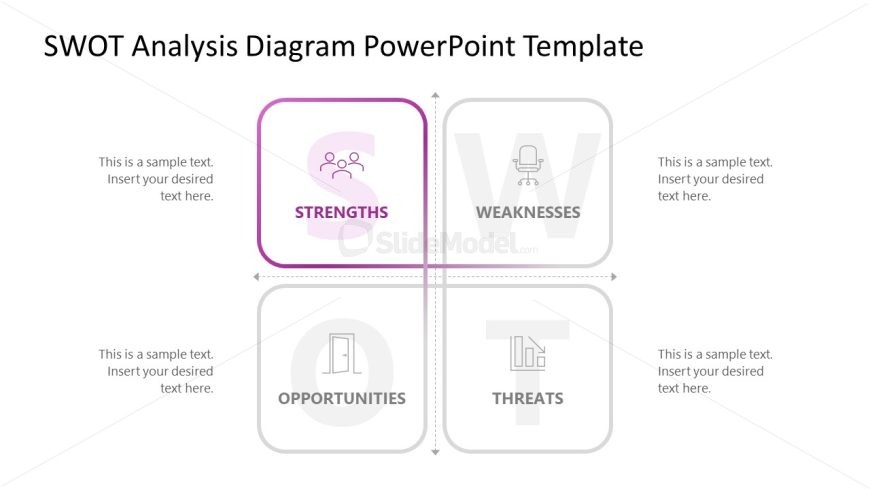
The layout features a four-quadrant diagram with labeled sections for Strengths, Weaknesses, Opportunities, and Threats. Each quadrant contains a text placeholder for content, positioned centrally within each section. The Strengths quadrant is highlighted with a purple border, while the others have a gray tone. Icons representing each category are included within the quadrants. Text placeholders are aligned to the left and centered vertically, allowing for additional text. The overall composition is balanced, with clear divisions between quadrants and a neutral background.
How to Use It
This layout serves as a SWOT analysis framework, ideal for presenting strategic evaluations in business contexts. It fits well after a problem-framing slide, providing a clear visual representation of strengths, weaknesses, opportunities, and threats. Use this slide in strategic planning sessions, team discussions, or project assessments to facilitate understanding of internal and external factors affecting an organization. It can also be utilized in educational settings for teaching analysis techniques.
Text Placeholders & Capacity
Keep your copy within these limits so it fits without resizing. Node body slots can accommodate roughly 10 words each.
| Placeholder | Count | Max characters (approx.) |
|---|---|---|
| Item heading | 4 | 30 |
| Item body | 4 | 50 |
Slide Keywords
Download unlimited PowerPoint templates, charts and graphics for your presentations with our annual plan.
DOWNLOAD