SWOT Analysis Infographic PowerPoint Template
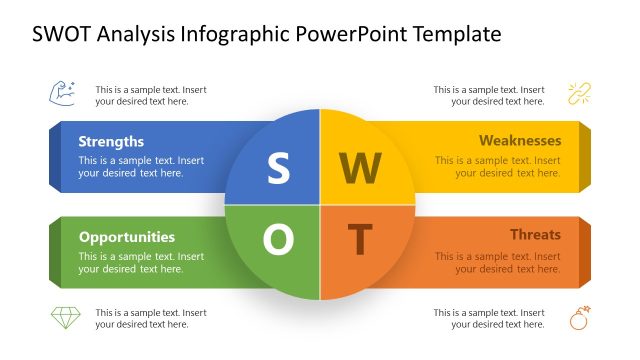
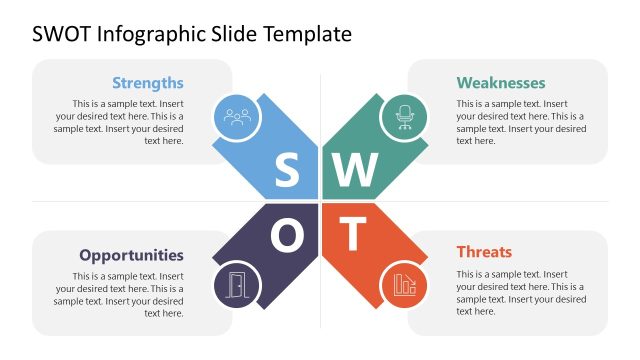
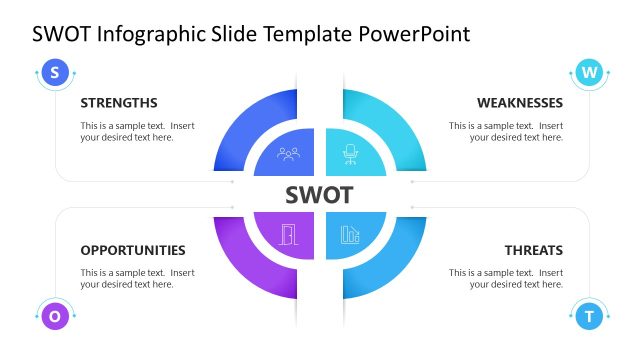
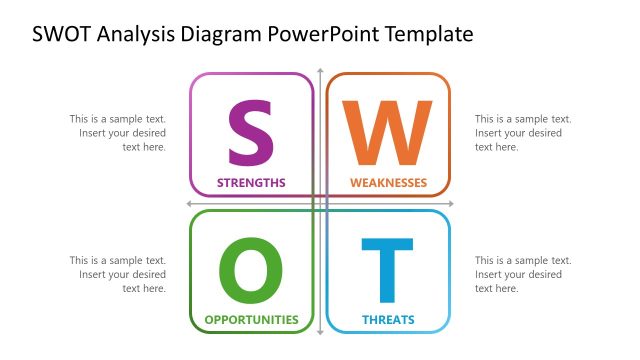
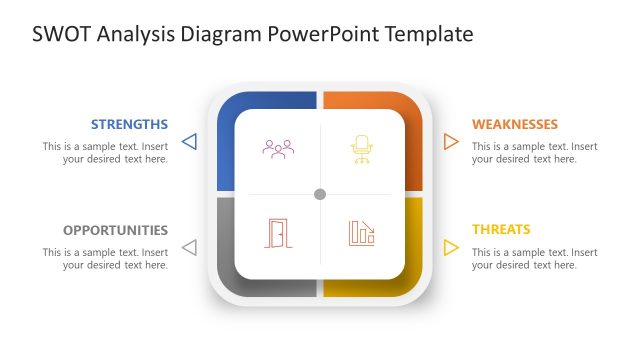
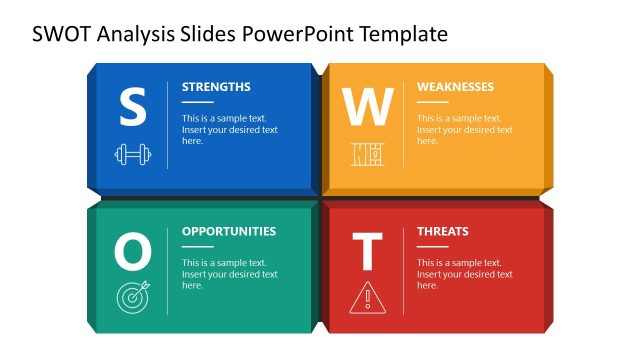
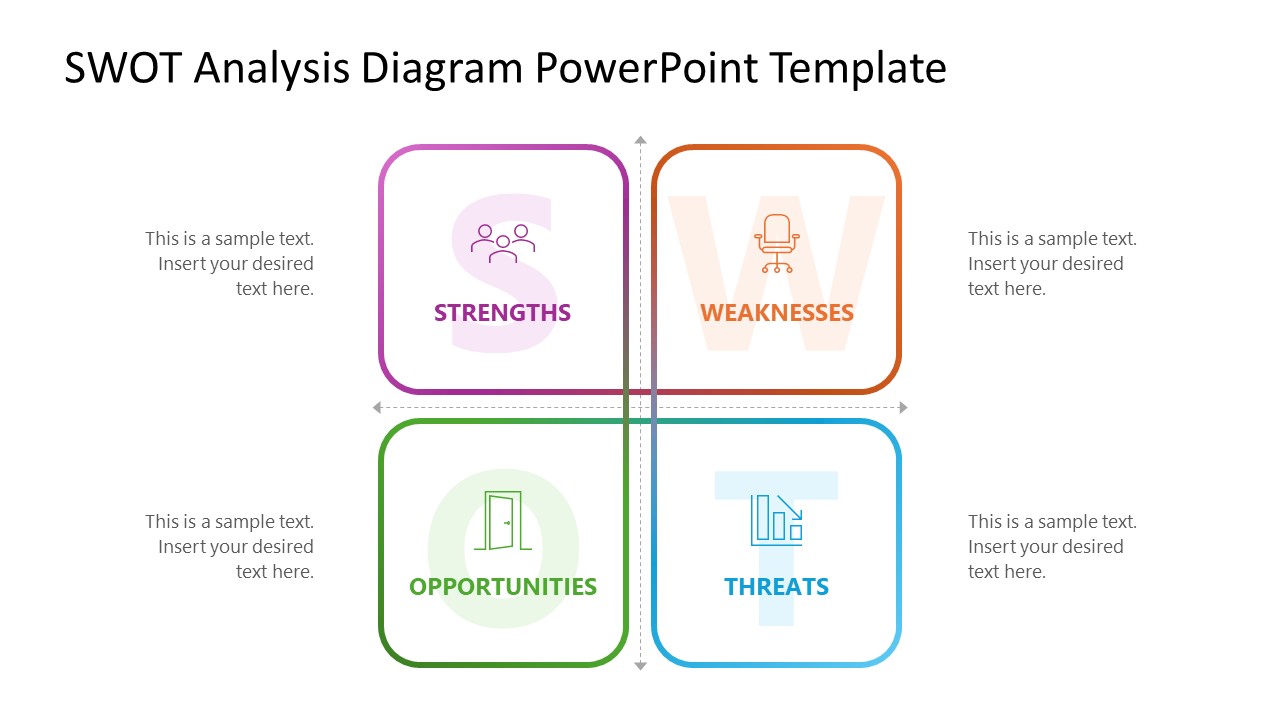
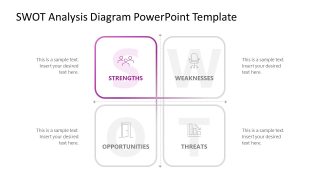
Present business assessment outcomes in stakeholder presentations in a four-segment layout using this SWOT Analysis Infographic PowerPoint Template. SWOT stands for Strengths, Weaknesses, Opportunities, and Threats. The template shows a four-quadrant diagram for SWOT analysis presentation using color-coded blocks. Each block uses a unique color and features a large, bold letter showing the component name, its full form, and a colored outline around the white space. Dotted arrows between the boxes show the vertical or horizontal relationships between the SWOT components. The template helps communicate strategic assessment results and organize internal conditions and external factors during the presentation.
The SWOT Analysis Infographic PowerPoint Template helps business leaders discuss SWOT results and motivate junior team members to overcome fears and leverage opportunities. In a project evaluation presentation, the layout helps product managers structure the assessment before a product team decides whether to pursue a proposed market direction. For a strategic planning presentation, a strategy team can present the full SWOT overview before leadership decides which business department needs attention and focus.
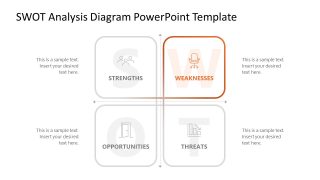
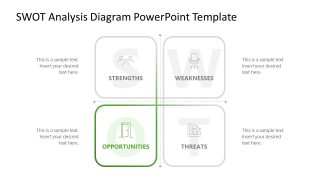
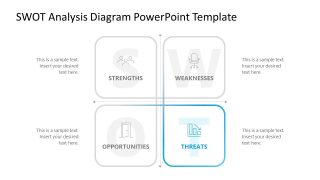
The first slide frames all four components on a single page. The following four slides show a focus effect for the same diagram. The focus effect highlights one point in color while muting the other boxes in grey. This also helps the audience grasp the concepts more easily. Our users can explore our collection of SWOT analysis templates to choose the most suitable design for their business performance analysis presentations. You can also easily edit the fonts, shapes, or colors to match your theme. Download the SWOT analysis template and share your results with the organization’s executive team.


You must be logged in to download this file.
DOWNLOAD- Category
- Diagrams
- Rating

 Loading...
- Size
- 16x9
- Item ID
- 23699-01
- Colors
Subscribe today and get immediate
access to download our PowerPoint templates.