Slide 2 of 5 from SWOT Analysis Diagram PowerPoint Template
Customizable SWOT Analysis Diagram PPT Template
SWOT Analysis Quadrant Diagram for Presentations
- Diagram
- Matrix Quadrant
- Strategic Analysis Slide
- 16:9
- 100% Editable
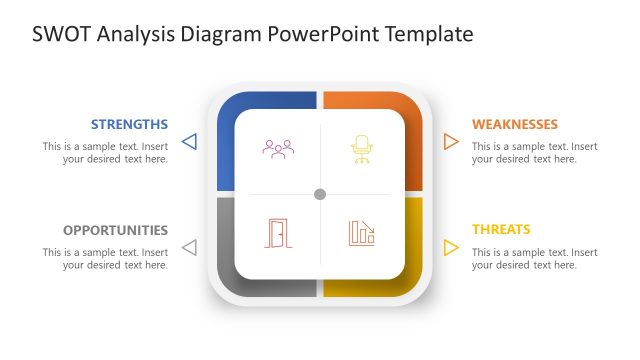
The SWOT Analysis Quadrant Diagram from the SWOT Analysis Diagram PowerPoint Template provides a structured layout for strategic planning and competitive analysis. This slide template features editable shapes and vector icons arranged in four quadrants to clearly present strengths, weaknesses, opportunities, and threats. It is suitable for business presentations and slide decks that require a clean, organized approach to strategic reviews using professional slide templates.
What’s on This Slide
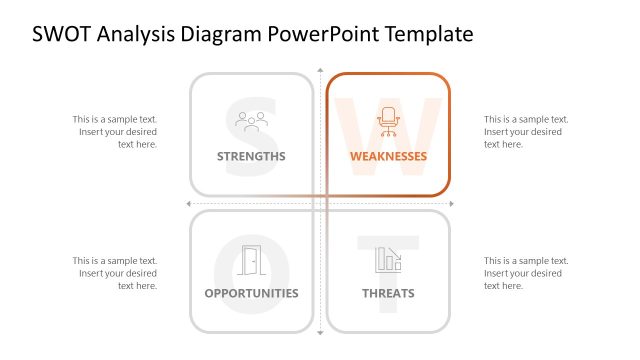
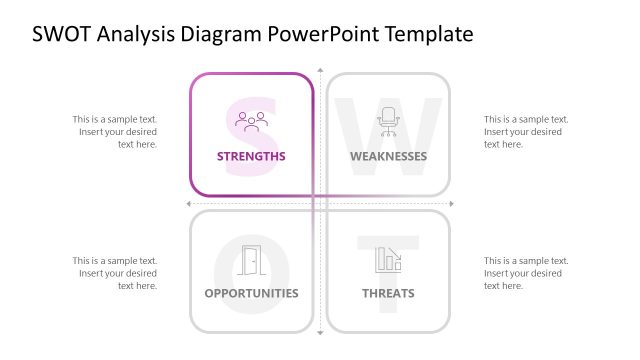
The layout features a central square divided into four quadrants, each labeled for strengths, weaknesses, opportunities, and threats. Each quadrant contains a visual icon: people, an office chair, a door, and a graph. The icons are centrally placed within their respective sections. Text placeholders are positioned below each label, aligned to the left, indicating where to insert content. The overall color scheme includes a blue quadrant for strengths, while the others are white with light gray icons. The slide has a clean, organized appearance.
How to Use It
This layout serves as a SWOT analysis diagram, ideal for presenting a strategic overview of strengths, weaknesses, opportunities, and threats in a business context. It fits well after a problem-framing slide and before a strategic roadmap. Use it in scenarios such as strategic planning sessions, business reviews, or competitive analysis discussions. The layout effectively organizes thoughts and encourages audience engagement through visual representation.
Text Placeholders & Capacity
Keep your copy within these limits so it fits without resizing. Node body slots can hold about 10 words each.
| Placeholder | Count | Max characters (approx.) |
|---|---|---|
| Item heading | 4 | 30 |
| Item body | 4 | 50 |
Slide Keywords
Download unlimited PowerPoint templates, charts and graphics for your presentations with our annual plan.
DOWNLOADReturn to SWOT Analysis Diagram PowerPoint Template.