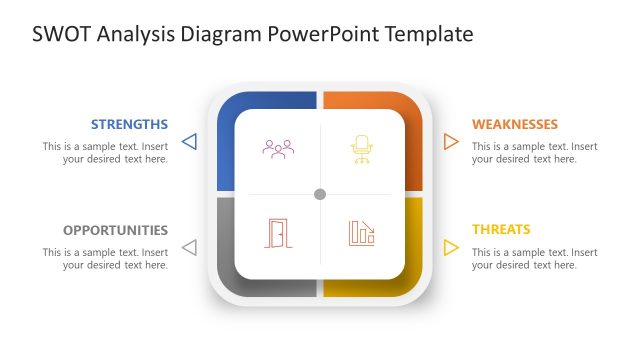
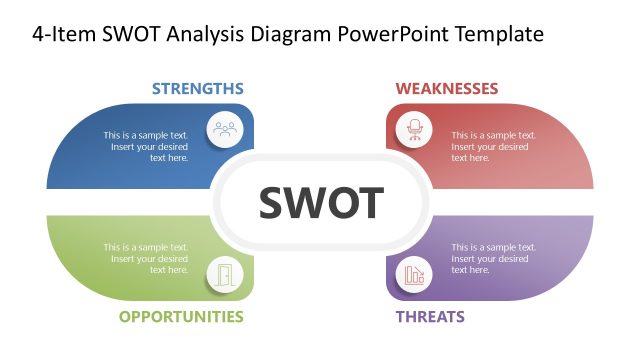
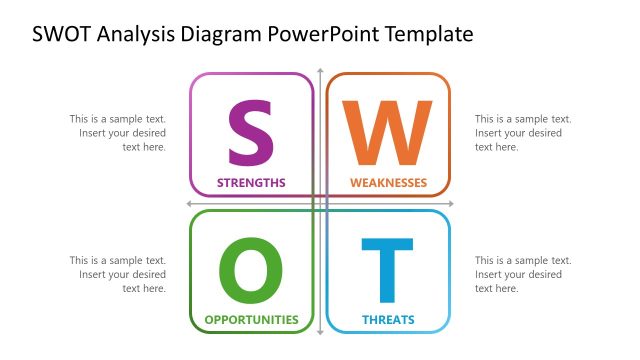
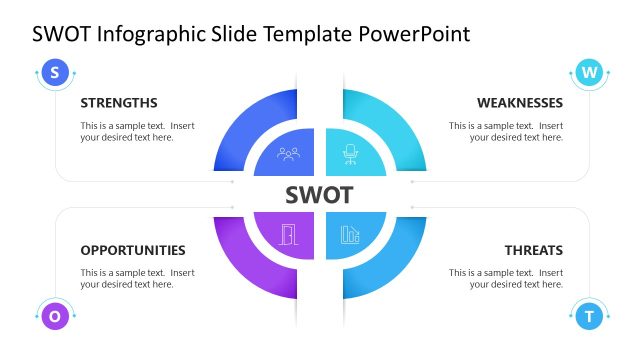
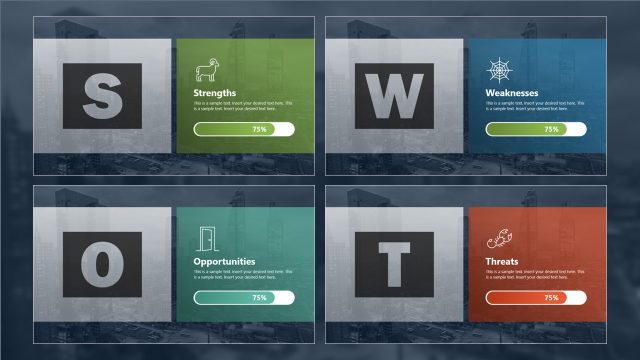
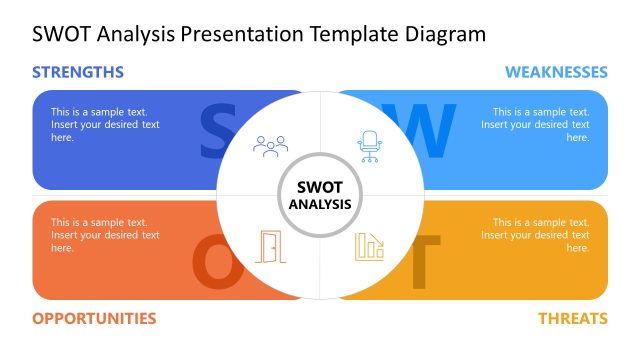
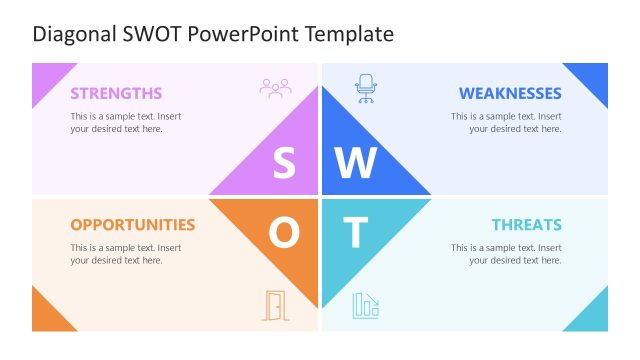
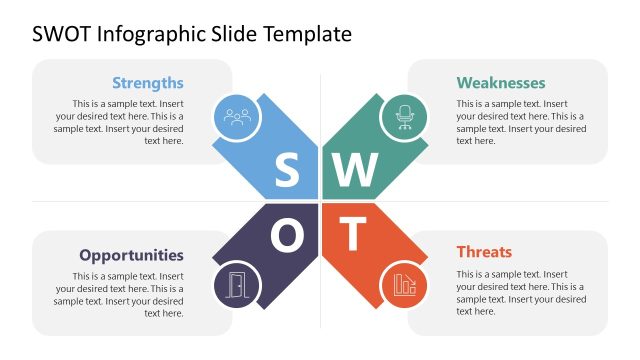
Share your customer’s performance analysis in executive presentations with our SWOT Analysis Slides PowerPoint Template. SWOT refers to strengths, weaknesses, opportunities, and threats. SWOT analysis involves reviewing the company’s internal and external factors that contribute to business success. Internal factors are strengths and weaknesses, while the external factors are potential opportunities and threats. All these components of the SWOT template impact the company’s overall growth. Business analysts use the four-segment SWOT diagram template to suggest improvements to the company’s internal framework. For instance, working on operations automation to streamline the workflows and boost productivity. Or training the sales team to close opportunities more effectively. We offer our users a wide range of SWOT template versions so they can choose the design that best matches their needs.
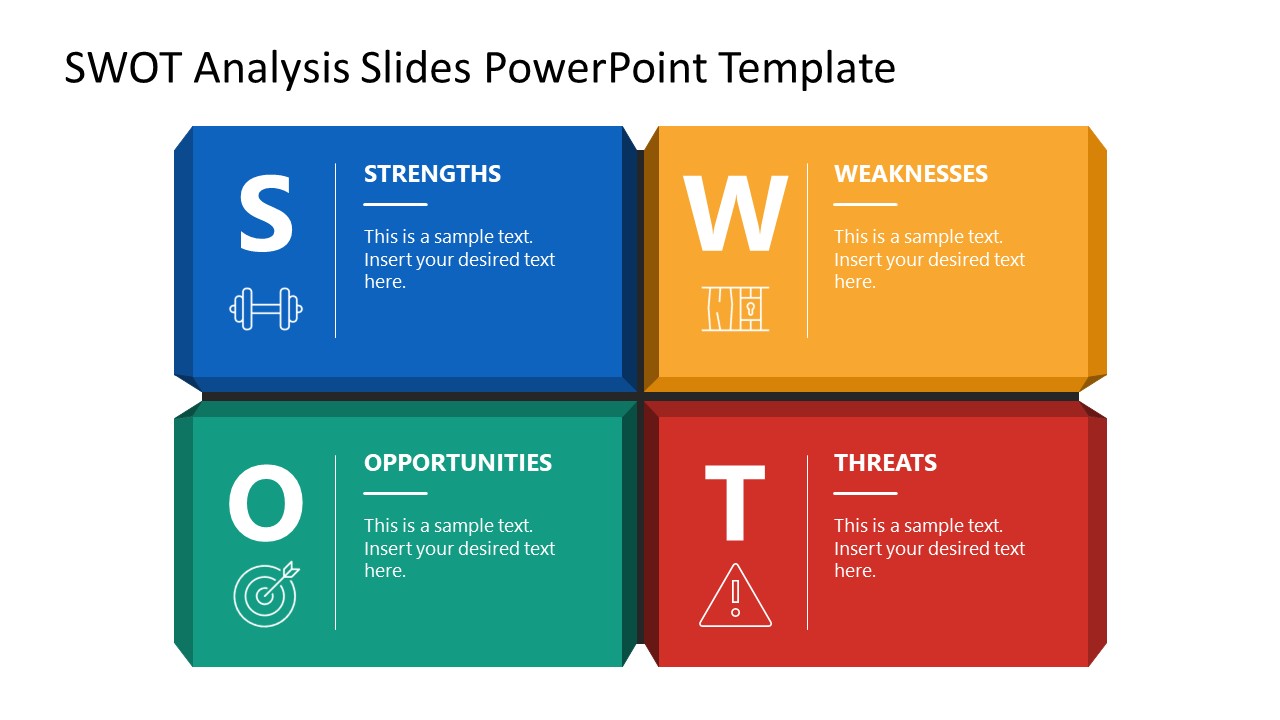
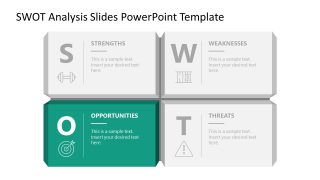
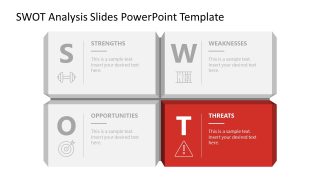
The SWOT Analysis Slides PowerPoint Template features a 2×2 matrix gradient, with blocks that have a 3D appearance. Each block contains a SWOT letter, relevant graphical icons, and a text section. The SWOT template is fully customizable with Google Slides and other versions of Microsoft PowerPoint. Project managers share the SWOT analysis results during team presentations to collaborate and find solutions to make their projects successful. During employee training, this template helps them discuss their strengths & weaknesses with their fellow colleagues and trainers. The four spotlight effect slides are useful to communicate the four factors in their personal SWOT analysis with focus and clarity. Moreover, you can change the template components, such as colors, effects, infographics, and text fonts, to match the theme or branding. Download the SWOT analysis PPT template for your strategy presentations and outline the key threats that are halting your company’s growth plan execution.
What’s inside this template
Example presentation scenarios
- A business analyst can use the full 2x2 SWOT matrix to summarize internal strengths, internal weaknesses, external opportunities, and external threats during a strategy review.
- A project manager can use the spotlight quadrant slides to guide a team workshop from strengths to threats without overcrowding one slide with every detail.
- A consultant can present the colored SWOT blocks to compare a client's current position and then use the gray context blocks to keep the full framework visible.
- A trainer can use the individual factor slides to teach employees how each SWOT category differs, supported by the large letter labels and simple line icons.
Features
- 100% editable presentation template
- Compatible with Microsoft PowerPoint and Google Slides
- 16:9 aspect ratio slides
- Scalable vector shapes, icons and illustrations
- AI-Ready for Microsoft Copilot and Claude
- Instant access and download
Frequently asked questions
Q: How should a presenter structure the discussion with this SWOT template?
A: Start with the full 2x2 matrix to give the audience the complete business picture. Then move through the spotlight slides in order, using each colored quadrant to discuss one factor at a time. Keep each text area concise so the discussion centers on tradeoffs, causes, and actions rather than long written explanations.
Q: Who is this SWOT layout best suited for?
A: This layout is best for analysts, project managers, consultants, and team leads who need to explain a prepared SWOT assessment in a meeting. It fits executive briefings, planning workshops, product reviews, and training sessions where the audience needs a clear distinction between internal conditions and external market factors.
Q: Why does the template use one full matrix followed by four spotlight slides?
A: The sequence reduces cognitive load. The full matrix establishes the four-part framework, while each spotlight slide keeps the selected factor in color and the others in gray. This visual contrast works like a focus lens, helping the audience stay oriented without losing the relationship among all SWOT categories.


SWOT Analysis Slides PowerPoint Template
5-slide SWOT analysis presentation template with 2x2 quadrants and spotlight factor slides
SWOT Analysis Slides PowerPoint Template is a 5-slide diagram template for presenting strengths, weaknesses, opportunities, and threats. It includes a full 2x2 SWOT matrix plus spotlight slides for each quadrant, with 3D-style blocks, letter markers, and line icons. It is built for Microsoft PowerPoint and Google Slides.
- Category
- Diagrams
- Rating

 Loading...
- Aspect ratio
- 16:9
- Item ID
- 23728-01
- Colors
 Microsoft PowerPoint
  Microsoft Copilot
  Claude for PowerPoint
 Other formats supported
Subscribe today and get immediate
access to download our PowerPoint templates.