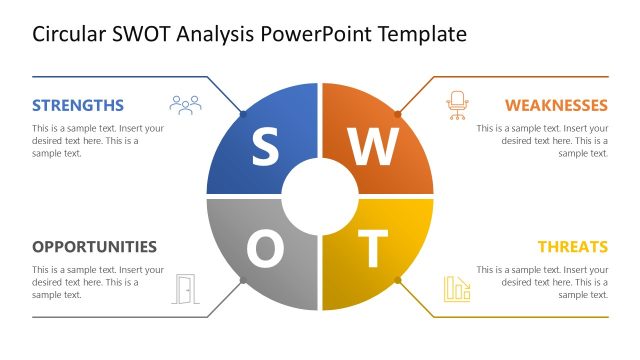
SWOT Analysis Chart PowerPoint Template
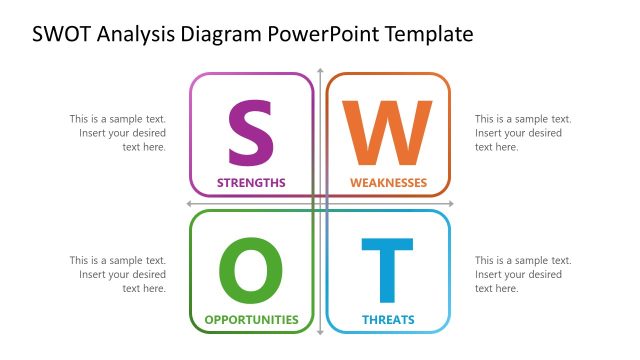
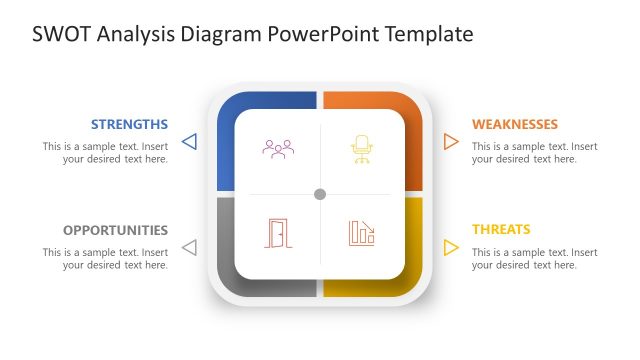
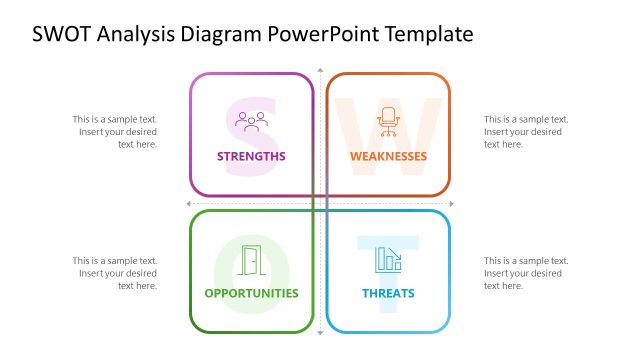
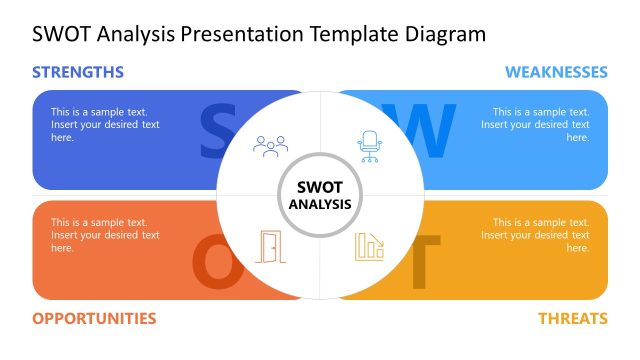
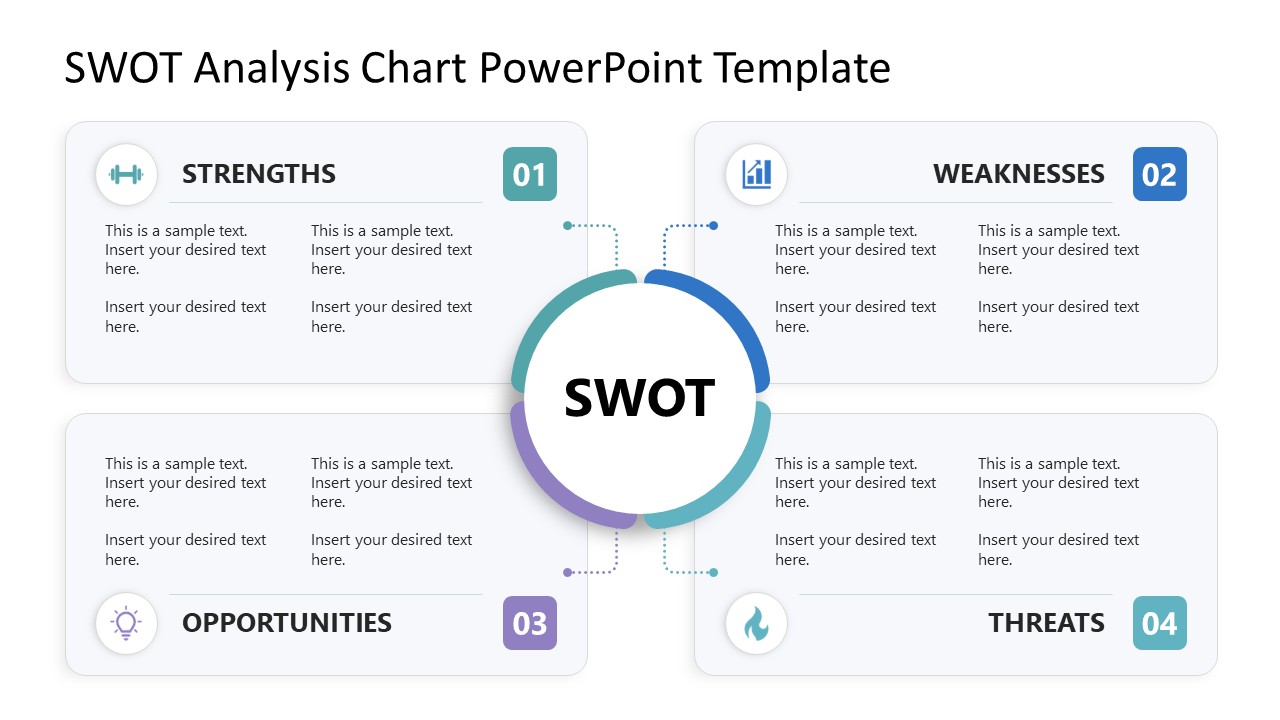
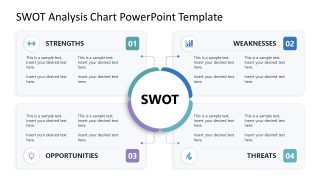
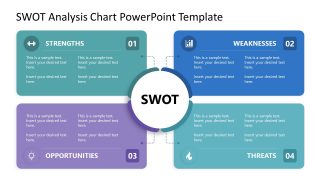
Four different kinds of findings: what’s working internally, what isn’t, what’s opening up outside the company, and what’s closing in, rarely fit on the same slide without turning into a wall of bullet points. The SWOT Analysis Chart PowerPoint Template keeps them separate: four color-coded quadrants around a central SWOT hub, connected by dotted lines back to the center. Strategic directors use it to lay out a market-entry decision, strengths and weaknesses on one side, external opportunities and threats on the other, in a single view.
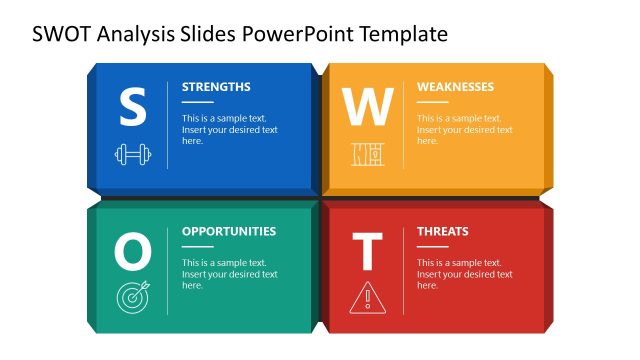
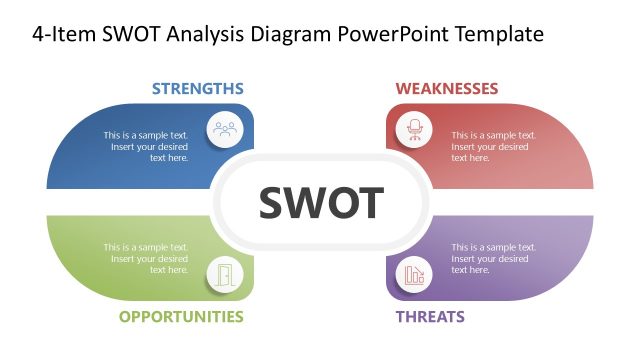
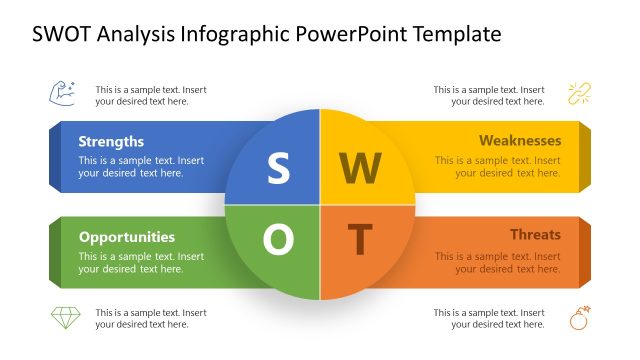
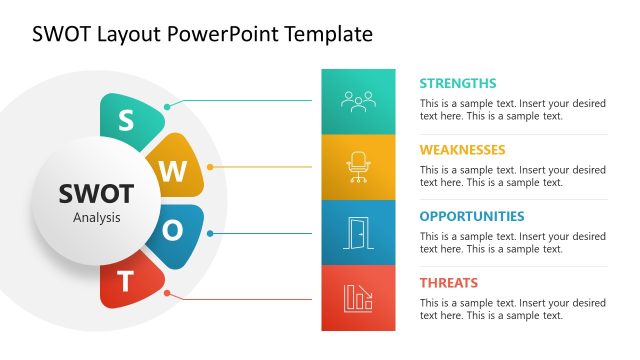
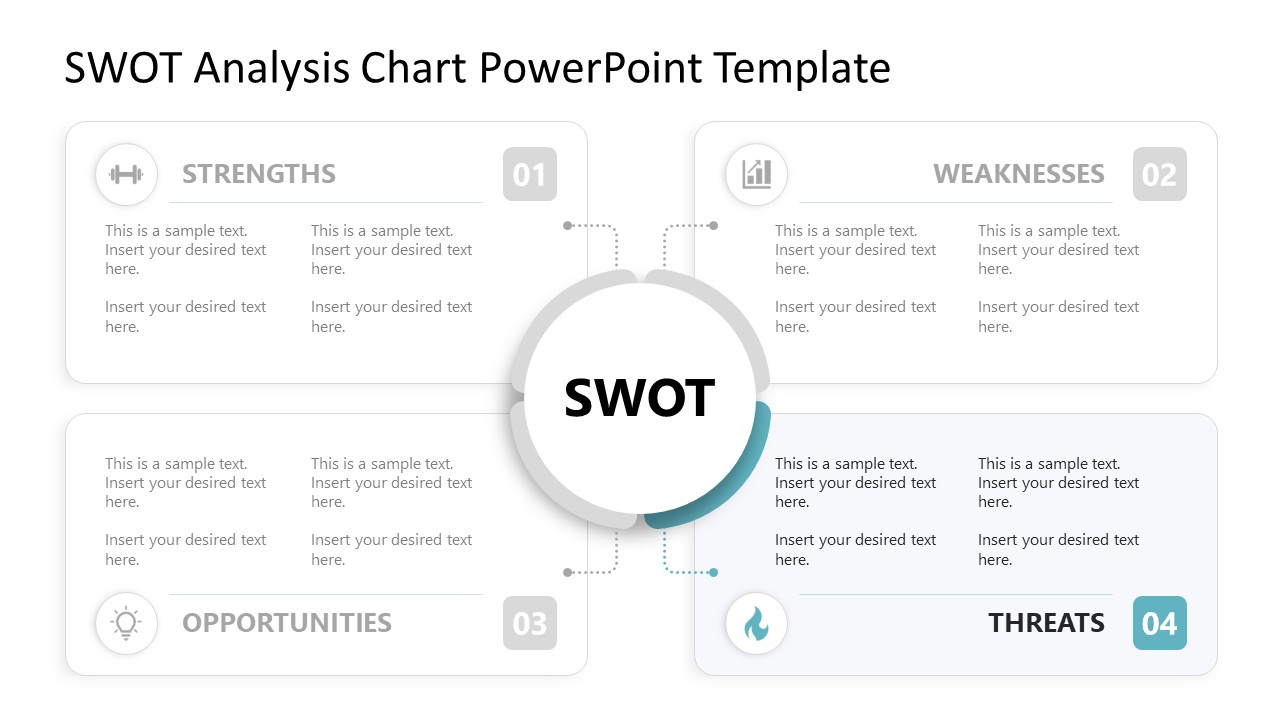
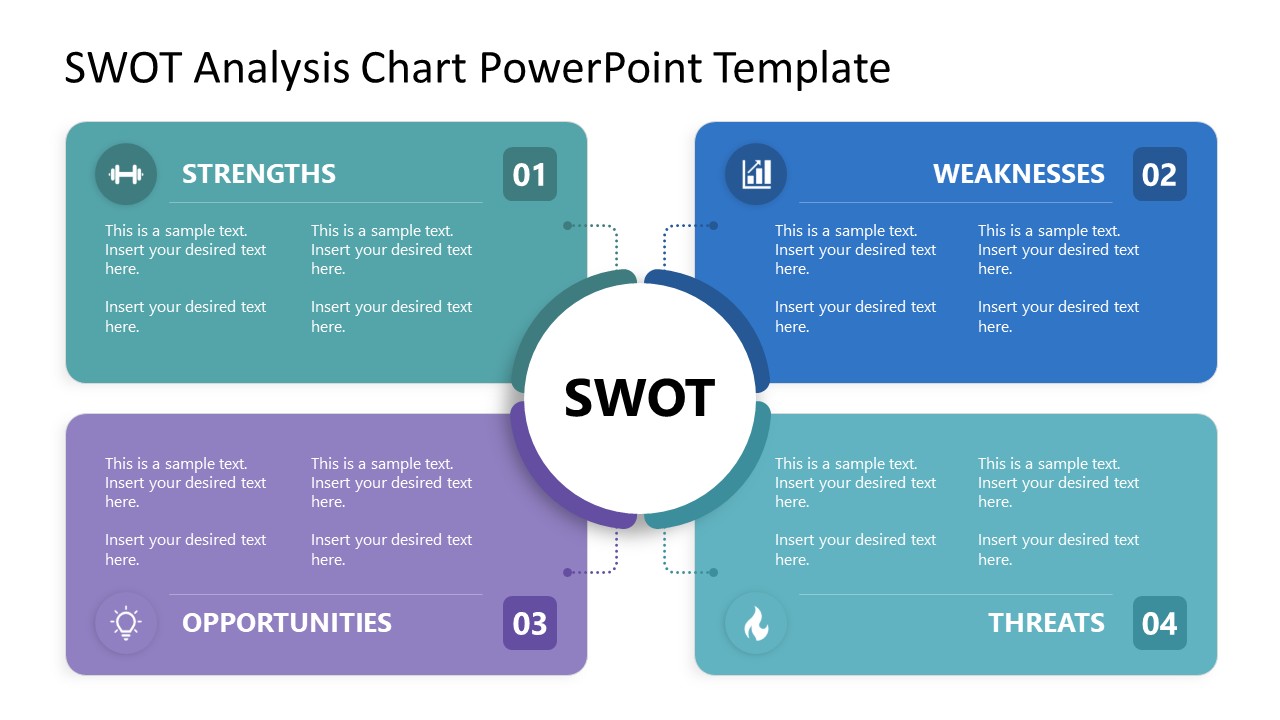
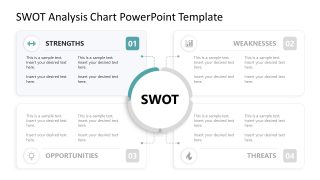
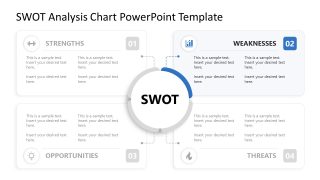
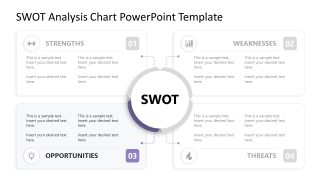
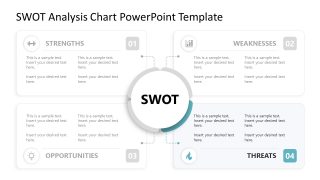
This slide template contains six slides, starting with a Main Quadrant Layout, featuring four color-coded sections (Strengths, Weaknesses, Opportunities, Threats) numbered 01 through 04 around a central circular “SWOT” hub, dotted lines connecting each section to the center. Each one of the four elements of the SWOT analysis is showcased in individual spotlight slides, with the other three elements grayed out. Finally, we can work with an alternate color layout, using the same four-quadrant structure in a single, unified color palette.
Each quadrant holds its own metaphorical icon, currently a dumbbell for Strengths, a bar chart for Weaknesses, a lightbulb for Opportunities, and a flame for Threats, plus two columns of placeholder text underneath for individual findings. Swapping the icon set or rewriting the placeholder text in one quadrant doesn’t touch the dotted connector lines or the central SWOT hub.
Presenting a product review to investors, a product director can fill the Strengths and Weaknesses sections with internal performance findings, then use Opportunities and Threats to frame the external market factors shaping the roadmap. Running a strategy workshop with stakeholders, a facilitator can step through all four spotlight slides in turn, holding the room’s attention on one category before opening discussion on the next.
Users can customize icons, color palette, and placeholder text on each slide. Fill in the four sections of the SWOT Analysis Chart PowerPoint Template with actual findings and bring the deck into the next stakeholder session.


You must be logged in to download this file.
DOWNLOAD- Category
- Diagrams
- Rating

 Loading...
- Size
- 16x9
- Item ID
- 23798-01
- Colors
Subscribe today and get immediate
access to download our PowerPoint templates.