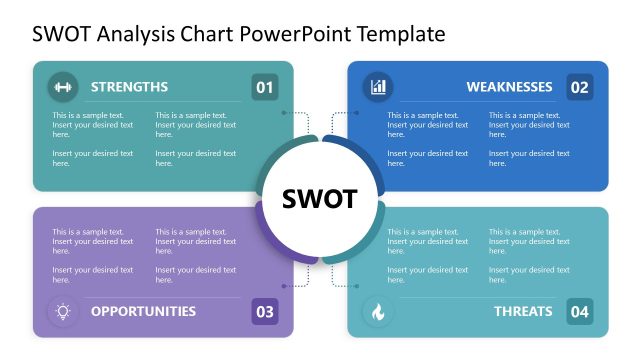
Slide 3 of 6 from SWOT Analysis Chart PowerPoint Template
Editable SWOT Analysis Chart Template with 2×2 Matrix
SWOT Analysis Quadrant Chart Overview
- Diagram
- Matrix Quadrant
- Strategic Analysis Slide
- 16:9
- 100% Editable
The SWOT Analysis Quadrant Chart slide from the SWOT Analysis Chart PowerPoint Template offers a clear and structured layout for strategic analysis. This slide template features editable shapes and vector icons to visually separate strengths, weaknesses, opportunities, and threats, making it suitable for business presentations and market analysis. Its design supports effective communication in corporate presentations and team brainstorming sessions, enhancing the clarity of key strategic factors within a slide deck.
What’s on This Slide
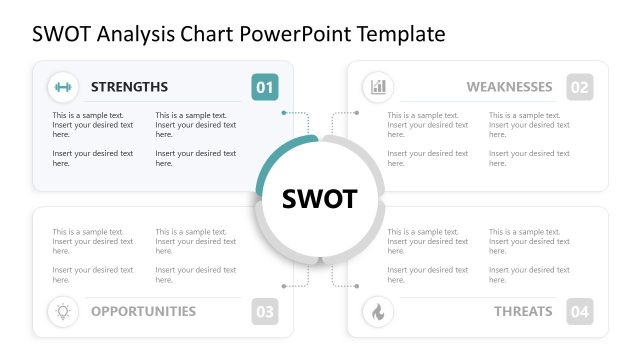
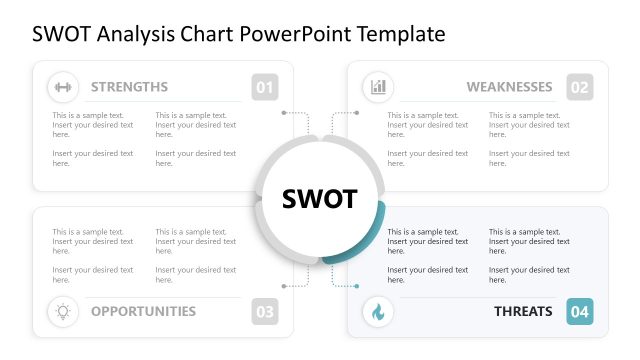
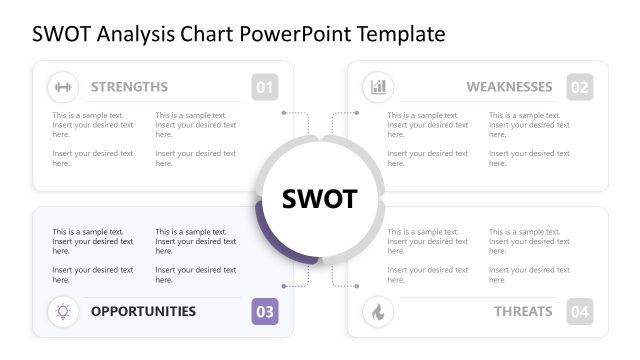
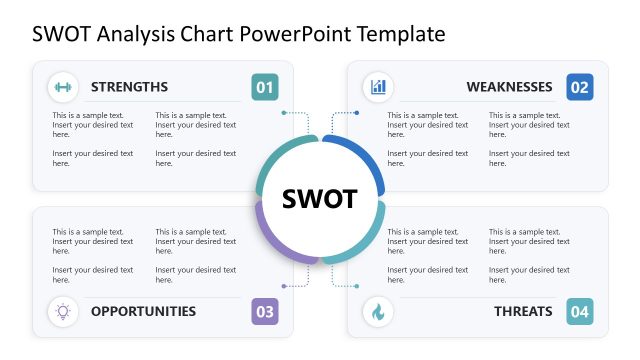
The layout features four quadrants labeled Strengths, Weaknesses, Opportunities, and Threats, arranged in a square formation. Each quadrant contains a circular node at the center labeled 'SWOT.' The quadrants are visually separated by light borders, with icons representing each category positioned at the top left of each quadrant. Text placeholders are present for descriptions, aligned centrally within each quadrant. The overall color scheme is neutral with a white background, enhancing readability and focus on the content.
How to Use It
This layout serves as a structured SWOT analysis tool, ideal for evaluating business strengths, weaknesses, opportunities, and threats. It fits within a presentation sequence where strategic analysis is required, typically following a problem-framing slide. This layout is useful in business planning, competitive analysis, and strategic decision-making contexts, allowing for clear visual representation of key factors influencing an organization.
Text Placeholders & Capacity
Keep your copy within these limits so it fits without resizing. Node body slots can hold roughly 15-20 words each.
| Placeholder | Count | Max characters (approx.) |
|---|---|---|
| Slide title | 1 | 30 |
| Item heading | 4 | 15 |
| Item body | 4 | 100 |
Slide Keywords
Download unlimited PowerPoint templates, charts and graphics for your presentations with our annual plan.
DOWNLOADReturn to SWOT Analysis Chart PowerPoint Template.