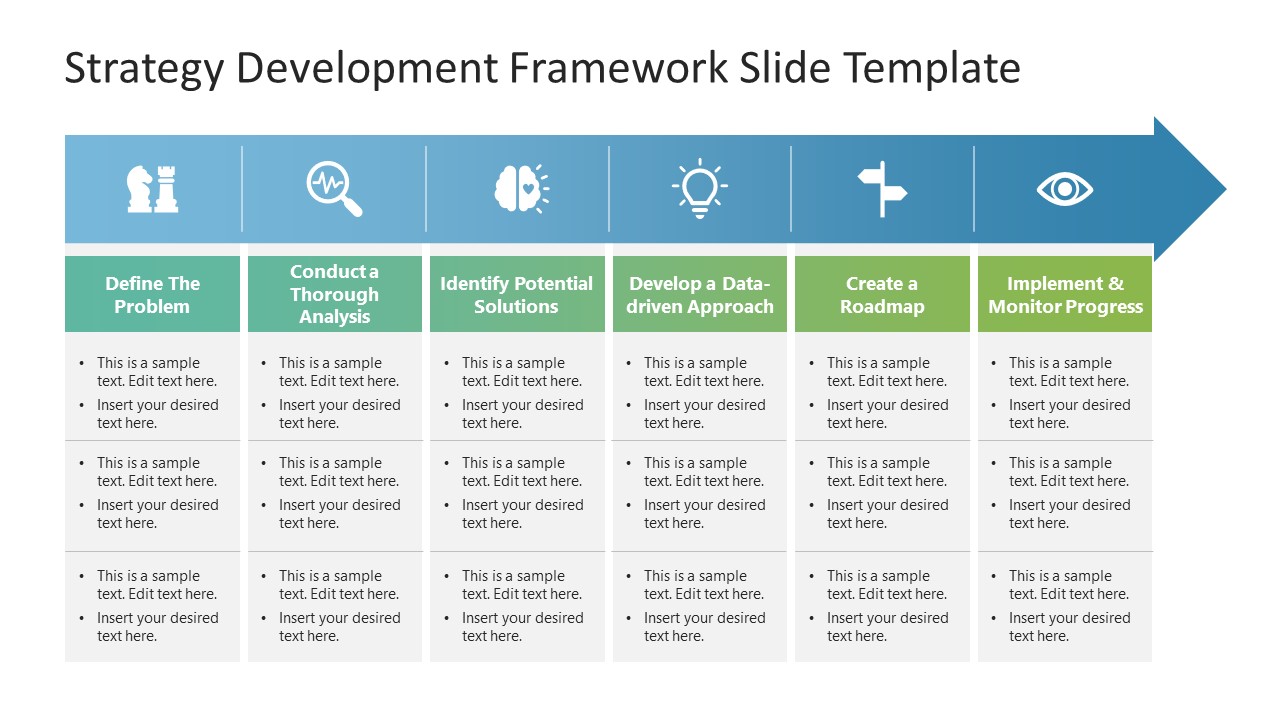
Customize our Strategy Development Framework PowerPoint Template to interactively showcase your business or brand marketing strategy. Business managers and leaders always develop strategies to effectively solve operational problems or other issues. The strategy development framework involves various practices, including defining the problem, analyzing data, determining solutions, and implementing the plans. We have created a strategy development framework PPT Template for professionals and operational heads to present such ideas in their executive sessions. Using our comprehensive slide layout, they can showcase their opinions, organizational problems, and corresponding solutions. The six aspects of the strategy development framework are listed in an ordered way below:
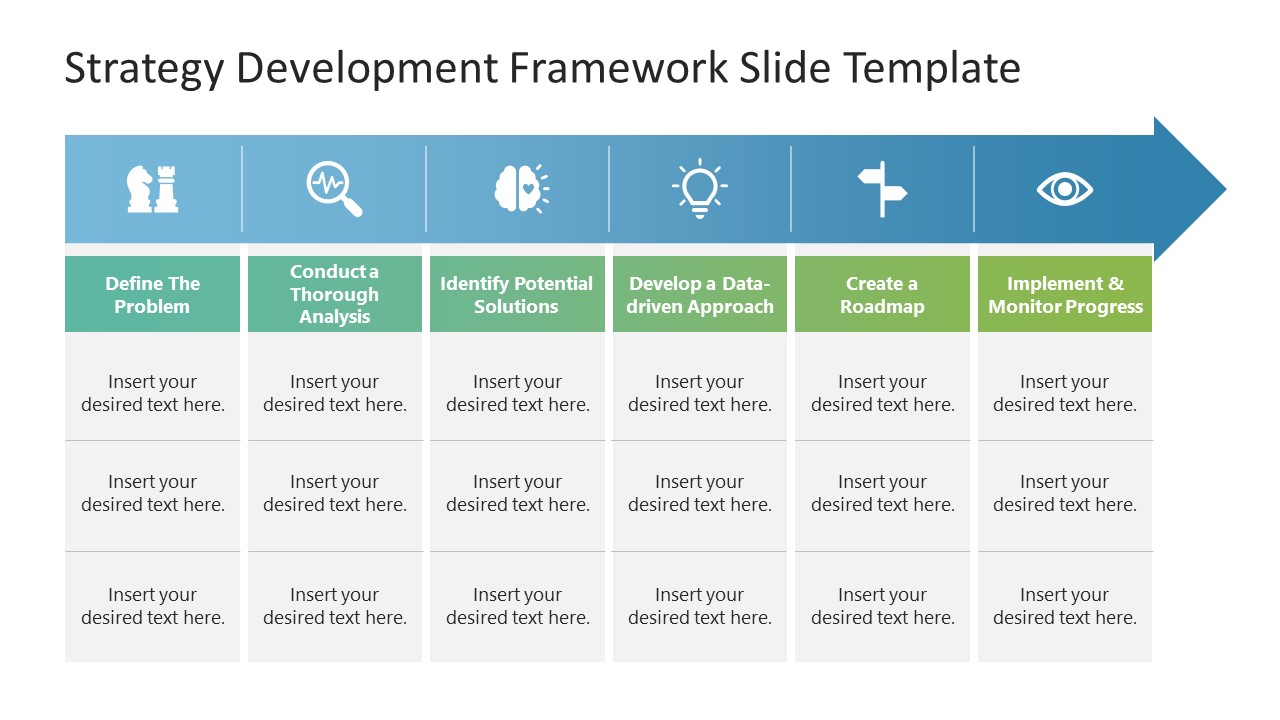
- Define the problem
- Conduct a thorough analysis
- Identify potential solutions
- Develop a data-driven approach
- Create a roadmap
- Implement and monitor progress
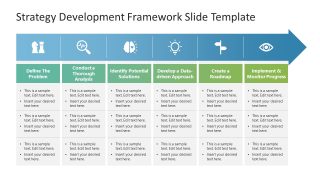
The Strategy Development Framework PowerPoint Template has two slides with a slightly different layout. The first slide shows a broad blue arrow pointing toward the right side. The arrow diagram has six segments, each with an infographic icon relevant to the topic discussed in the column below. There are six columns below the arrow diagram, one for each step of the strategy development process. In the top row of each column, users can mention the titles of the framework attribute. Below, they can briefly explain each stage’s major data points in a brief format. The difference between the first and second slides is that the users can mention the details in paragraph format on the first slide while in bullets on the latter one. Moreover, they can also change the PPT features of the template to fit their needs. Download our template and try it now in your business presentations! Alternatively, check our complete collection of strategy presentation templates.
What’s inside this template
Example presentation scenarios
- A strategy consultant can use the six-column framework table to show a client how problem definition, analysis, potential solutions, and roadmap planning connect in one decision path.
- An operations leader can present the arrow process during a management meeting to explain how an issue will move from root-cause analysis to implementation and progress monitoring.
- A project manager can use the bullet-format slide to brief stakeholders on actions, owners, and checkpoints for each stage of a new strategic initiative.
- An executive presenter can use the icon-led headers to summarize a high-level strategic approach before moving into detailed financial, market, or implementation slides.
Features
- 100% editable presentation template
- Compatible with Microsoft PowerPoint and Google Slides
- 16:9 aspect ratio slides
- Scalable vector shapes, icons and illustrations
- AI-Ready for Microsoft Copilot and Claude
- Instant access and download
Frequently asked questions
Q: How should a presenter explain the six-step framework without making the slide feel like a checklist?
A: Treat the arrow as a decision flow, not a task list. Start with the problem, then explain what changes after each step: evidence from analysis, decision options, the selected approach, the roadmap, and progress checks. Keep each column to one main message so the audience follows the logic from left to right.
Q: Who is this template best suited for in a strategy discussion?
A: This template fits presenters who need to align a group around a practical planning method, such as managers, consultants, and operations leads. It is strongest when the audience needs a shared process view before discussing details, because the six columns make responsibilities, decisions, and next actions easy to separate.
Q: Why does the arrow-and-column design work for strategy development?
A: The large right-facing arrow shows movement toward execution, while the vertical columns create clear boundaries between stages. Icons act as visual anchors for each phase, helping viewers scan the framework quickly. The design supports the idea that strategy is both sequential and structured, not a set of disconnected recommendations.
Strategy Development Framework PowerPoint Template
2-slide 16:9 presentation template with six-step strategy framework arrows and process columns
The Strategy Development Framework PowerPoint Template is a 2-slide strategy diagram for presenting a structured planning process. It includes a six-segment arrow process, icon-led step headers, and six-column framework tables with paragraph and bullet text variants. It is designed for managers and strategy teams using Microsoft PowerPoint or Google Slides.
- Category
- Strategy
- Rating

 Loading...
- Aspect ratio
- 16:9
- Item ID
- 22545-01
- Colors
 Microsoft PowerPoint
 Microsoft Copilot
 Claude for PowerPoint
Other formats supported
Subscribe today and get immediate
access to download our PowerPoint templates.