Slide 3 of 13 from Strategic Overview PowerPoint Template
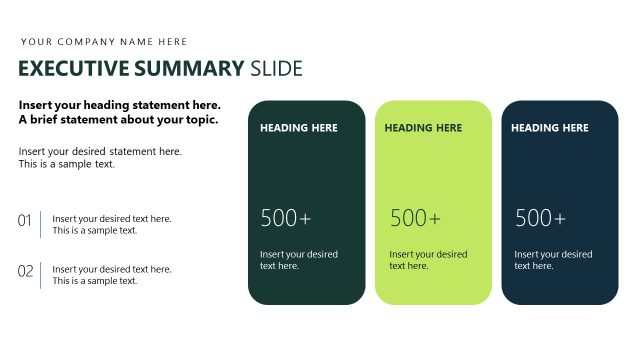
Three Corner Diagram with Icons for Executive Summary Presentation
Executive Summary and Vision Slide Overview
- Diagram
- Other
- Strategic Analysis Slide
- 16:9
- 100% Editable
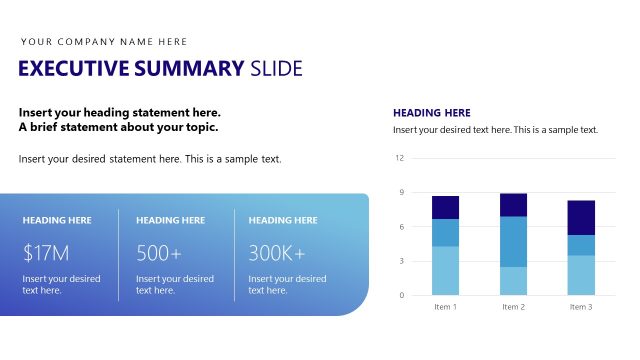
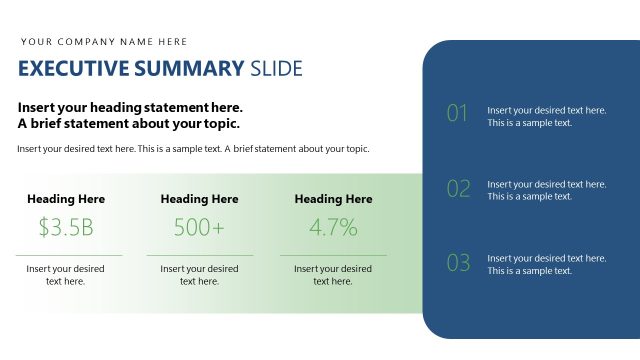
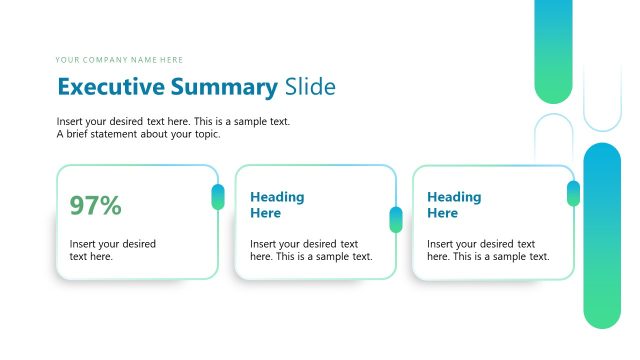
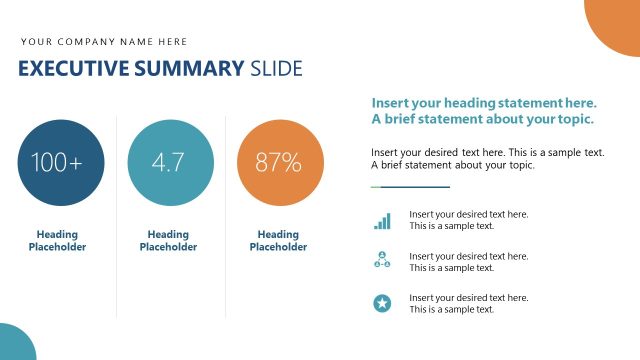
The Executive Summary and Vision Slide from the Strategic Overview PowerPoint Template offers a clear layout ideal for summarizing key insights in business presentations. This slide template features editable shapes and vector icons arranged in a balanced diagram, supporting strategic analysis and stakeholder updates. It integrates seamlessly into corporate presentations and pitch deck templates, enhancing clarity and visual engagement for high-level discussions.
What’s on This Slide
The layout features a central circular node with three surrounding circular nodes, each containing icons. The central node is dark blue, while the surrounding nodes are white with dark blue outlines. Text placeholders are positioned above and below the nodes, with the main title at the top left and a subtitle below it. The placeholders for body text are aligned centrally within each node. The background is predominantly white with a green accent circle in the top right. The overall composition is balanced, with visual elements evenly distributed.
How to Use It
This layout serves as an executive summary, ideal for presenting key insights or vision statements. It fits well after an agenda or problem-framing slide, summarizing critical points succinctly. Business scenarios include strategic planning sessions, stakeholder updates, or project overviews, where clarity and visual engagement are essential. The structure allows for easy comprehension of interconnected ideas, making it suitable for high-level discussions.
Text Placeholders & Capacity
Keep your copy within these limits so it fits without resizing. Body slots can hold approximately 20-30 words each.
| Placeholder | Count | Max characters (approx.) |
|---|---|---|
| Slide title | 1 | 30 |
| Subtitle | 1 | 50 |
| Item heading | 3 | 20 |
| Item body | 3 | 100 |
| Body paragraph | 1 | 150 |
Slide Keywords
Download unlimited PowerPoint templates, charts and graphics for your presentations with our annual plan.
DOWNLOADReturn to Strategic Overview PowerPoint Template.