Slide 11 of 13 from Strategic Overview PowerPoint Template
Key Risks & Mitigation Presentation Slide with Three Columns
Key Risks & Mitigation Plan Slide
- Table
- Comparison Table
- Risk Assessment Slide
- 16:9
- 100% Editable
The Key Risks & Mitigation Plan slide from the Strategic Overview PowerPoint Template offers a clear table layout ideal for risk management presentations. This slide template supports strategic planning sessions by visually organizing risks, their impacts, and mitigation strategies using editable shapes and color-coded indicators. It integrates seamlessly into corporate presentations and project management reviews, providing a structured approach to risk assessment within a professional slide deck.
What’s on This Slide
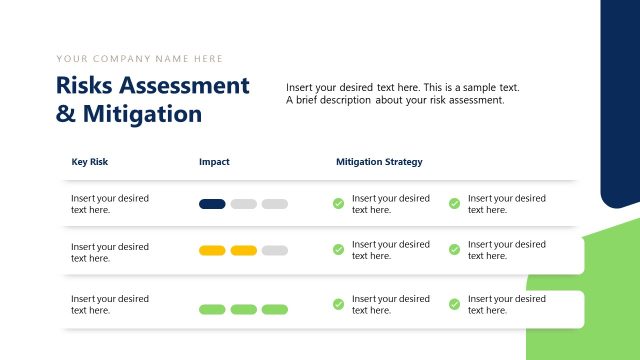
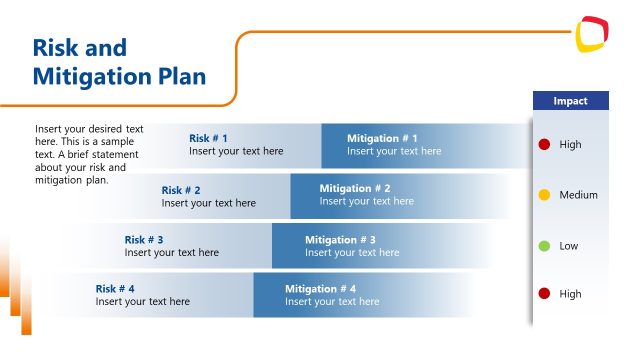
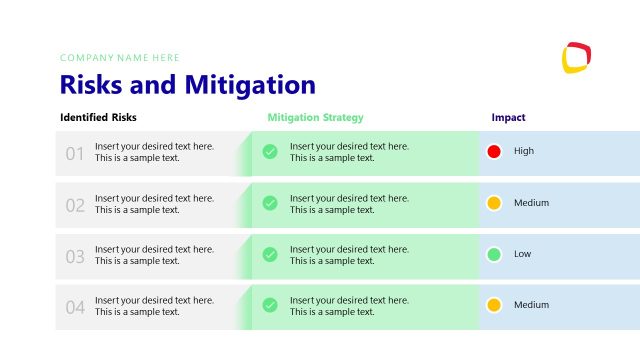
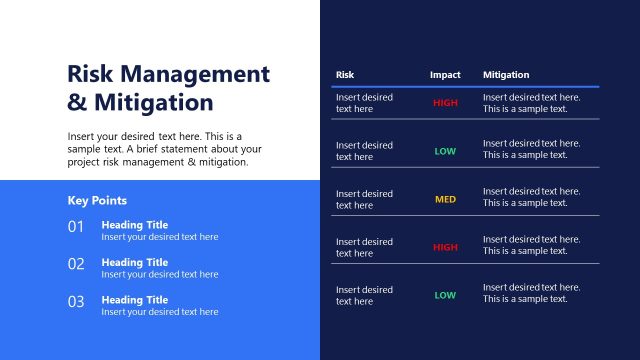
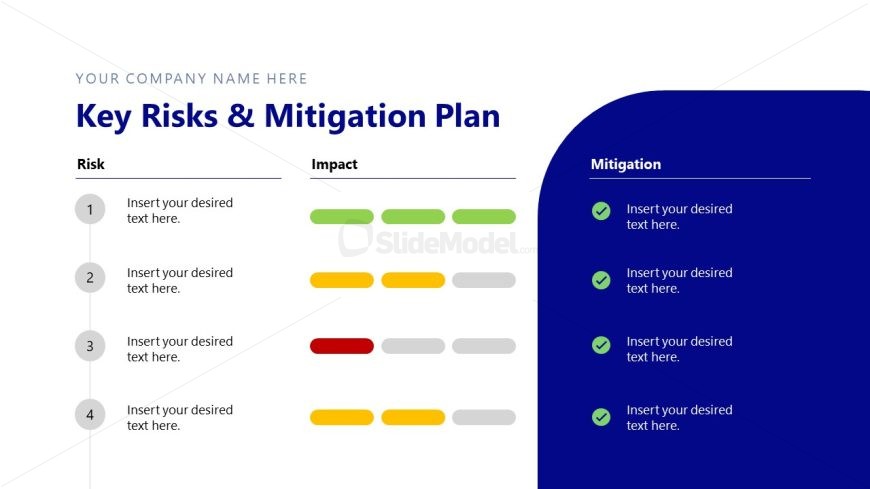
The layout features a left-aligned table divided into three columns labeled 'Risk', 'Impact', and 'Mitigation'. The first column lists four numbered rows for risks, with placeholders for text. The second column contains colored indicators representing impact levels, with green, yellow, and red segments. The right column is a blue container for mitigation strategies, featuring checkmarks next to each placeholder text. The overall composition is structured, with clear visual hierarchy and alignment, emphasizing the risk assessment process.
How to Use It
This layout serves to present a structured risk assessment and mitigation strategy. It fits within a presentation sequence that addresses strategic planning or risk management. Businesses can use this slide to outline key risks, their potential impacts, and corresponding mitigation plans. It is suitable for project management discussions, strategic reviews, or risk assessment meetings, providing a clear overview of risks and responses.
Text Placeholders & Capacity
Keep your copy within these limits so it fits without resizing. Node slots can accommodate multiple lines of text, roughly 5-7 words each.
| Placeholder | Count | Max characters (approx.) |
|---|---|---|
| Item heading | 4 | 30 |
| Item body | 4 | 50 |
| Item body | 4 | 50 |
| Item body | 4 | 50 |
Slide Keywords
Download unlimited PowerPoint templates, charts and graphics for your presentations with our annual plan.
DOWNLOADReturn to Strategic Overview PowerPoint Template.