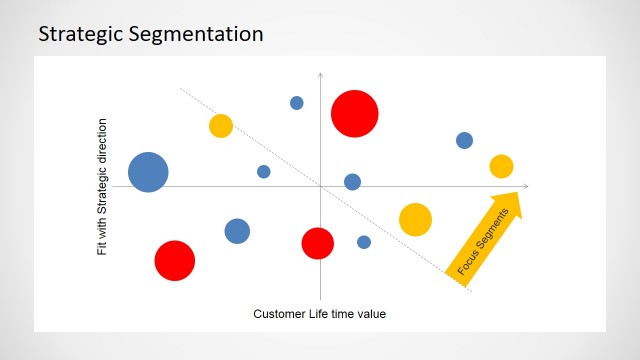
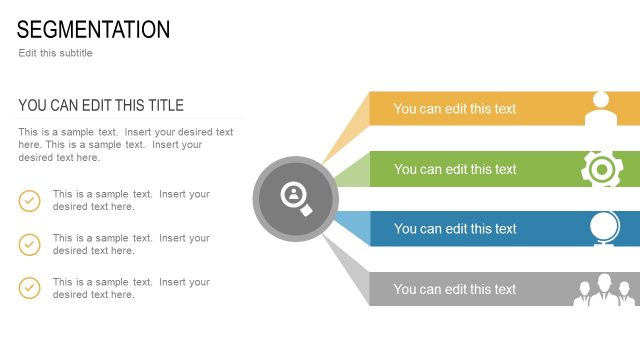
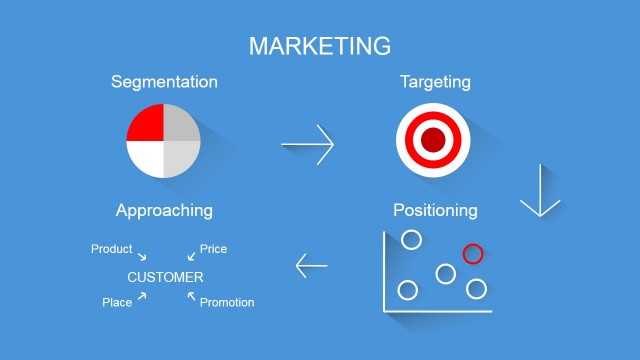
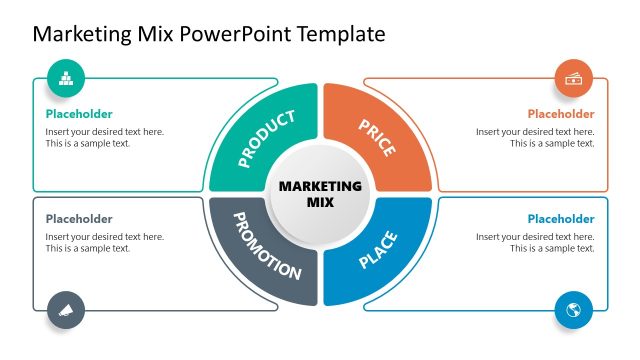
The Segmenting, Targeting and Positioning STP Marketing Mix PowerPoint Template is a professionally designed process-data model that can be used in lectures, seminars and workshops by marketing professionals to demonstrate the process of segmenting, targeting and positioning as a means of deciding how best to optimise the marketing strategy of a business model or product release.
Marketing strategies are based on the behavioural expectations of customer demographics within a certain market. To get an idea of how this customer base will react to certain business decisions and strategies, it’s important to plan accordingly. By engaging in a process of segmentation and positioning, it is possible to influence customer buying behaviour and target products specifically and successfully. As with steps in any successful marketing procedure, the Segmenting, Targeting and Positioning Marketing Mix PowerPoint Template arranges these stages chronological for to make it as easily understandable as possible.
This professionally designed PowerPoint model contains the three main stages of customer base and demographic research and demonstrates the degree to which they respond to each other chronologically. A professional presenter might use this PowerPoint template to:
- determine who is buying a particular product, target a new related product and identify the specific advantages of that demographic
- determine an overlooked demographic and target a product effectively
- distinguish a rival business’s lucrative customer base and position yourself appropriately to tempt their clients away
All of the slides in this professionally designed STP Marketing Mix PowerPoint Template have been produced using high quality clip art graphics and shapes that are freely available across all PowerPoint applications and are thus entirely customisable. You can alter the size, shape and color of all of the items to produce a quality marketing presentation that is tailor fitted to your organisation, product or promotion.
What’s inside this template
Example presentation scenarios
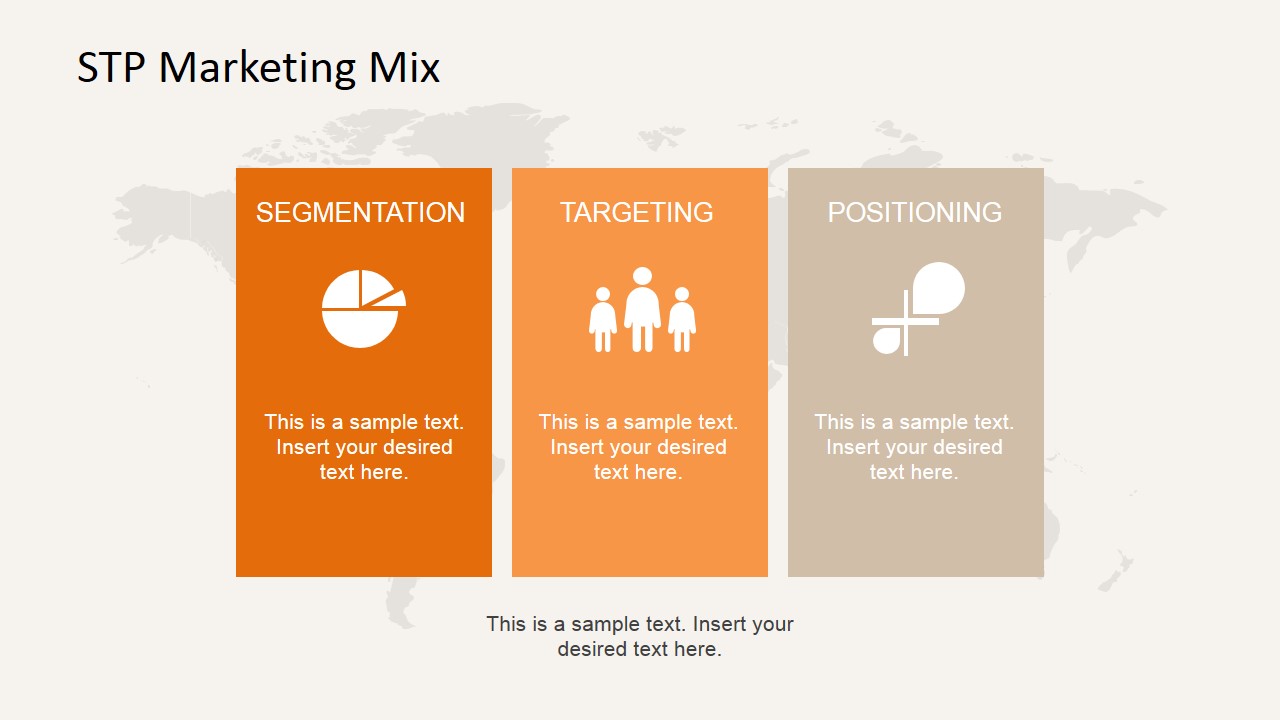
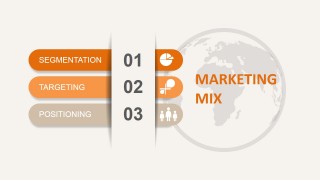
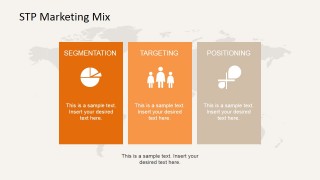
- A product marketing manager can use the three-column STP summary to align stakeholders on how segmentation, targeting, and positioning connect before a launch.
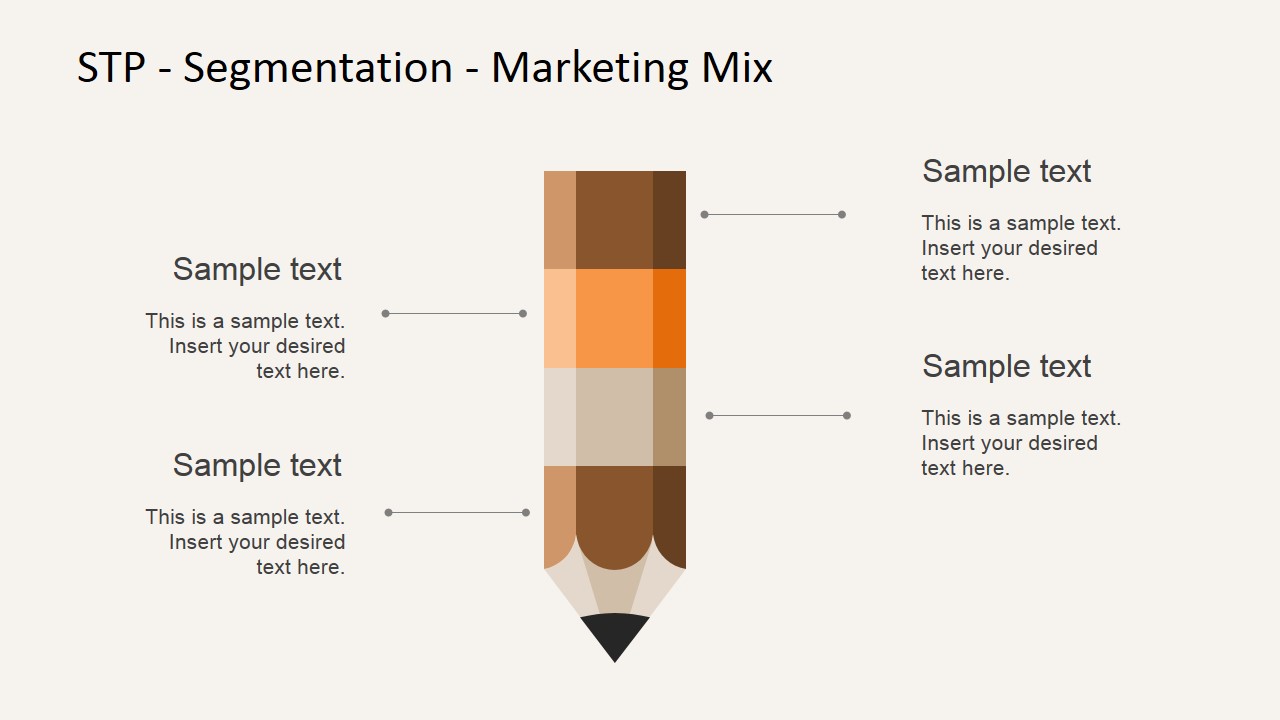
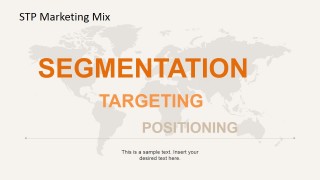
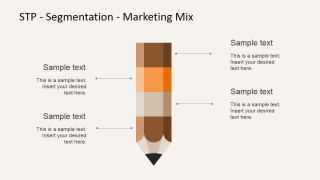
- A marketing professor can use the world map overview and pencil segmentation slide to teach students how market groups are identified and described.
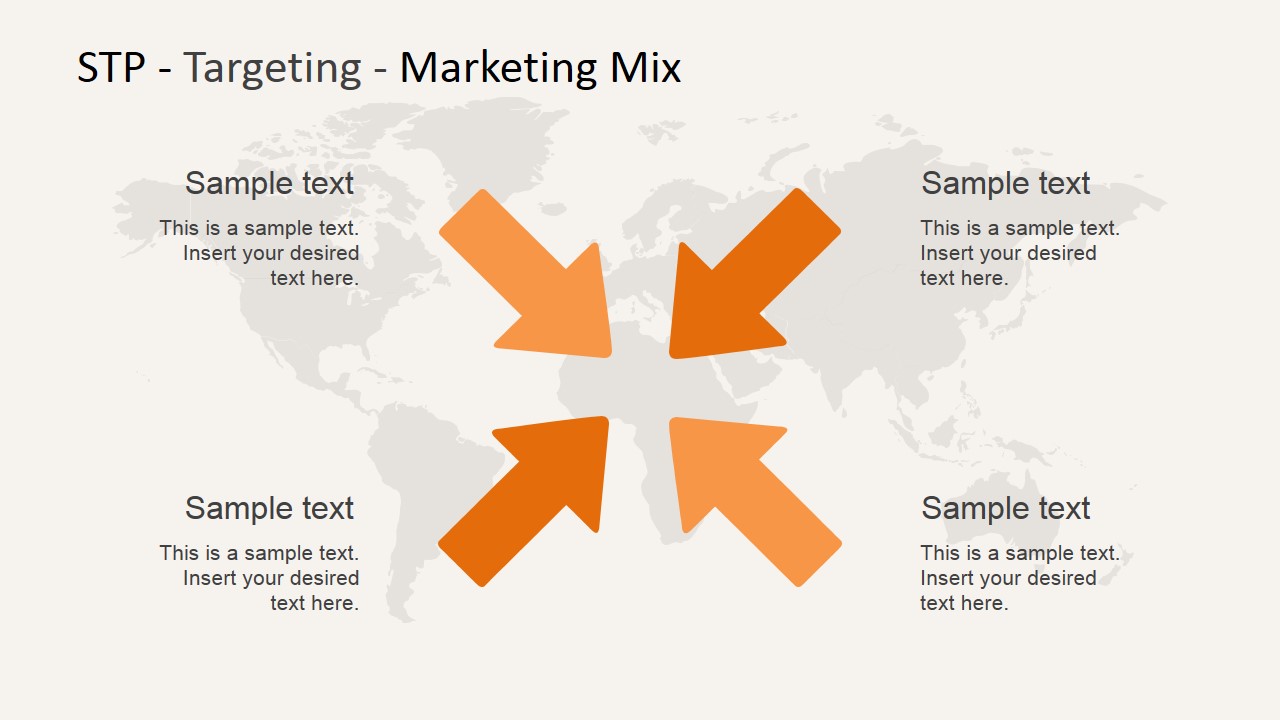
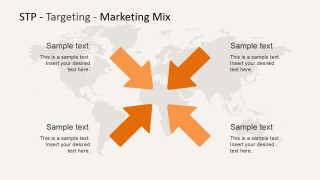
- A consultant can use the targeting arrow diagram to facilitate a workshop where executives compare audience groups and select priority customer segments.
- A brand strategist can use the globe positioning slide to explain how a product should be placed against competitors in a chosen market.
Features
- 100% editable presentation template
- Compatible with Microsoft PowerPoint and Google Slides
- 16:9 aspect ratio slides
- Scalable vector shapes, icons and illustrations
- AI-Ready for Microsoft Copilot and Claude
- Instant access and download
Frequently asked questions
Q: How should a presenter explain the STP process with this template?
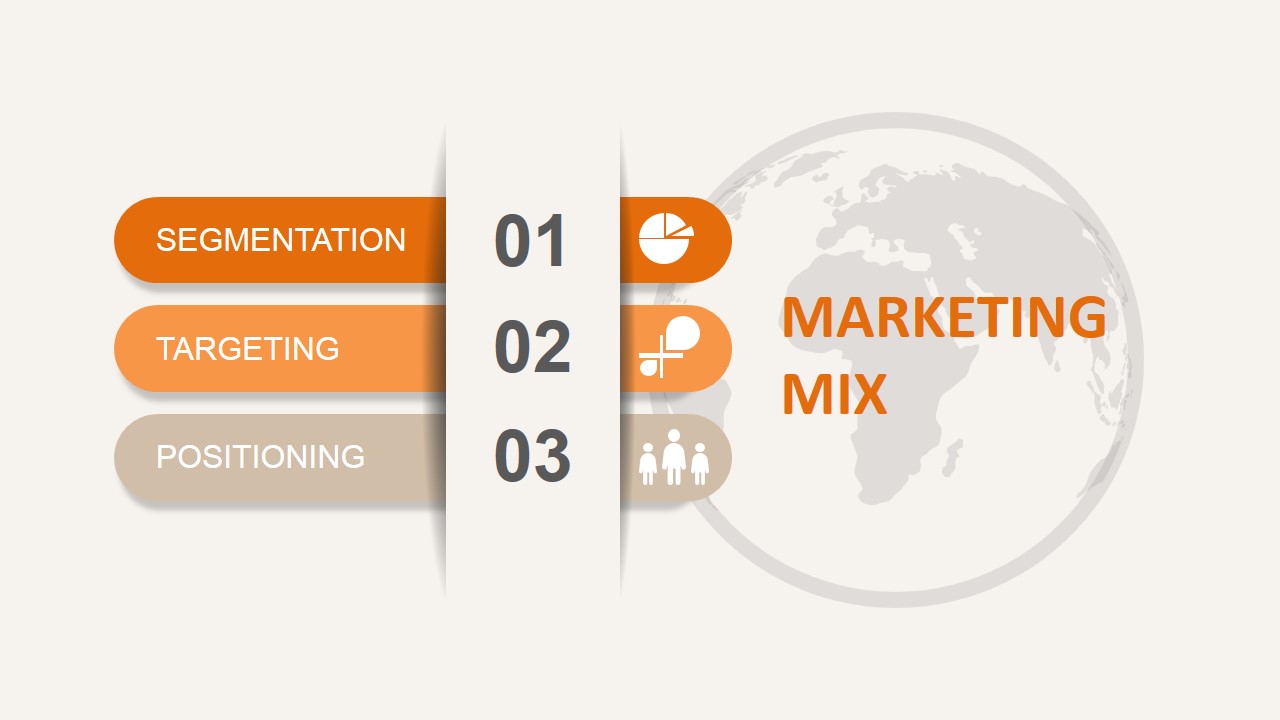
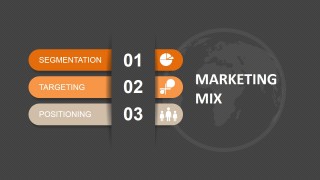
A: Start with the numbered STP cover to frame the sequence, then use the overview slide to define segmentation, targeting, and positioning in plain language. Move into the pencil slide for segmentation details, the inward arrows for target selection, and the globe arrow for market position. Close with the three-column summary to reinforce the final logic.
Q: Who is this template best suited for?
A: This template fits marketing managers, product marketers, consultants, and instructors who need to teach or align a group on STP strategy without building a full marketing plan. It works best when the presenter is comparing customer groups, selecting priority audiences, or explaining the market position of a product or service.
Q: Why do the pencil, arrows, and globe metaphors help the STP message?
A: The pencil makes segmentation feel like a research and definition task, the inward arrows show targeting as a narrowing decision, and the globe with an upward arrow suggests market placement and direction. These metaphors make the sequence easier to remember because each stage has a distinct visual job.



STP Marketing Mix for PowerPoint
7-slide presentation template for STP marketing mix segmentation, targeting, and positioning diagrams
STP Marketing Mix for PowerPoint is a 7-slide presentation template for explaining segmentation, targeting, and positioning decisions. It includes a numbered process cover, world map process overview, pencil segmentation callout, arrow targeting diagram, globe positioning visual, and three-column summary for marketing planners using Microsoft PowerPoint or Google Slides.
- Category
- Marketing
- Rating


 Loading...
- Aspect ratio
- 16:9, 4:3
- Item ID
- 6594-03
- Colors
 Microsoft PowerPoint
  Microsoft Copilot
  Claude for PowerPoint
 Other formats supported
Subscribe today and get immediate
access to download our PowerPoint templates.