Download the 100% editable Storyline Course PowerPoint Template to design interactive learning courses for your students.
A storyline course is an e-learning course developed by using an online articulate storyline tool. We created this template so users can craft interactive storyline courses quickly with a ready-to-use template.
Users can customize the storyline course presentation template and export the slides to the articulate system. Update the placeholder text and add your subject’s relevant content to design the course. Professionals from multiple domains can use this slide template to craft their courses, including Instructional Designers who need to prepare presentations for their courses.
For instance, corporate trainers can develop online course material for employee training presentations. Teachers from educational institutes can develop engaging and animated lessons for their students.
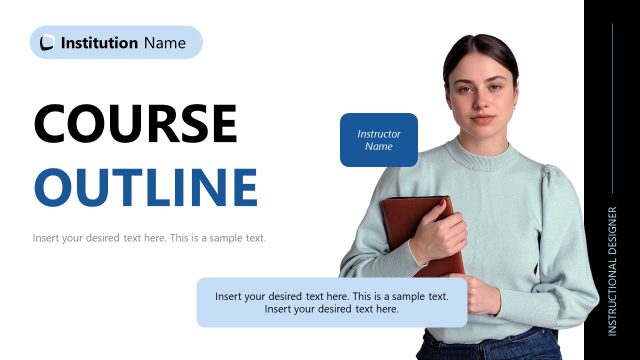
The Storyline Course PowerPoint Template is compatible with all PowerPoint versions. In addition, users can change the storyline PPT template features like animations, infographics, shapes, and icons based on their theme and preferences. This educational storyline slide template starts with a title slide showing the course, anime, title, and company logo. It also shows a start course button.
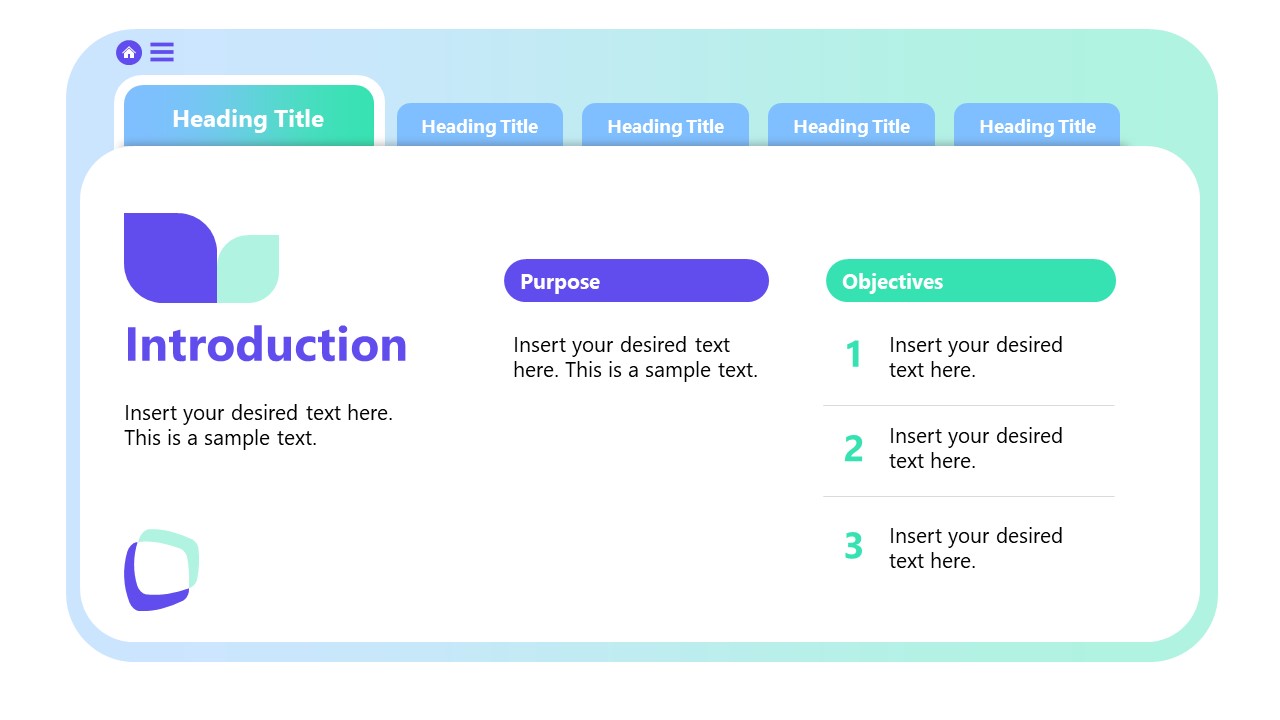
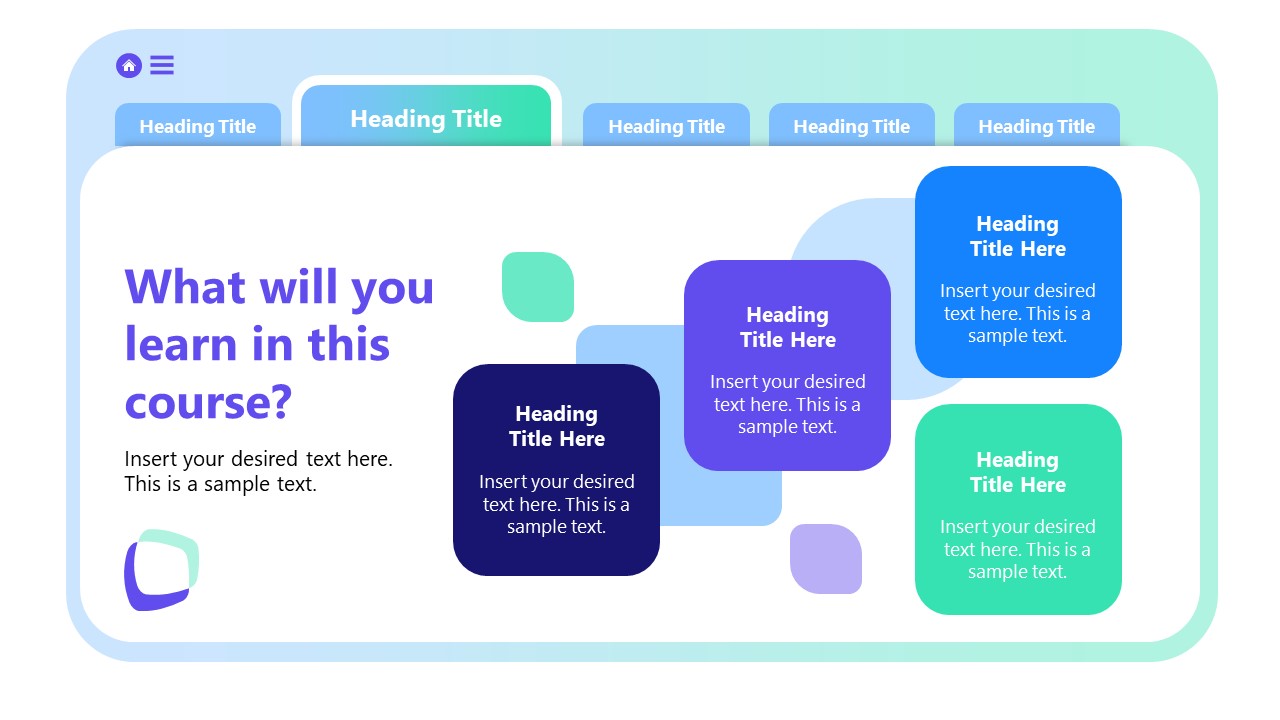
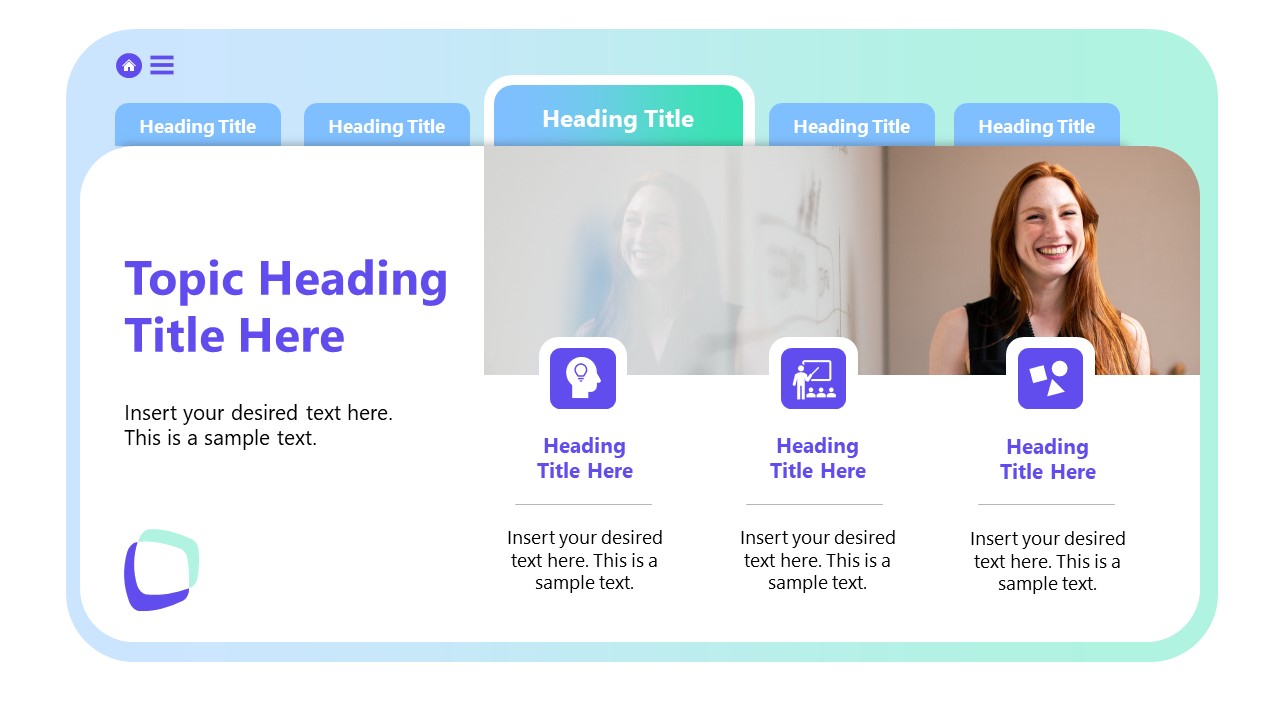
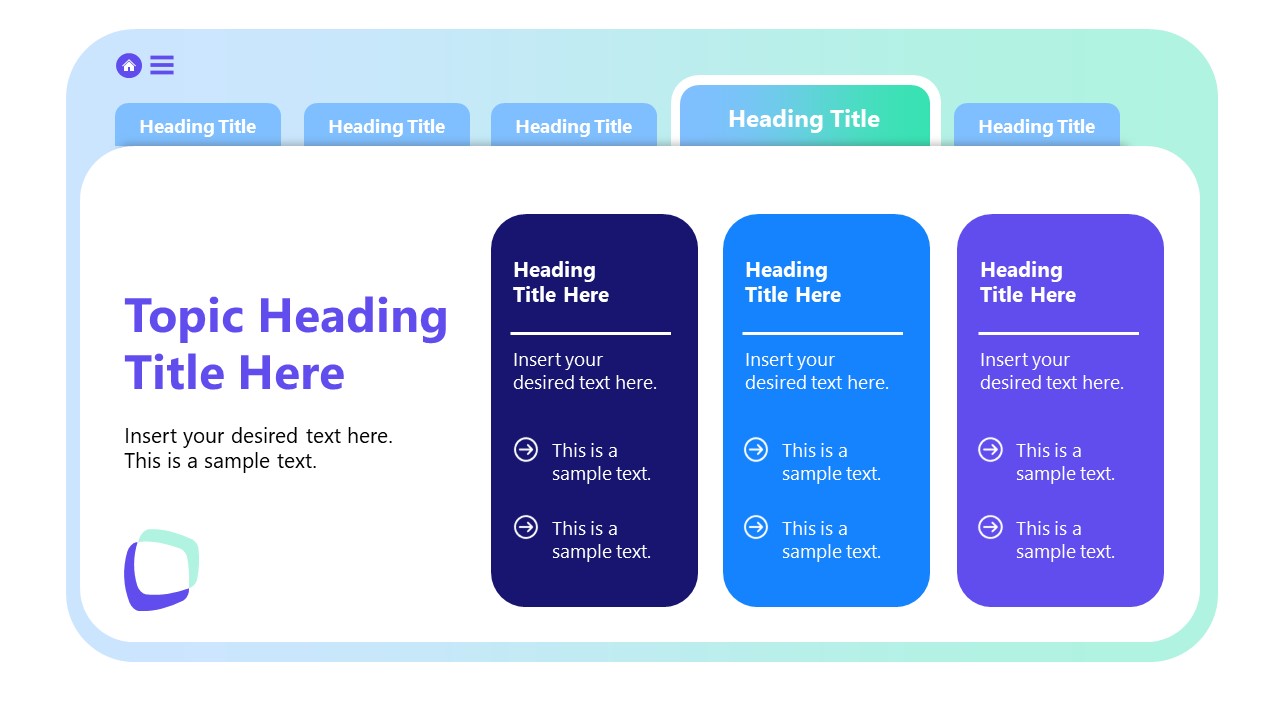
A table of contents slides is available, with a bright blue background and white rectangular boxes to display the course topics. Next, there is a slide with five tabs at its top, which users can change in the following five slides and showcase five major headings in the storyline course. They can use relevant images and soft animations to make the learning material more attractive. In the end, further slides display more headings related to the course presentation.
Users can add different scenarios, quizzes, timelines, stats, images, and videos to enhance engagement with the learners. You can also repurpose the template design and present your thoughts effectively in business meetings. Download the storyline course presentation template and develop your courses effortlessly. Alternatively, you can download other educational PowerPoint templates or learn how to prepare online courses with SCORM and PowerPoint.
What’s inside this template
Example presentation scenarios
- An instructional designer can present a new online course structure to stakeholders using the table of contents slide, tabbed introduction, and module card layouts.
- A corporate trainer can introduce an employee training program by opening with the course cover, listing modules on the agenda, and using the three-card topic slide for learning activities.
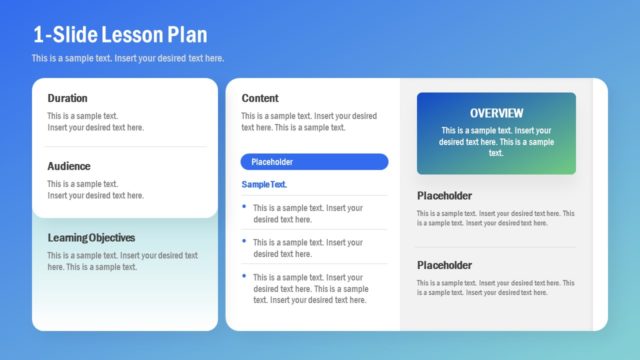
- A teacher can convert a lesson plan into a guided class presentation using the objectives slide, learning outcomes slide, and four-topic matrix for review points.
- A learning and development manager can brief facilitators on course ownership by using the profile slide for instructors and the contact slide for support channels.
Features
- 100% editable presentation template
- Compatible with Microsoft PowerPoint
- 16:9 aspect ratio slides
- Scalable vector shapes, icons and illustrations
- Ready with Animations & Transitions in PowerPoint
- AI-Ready for Microsoft Copilot and Claude
- Instant access and download
Frequently asked questions
Q: How should the presenter structure a course with this template?
A: Start with the cover slide as the course entry point, then use the table of contents as the learner map. The introduction slide should explain purpose and objectives before moving into the tabbed topic layouts. Keep each module page focused on one lesson goal, and use the contact slide for next steps or support.
Q: Who is this template best suited for in a learning project?
A: This template is a good fit for instructional designers, trainers, and teachers who need to frame a course before learners enter detailed material. It works best for short orientation modules, employee onboarding lessons, class units, or workshop introductions where the audience needs clear pathing through topics, objectives, instructors, and follow-up information.
Q: Why does the interface-style layout help course communication?
A: The start button, top navigation tabs, rounded cards, and icon blocks create a familiar digital course metaphor. Learners can see where they are in the module and how content is grouped. This visual system reduces wandering attention because headings, objectives, lesson blocks, and contact details each have a predictable place.






Storyline Course PowerPoint Template
10-slide presentation template for storyline courses, syllabus navigation, and eLearning lesson modules
The Storyline Course PowerPoint Template is a 10-slide Microsoft PowerPoint deck for building guided eLearning course presentations. It includes a course cover, table of contents, introduction with objectives, tabbed module pages, learning outcome cards, a four-topic matrix, instructor profile placeholders, and a contact slide for trainers and instructional designers.
- Category
- Template Backgrounds
- Rating

 Loading...
- Aspect ratio
- 16:9
- Item ID
- 85078-01
- Colors
 Microsoft PowerPoint
 Microsoft Copilot
 Claude for PowerPoint
Other formats supported
Subscribe today and get immediate
access to download our PowerPoint templates.