Storytelling Theme PowerPoint Template – This template provides a theme based on the storytelling structure, applied to creating compelling messages. The process consists of understanding the story elements, and brainstorm with tams in order to create a storyboard ready for a message.
In the context of business, Storytelling is gaining a great traction in Marketing. With the over communication era, consumers are over-exposed to different messages, and traditional marketing communications are showing a decay in attention, retention, engagement and fidelity. Today’s consumers are prone to engage with Stories and not only with brands. This marketing trend has triggered several studies under academia and entrepreneurial environments, trying to reach customers in a more attractive and lean approach. Applying traditional storytelling design to new marketing messages, digital marketers have identified that consumers relate much closely with the marketed asset.
Storytelling is a chaining of events in words, sound or images. Stories have been the main cultural communication mean for entertainment, education,cultural preservation and values. The main elements of stories are plot, characters and the narrative. The Storytelling Theme PowerPoint Template provides five slides that allows the presenter to summarize the results of the storyboard design and the storytelling script.
The presenter can describe the Story created for the Ad or Marketing Campaign in the following sequence:
- Story summary : cover slide: executive summary of the story.
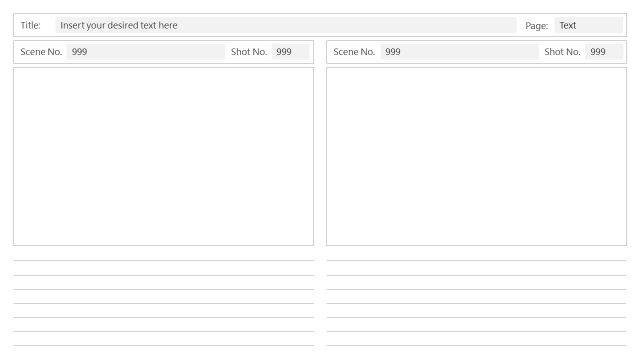
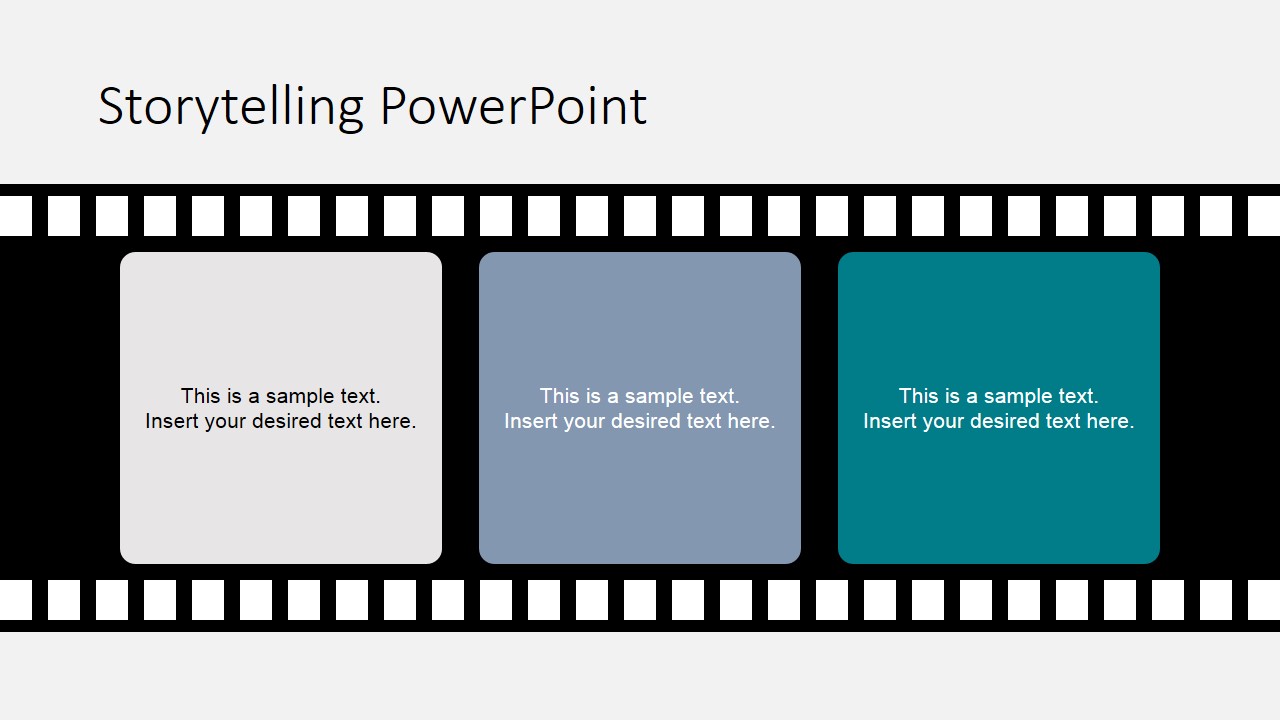
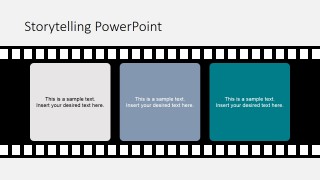
- Storyboard: Three main drawings of the script that represent the start, plot and ending of the story.
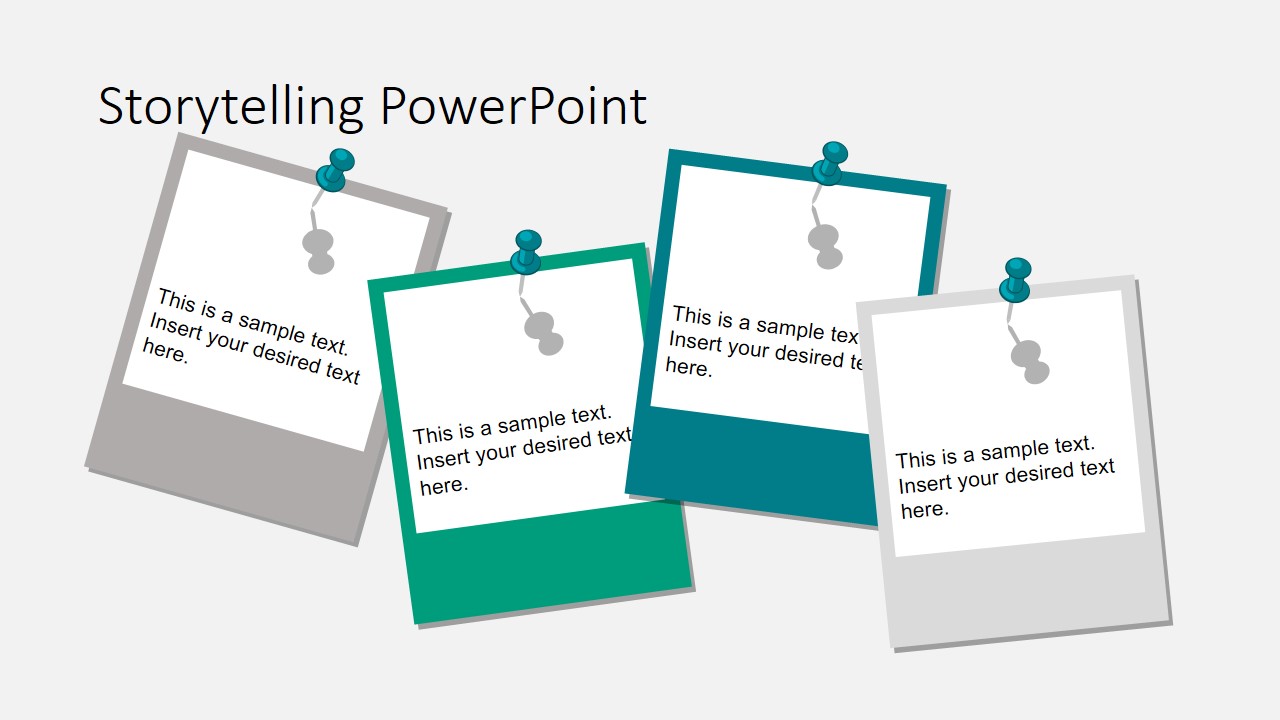
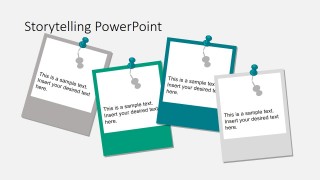
- Storyboard: Main Scenes. Describe the main scenes of the story , their objective and how they chain.
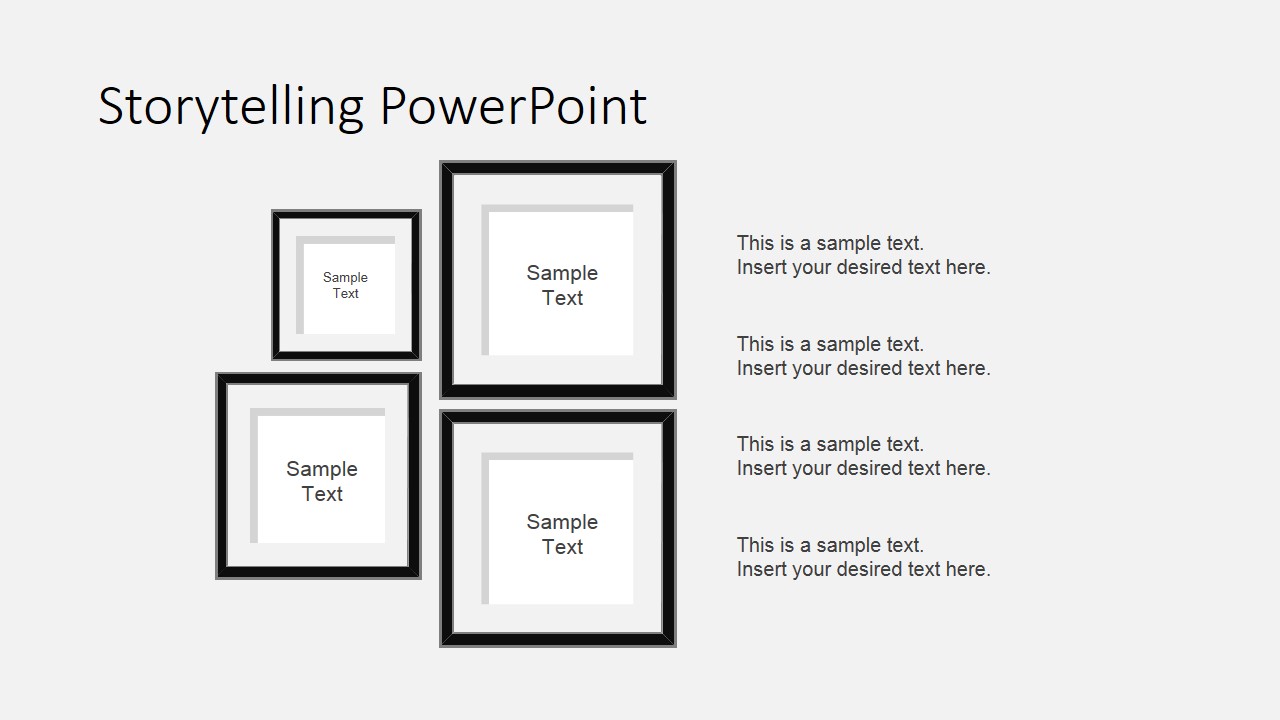
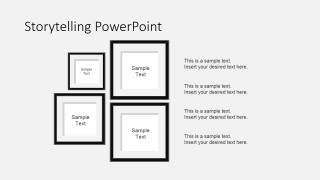
- Characters: Describe each character and their importance in the story.
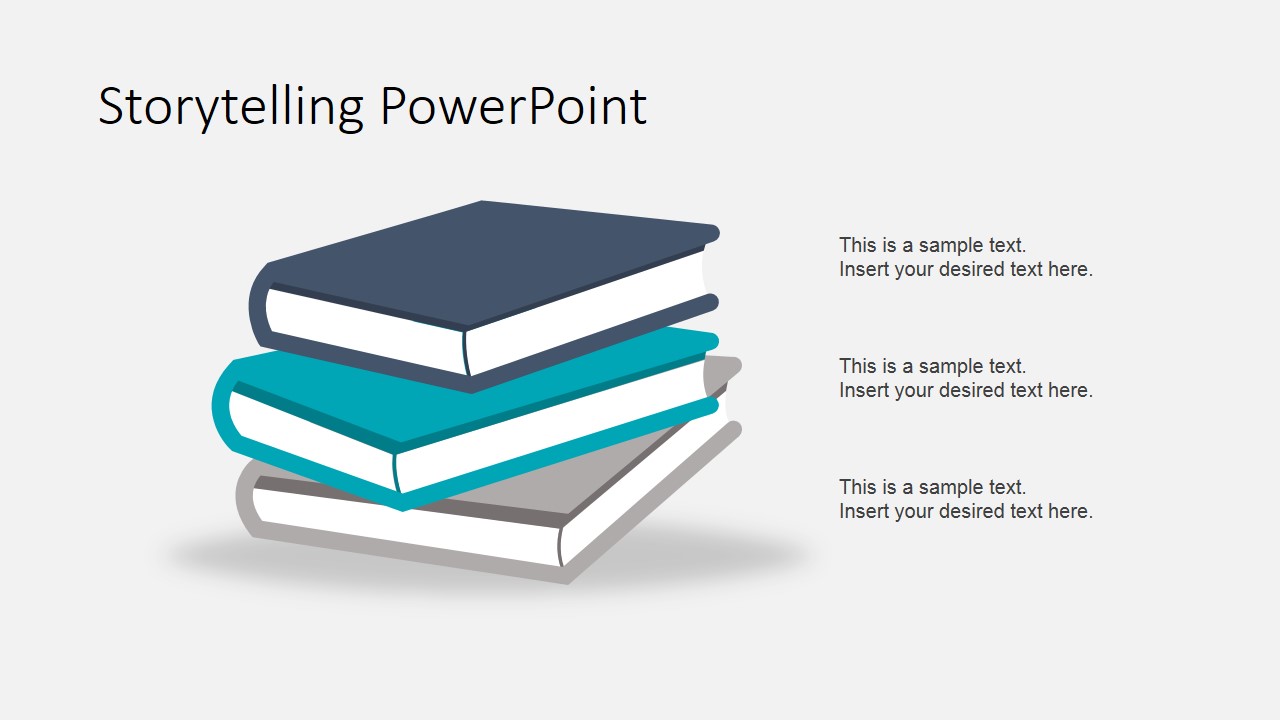
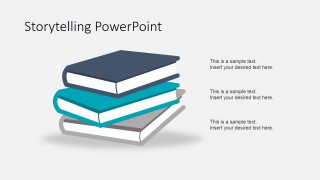
- Plot: It is important to describe the connection between the story and the consumer. The story need to be understood and need to engage. At the end of the storytelling process, a written story/script should be publishable.
Impress your audience describing the Storytelling process and outcomes from your creative team with our Storytelling Theme PowerPoint Template.
What’s inside this template
Example presentation scenarios
- A creative director can use the filmstrip storyboard slide to present the start, plot turn, and ending of a campaign video to a client review panel.
- A marketing strategist can use the pinned note card layout to compare main scenes, scene objectives, and message beats during a campaign planning meeting.
- A brand manager can use the character frame slide to explain customer personas, spokespeople, or story roles before approving a narrative direction.
- A communications trainer can use the book-and-text plot slide to teach how story structure connects a message to audience motivation.
Features
- 100% editable presentation template
- Compatible with Microsoft PowerPoint and Google Slides
- 16:9 aspect ratio slides
- Scalable vector shapes, icons and illustrations
- AI-Ready for Microsoft Copilot and Claude
- Instant access and download
Frequently asked questions
Q: How should a presenter organize the message with this storytelling template?
A: Start with the cover slide as a short story summary, then use the three filmstrip panels to show the beginning, middle, and ending. Move into pinned notes for scene objectives, use the frame layout to define characters, and close with the book slide to explain the plot logic and audience connection.
Q: Who is this template best suited for?
A: This template fits marketers, advertisers, content strategists, educators, and creative teams that need to explain a story idea before production. It is especially useful when the discussion is about narrative flow, campaign scripts, customer-facing messages, or a storyboard that must be reviewed by non-design stakeholders.
Q: Why do the filmstrip, note card, frame, and book metaphors help the presentation?
A: The visual metaphors make abstract story planning easier to follow. The filmstrip signals sequence, the pinned notes suggest brainstormed scenes, the picture frames isolate characters, and the book illustration points to plot. Together they help the audience separate story elements without needing a dense script document.
Storytelling Theme PowerPoint Template
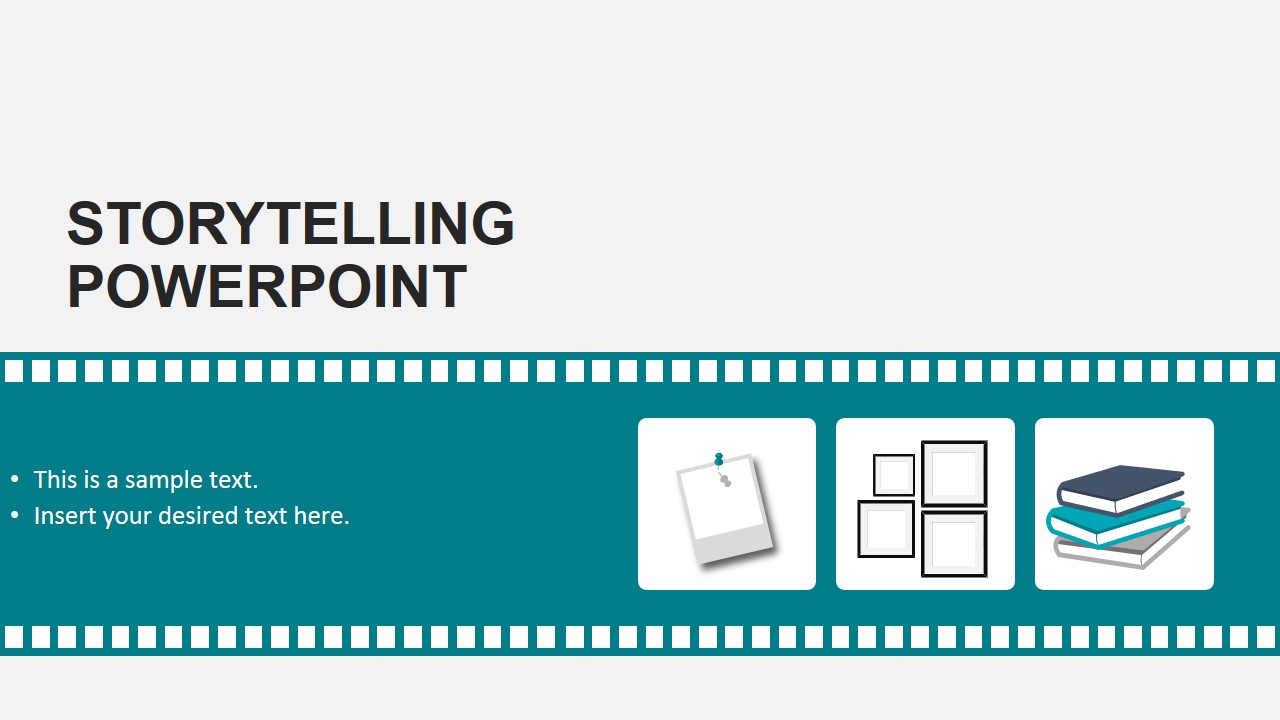
5-slide storytelling presentation template with storyboard filmstrip, pinned notes, and character frames
Storytelling Theme PowerPoint Template is a 5-slide presentation for shaping a marketing or communication narrative. It includes a cover with filmstrip styling, a three-panel storyboard filmstrip, pinned note cards, character picture frames, and a book-based plot slide for Microsoft PowerPoint and Google Slides.
- Category
- Shapes
- Rating


 Loading...
- Aspect ratio
- 16:9, 4:3
- Item ID
- 6833-01
- Colors
 Microsoft PowerPoint
  Microsoft Copilot
  Claude for PowerPoint
 Other formats supported
Subscribe today and get immediate
access to download our PowerPoint templates.