Slide 3 of 3 from Spiral Diagram for PowerPoint
1134-spiral-diagram-wide-3
New & Obsolete Process Diagram Overview
- Diagram
- Comparison Split
- Process Slide
- 16:9
- 100% Editable
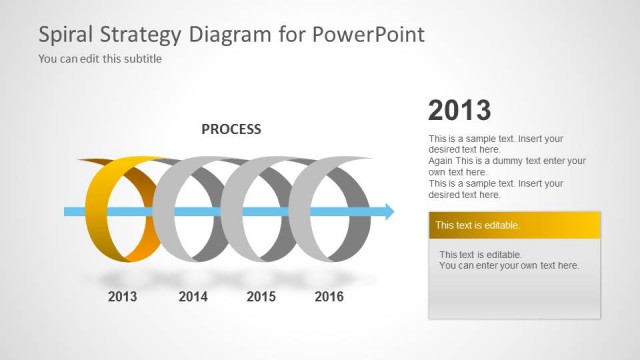
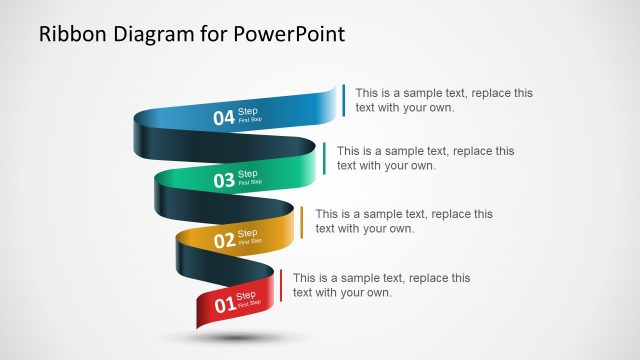
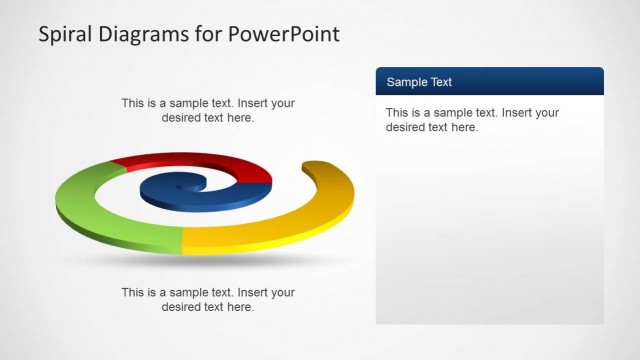
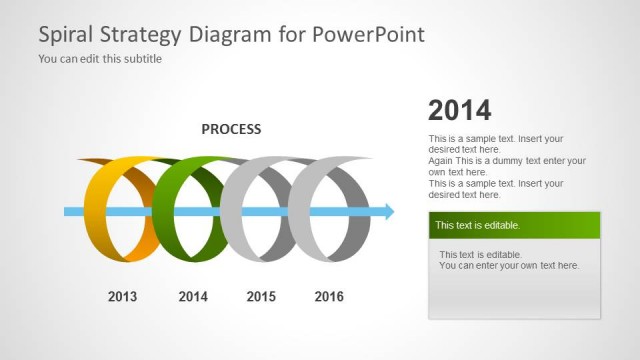
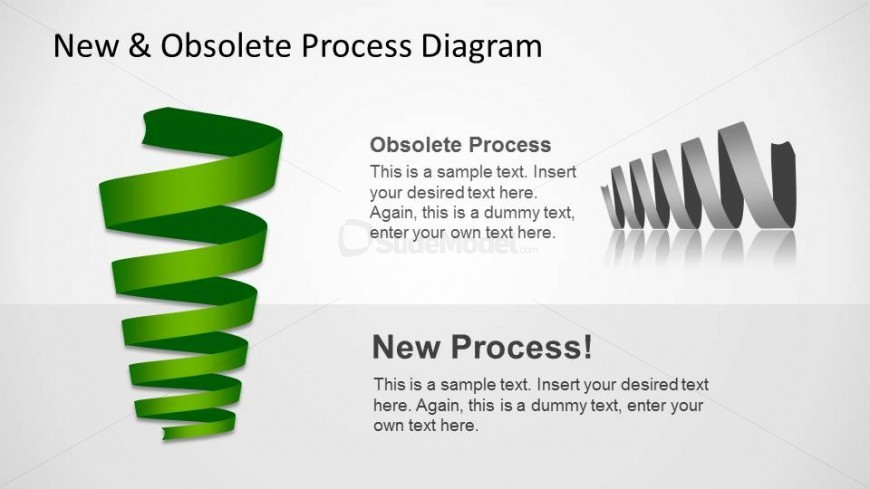
The New & Obsolete Process Diagram slide from the Spiral Diagram for PowerPoint template offers a clear visual comparison of outdated and updated workflows. Designed for business presentations, this slide template uses editable shapes and contrasting vector icons to highlight process improvements, making it suitable for project management and strategic planning discussions.
What’s on This Slide
The layout features a spiral diagram on the left, colored green, representing the obsolete process, and a series of gray, angular shapes on the right, symbolizing the new process. The spiral has a smooth, flowing design, while the angular shapes provide a contrasting visual. Above the spiral, there are text placeholders for titles and descriptions, aligned centrally. The overall background is light, enhancing the visibility of the elements. Text placeholders are present for both the obsolete and new process sections, allowing for clear differentiation.
How to Use It
This layout serves as a comparative analysis tool, illustrating the transition from an obsolete process to a new one. It fits well in a presentation sequence that discusses process improvements or changes. This structure is useful in business scenarios such as project management, operational efficiency discussions, or strategic planning sessions where highlighting the evolution of processes is essential. It can effectively communicate shifts in methodologies or technologies.
Text Placeholders & Capacity
Keep your copy within these limits so it fits without resizing. Body slots can hold about 15-20 words each.
| Placeholder | Count | Max characters (approx.) |
|---|---|---|
| Slide title | 1 | 30 |
| Item heading | 2 | 20 |
| Item body | 2 | 100 |
Slide Keywords
Download unlimited PowerPoint templates, charts and graphics for your presentations with our annual plan.
DOWNLOADReturn to Spiral Diagram for PowerPoint.