Slide 1 of 8 from Spiral Chart Diagram for PowerPoint
6102-01-spiral-chart-diagram-1
Spiral Charts for PowerPoint - Slide 1
- Diagram
- Spiral
- Process Slide
- 16:9
- 100% Editable
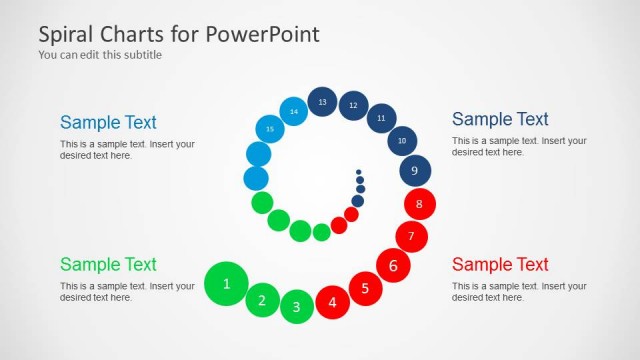
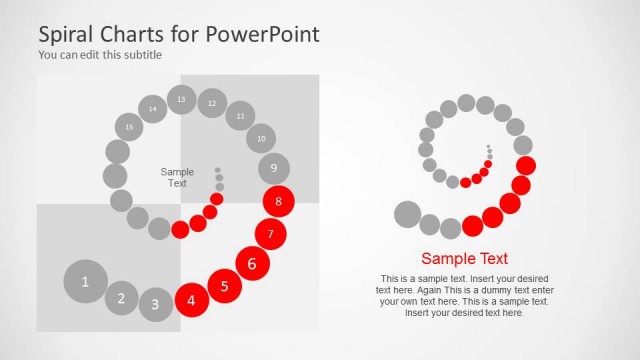
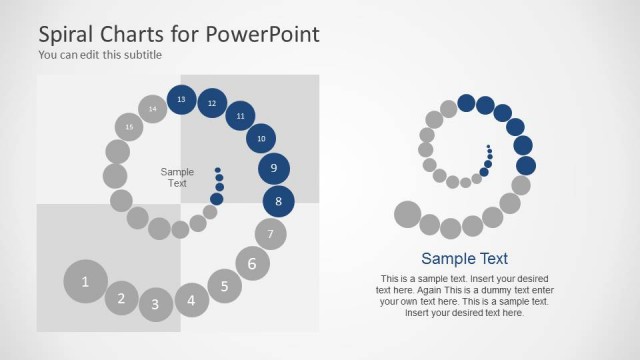
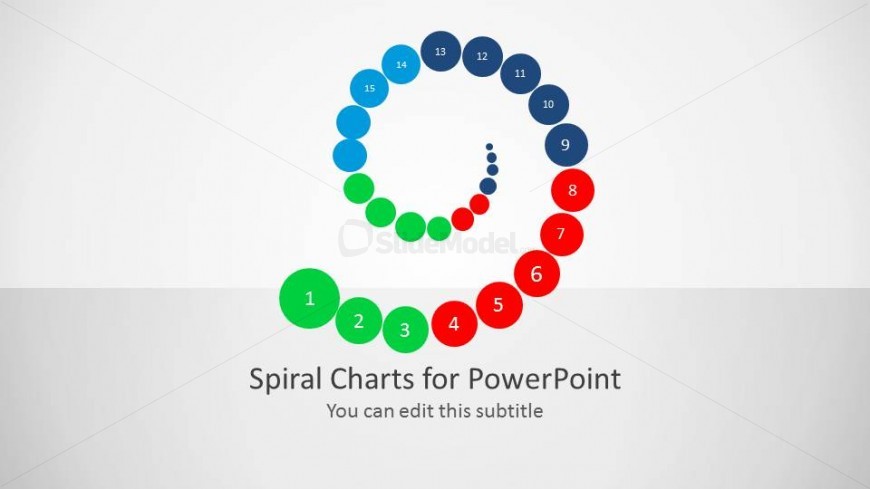
The Spiral Chart with Numbered Nodes slide from the Spiral Chart Diagram for PowerPoint template offers a clear visual for presenting iterative workflows and project phases. This slide layout uses editable shapes and vibrant vector icons arranged in a spiral to guide viewers through product stages or continuous improvement processes, making it suitable for business presentations and corporate slide decks.
What’s on This Slide
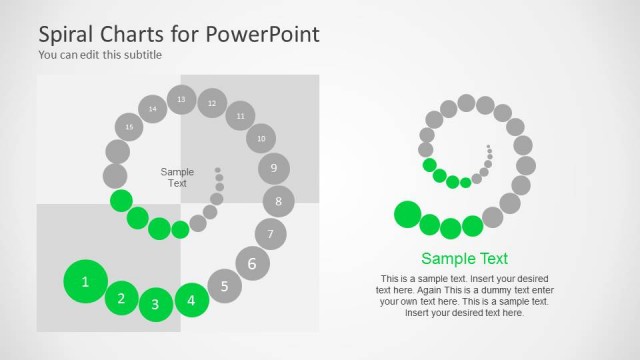
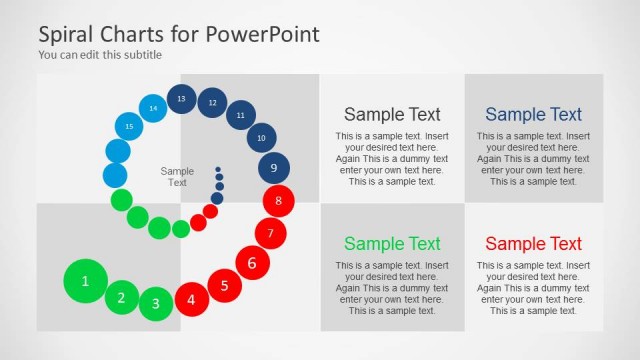
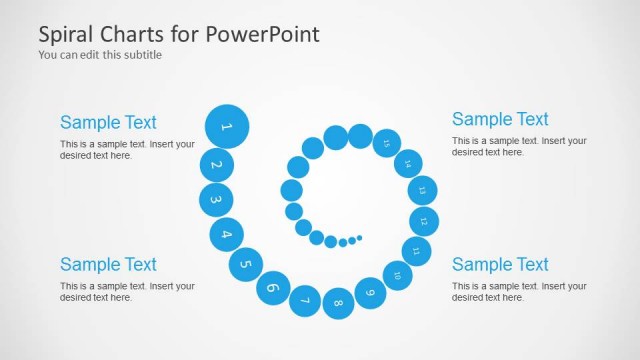
The layout features a spiral chart with 15 numbered nodes arranged in a circular pattern. The nodes are colored in a gradient from blue to green, then red, with each number positioned along the spiral's path. At the bottom, there is a title placeholder stating 'Spiral Charts for PowerPoint' and a subtitle placeholder for editing. The background is light gray, providing contrast to the vibrant colors of the nodes. The visual hierarchy emphasizes the spiral's flow and the numbered sequence of nodes, guiding the viewer's eye along the curve.
How to Use It
This layout serves as a visual representation of a cyclical process or iterative workflow. It can be effectively used to illustrate stages of development, phases of a project, or steps in a process. Positioned at the beginning of a presentation, it can introduce key concepts or frameworks. In business contexts, it is suitable for discussions on product life cycles, project management phases, or continuous improvement processes, making it versatile for various presentations.
Text Placeholders & Capacity
Keep your copy within these limits so it fits without resizing. Node labels can accommodate short numbers or identifiers.
| Placeholder | Count | Max characters (approx.) |
|---|---|---|
| Slide title | 1 | 30 |
| Subtitle | 1 | 50 |
| Item heading | 15 | 2 |
Slide Keywords
Download unlimited PowerPoint templates, charts and graphics for your presentations with our annual plan.
DOWNLOADReturn to Spiral Chart Diagram for PowerPoint.