Slide 2 of 8 from Spiral Chart Diagram for PowerPoint
6102-01-spiral-chart-diagram-2
Spiral Chart Diagram for PowerPoint
- Diagram
- Other
- Process Slide
- 16:9
- 100% Editable
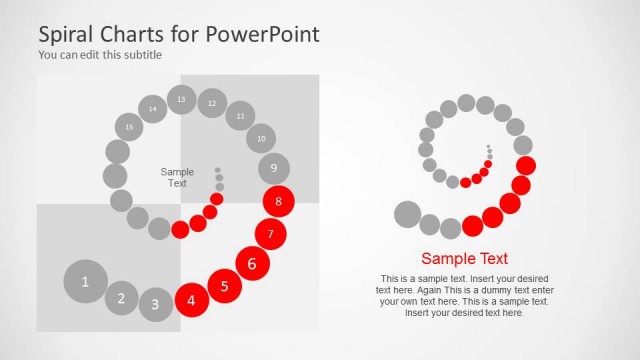
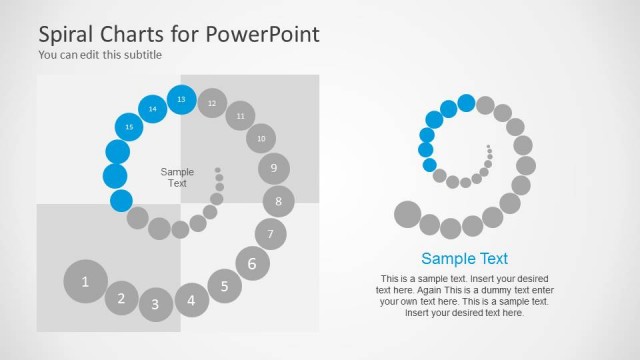
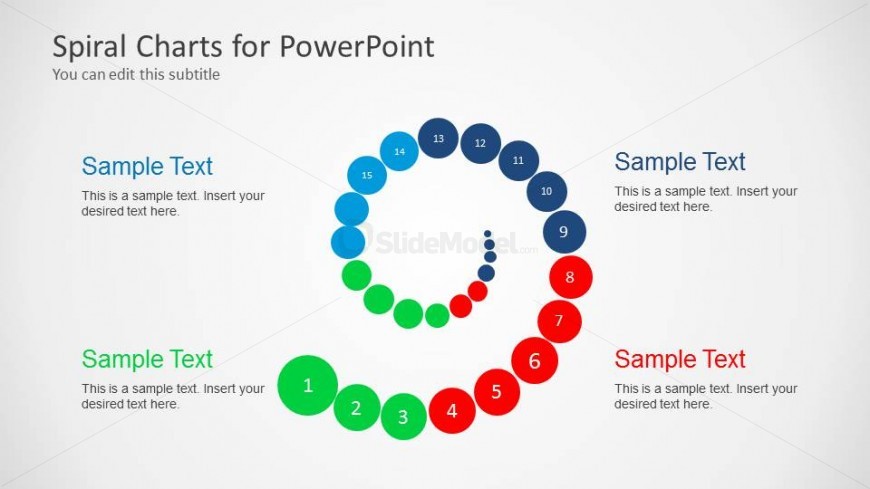
The Spiral Chart with Numbered Nodes slide from the Spiral Chart Diagram for PowerPoint template offers a clear visual for illustrating iterative workflows and process stages. This slide layout uses editable shapes and numbered nodes arranged in a spiral to guide audiences through complex business presentation content. It is well suited for corporate presentations and pitch deck templates that require a structured depiction of product development or project phases.
What’s on This Slide
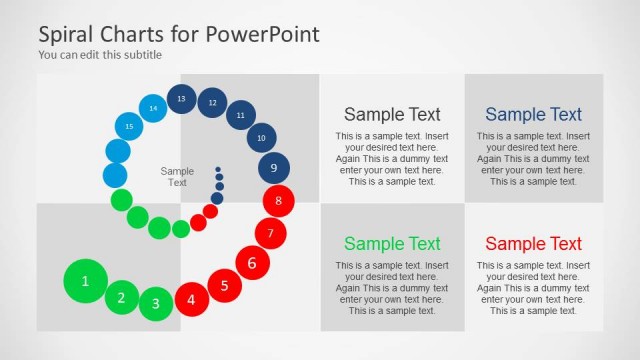
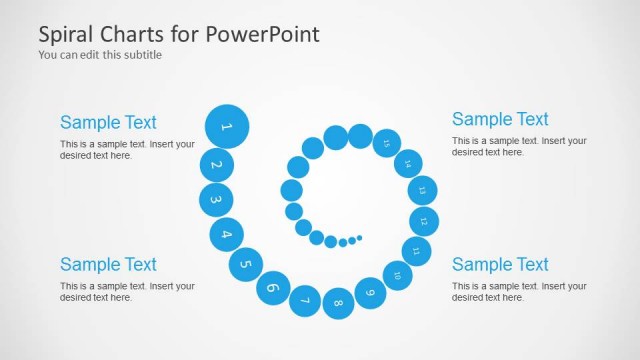
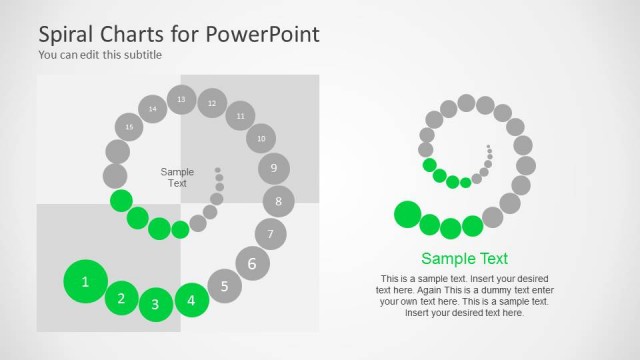
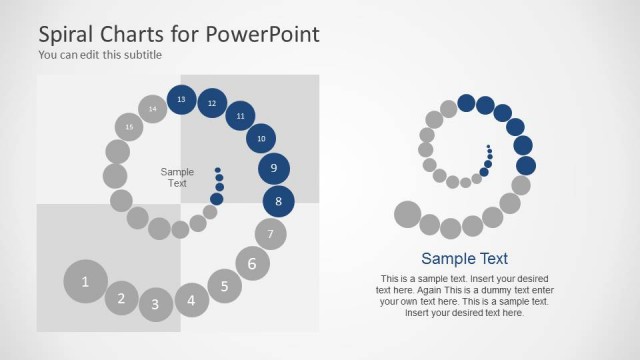
The layout features a spiral diagram composed of circular nodes arranged in a helical pattern. The nodes are numbered from 1 to 15, with alternating colors of blue, green, red, and gray. Text placeholders are positioned adjacent to the nodes, with the title and subtitle at the top left. The background is light gray, enhancing the visibility of the spiral. The visual hierarchy emphasizes the spiral's flow, directing attention from the outer nodes inward. Each node contains a sample text placeholder for content insertion.
How to Use It
This layout serves as a visual representation of processes or stages, ideal for illustrating cyclical concepts or iterative workflows. It fits well in presentations discussing product development, project phases, or strategic planning. The spiral format allows for a clear progression of ideas, making it suitable for business contexts where clarity and visual engagement are essential. It can be used to highlight key milestones or steps in a process, effectively guiding the audience through complex information.
Text Placeholders & Capacity
Keep your copy within these limits so it fits without resizing. Node labels can accommodate about 20 characters each.
| Placeholder | Count | Max characters (approx.) |
|---|---|---|
| Slide title | 1 | 30 |
| Subtitle | 1 | 40 |
| Item heading | 15 | 20 |
| Item body | 15 | 60 |
Slide Keywords
Download unlimited PowerPoint templates, charts and graphics for your presentations with our annual plan.
DOWNLOADReturn to Spiral Chart Diagram for PowerPoint.