Slide 4 of 8 from Spiral Chart Diagram for PowerPoint
6102-01-spiral-chart-diagram-4
Spiral Chart Diagram for PowerPoint
- Diagram
- Spiral
- Process Slide
- 16:9
- 100% Editable
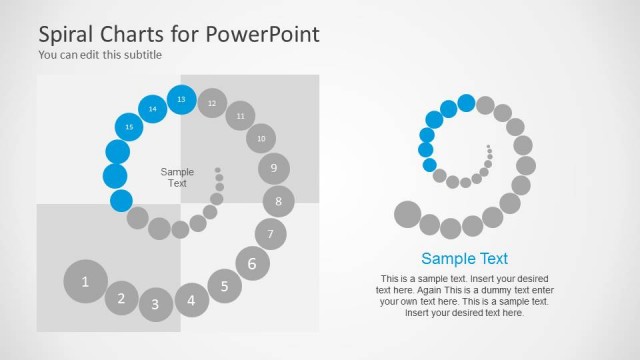
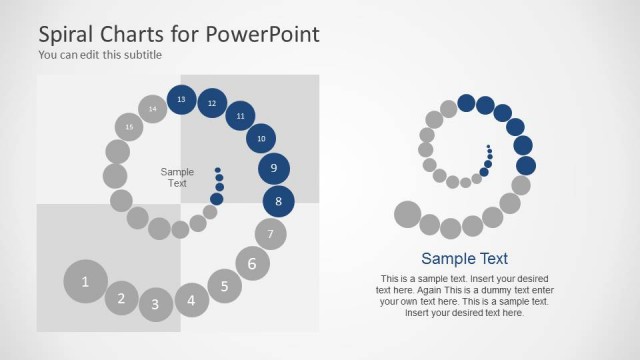
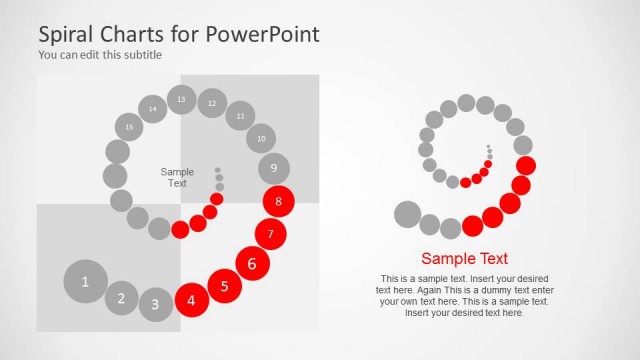
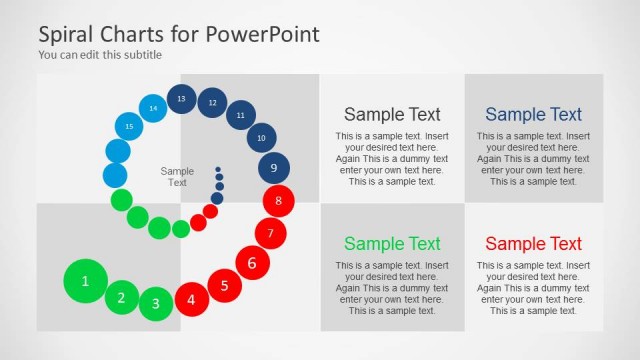
The Spiral Chart with Callouts slide from the Spiral Chart Diagram for PowerPoint template offers a clear visual tool for illustrating cyclical processes and project timelines. This slide layout includes editable shapes and numbered nodes arranged in a clockwise spiral, making it ideal for business presentations and pitch decks that require detailed depiction of product stages or iterative workflows.
What’s on This Slide
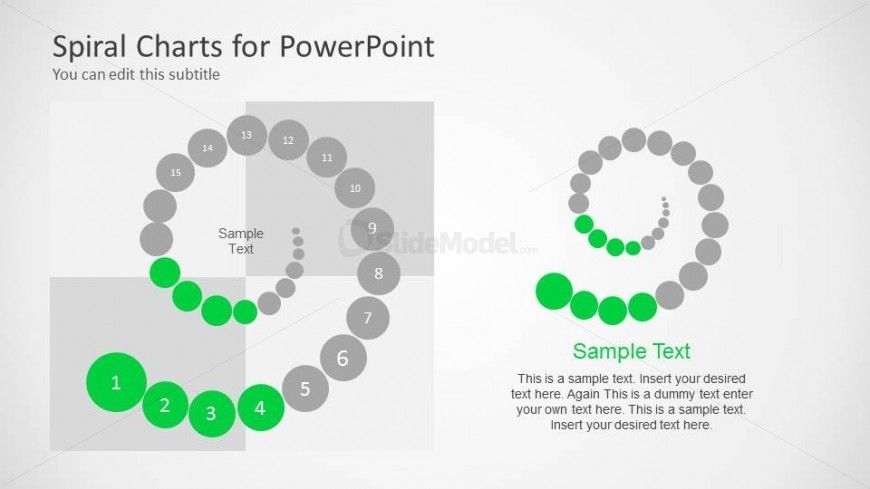
The layout features a spiral chart positioned centrally, composed of circular nodes in varying sizes. The largest nodes are green, numbered 1 to 4, while smaller gray nodes are numbered 5 to 15. Text placeholders are present, including a title at the top left, a subtitle beneath it, and sample text within the spiral. The background is light with a subtle gradient, enhancing the visual hierarchy. The spiral flows clockwise, with nodes evenly spaced, and the overall composition is balanced and organized.
How to Use It
This layout serves to illustrate processes or stages in a cyclical manner, making it suitable for presentations on iterative workflows or phased developments. It fits well after a problem slide, providing a visual transition to solutions. In a business context, it can be used to depict product development stages or project timelines, helping to clarify complex processes in a straightforward format.
Text Placeholders & Capacity
Keep your copy within these limits so it fits without resizing. Node labels can accommodate brief text, while body text slots are more spacious.
| Placeholder | Count | Max characters (approx.) |
|---|---|---|
| Slide title | 1 | 30 |
| Subtitle | 1 | 50 |
| Item heading | 15 | 5 |
| Item body | 3 | 150 |
Slide Keywords
Download unlimited PowerPoint templates, charts and graphics for your presentations with our annual plan.
DOWNLOADReturn to Spiral Chart Diagram for PowerPoint.