Slide 7 of 7 from Simple Balance Sheet PowerPoint Template
6136-01-balance-sheet-powerpoint-template-7
Balance Sheet for PowerPoint Slide
- Diagram
- Other
- Financial Summary Slide
- 16:9
- 100% Editable
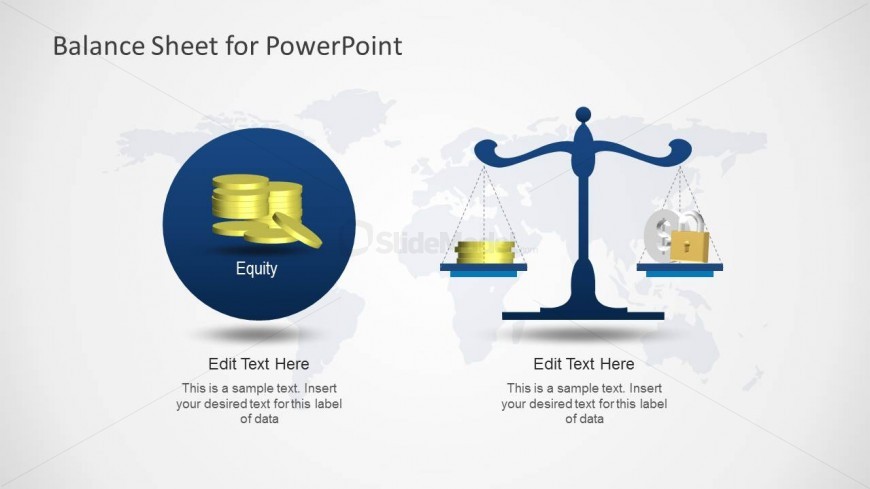
The Balance Sheet for PowerPoint slide from the Simple Balance Sheet PowerPoint Template offers a clear financial summary layout ideal for investment analysis and equity discussions. This slide features editable shapes and vector icons arranged to visually balance equity and liabilities, making it a practical choice for corporate presentations and business presentation slide decks focused on financial health.
What’s on This Slide
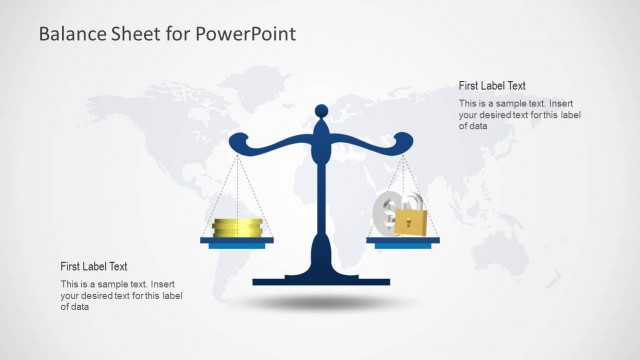
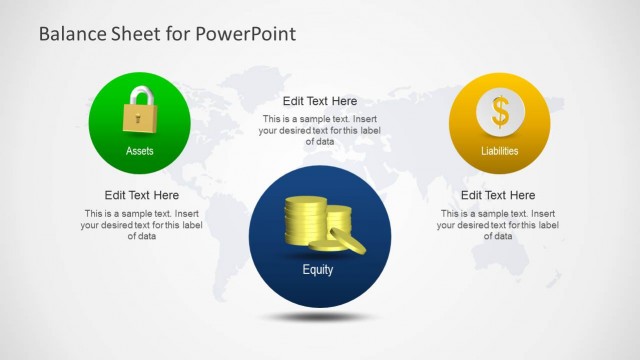
The slide features a balanced design with two main sections. On the left, a circular blue shape contains gold coins, labeled 'Equity.' Below this, there is a text placeholder for additional information. On the right, a scale graphic balances two items, with a text placeholder beneath for further details. The background is light with a subtle world map design, enhancing the financial theme. The visual hierarchy emphasizes the icons and text, creating a clear distinction between the two sections.
How to Use It
This layout serves as a visual representation of a balance sheet, ideal for summarizing financial data. It fits well at the end of a presentation, summarizing key financial metrics. Suitable for finance professionals, it can be used to present equity and liabilities clearly. This structure is effective for discussions on financial health, investment summaries, or equity analysis, making it a versatile tool for financial reporting.
Text Placeholders & Capacity
Keep your copy within these limits so it fits without resizing. Node body slots can hold approximately 15-20 words each.
| Placeholder | Count | Max characters (approx.) |
|---|---|---|
| Slide title | 1 | 30 |
| Item heading | 2 | 20 |
| Item body | 2 | 100 |
Slide Keywords
Download unlimited PowerPoint templates, charts and graphics for your presentations with our annual plan.
DOWNLOADReturn to Simple Balance Sheet PowerPoint Template.