Slide 2 of 4 from Balance PowerPoint Shape
Money Balanced Weight with 3D Spheres
Balance Comparison Diagram for Presentations
- Diagram
- Comparison Split
- Comparison Slide
- 16:9
- 100% Editable
The Balance Comparison Diagram slide from the Balance PowerPoint Shape template offers a clear visual tool for illustrating financial and performance comparisons between two periods. Designed for business presentations and strategic planning, this slide uses editable shapes and vector icons to highlight budget analysis and trade-offs effectively. Its layout supports concise communication in corporate presentations and pitch deck templates.
About This Slide
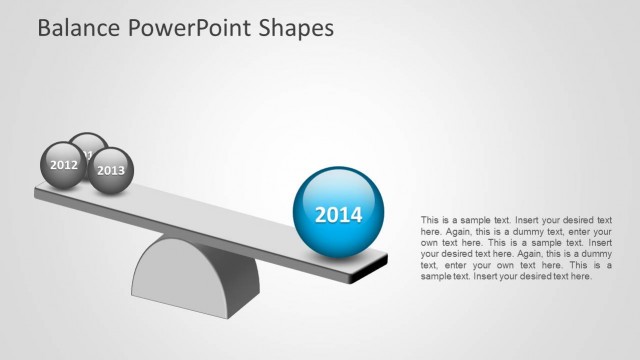
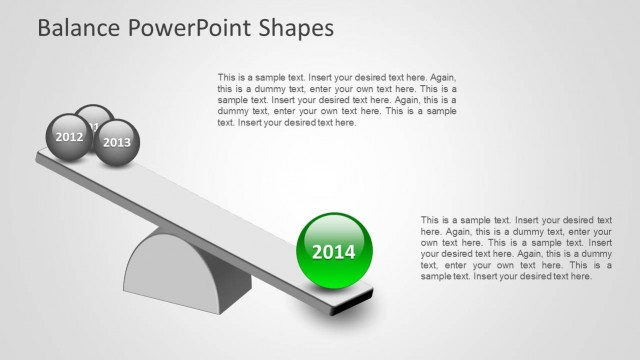
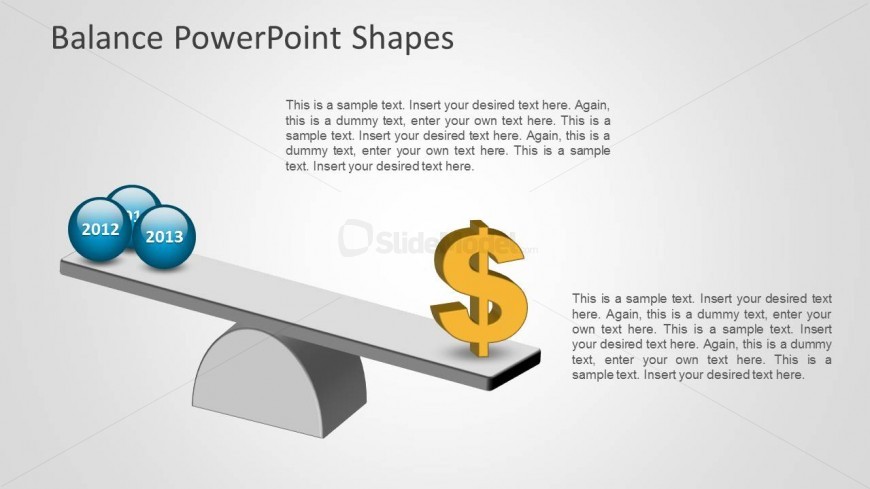
This slide provides the Balance metaphor represented as a Gray simple Teeter Totter with a group of 3D Sphere in one side and a big 3D Money Symbol in the other side. The slide looks as the Teeter Totter is slightly inclined to the money side, but they keep in equilibrium. Ideal form “Money Weight” Metaphors, this slide is 100% Editable as each object is created as PowerPoint shapes.
What’s on This Slide
The slide features a 3D balance scale positioned centrally, with two spheres labeled '2012' and '2013' on the left side. A dollar symbol is placed on the right side of the scale. Text placeholders are located above the scale and below the dollar symbol, aligned to the center. The background is a light gradient, enhancing the visual contrast of the elements. The spheres are equal in size and color, while the dollar symbol is larger and more prominent, creating a visual hierarchy. Additional text placeholders are present, allowing for further content insertion.
How to Use It
This layout serves as a comparison diagram, illustrating trade-offs between two years and financial implications. It fits well in a presentation sequence after introducing a problem or context, leading into detailed analysis. Suitable for business scenarios such as performance reviews, budget discussions, or strategic planning sessions, it effectively communicates the balance between different factors. The visual structure supports clear comparisons, making it ideal for decision-making discussions.
Text Placeholders & Capacity
Keep your copy within these limits so it fits without resizing. Body slots can hold about 15-20 words each.
| Placeholder | Count | Max characters (approx.) |
|---|---|---|
| Slide title | 1 | 30 |
| Item heading | 2 | 4 |
| Item body | 3 | 120 |
Slide Keywords
Download unlimited PowerPoint templates, charts and graphics for your presentations with our annual plan.
DOWNLOADReturn to Balance PowerPoint Shape.