Slide 2 of 2 from Simple A vs B PowerPoint Slide Template
Simple A vs B Template for PowerPoint
A vs B Comparison Slide Template
- Text Layout
- Other
- Comparison Slide
- 16:9
- 100% Editable
The Comparison of A vs B slide from the Simple A vs B PowerPoint Slide Template offers a clear two-column layout ideal for business presentations requiring product comparisons or performance evaluations. This slide uses editable shapes and vector icons to visually separate options, supporting effective decision-making in corporate presentations or pitch deck templates.
What’s on This Slide
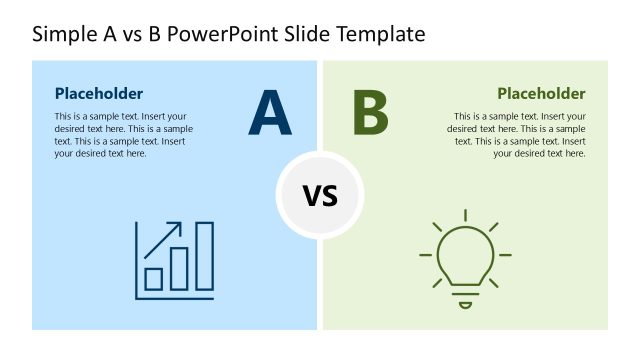
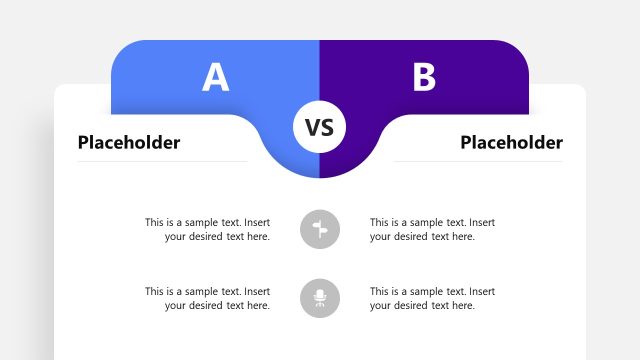
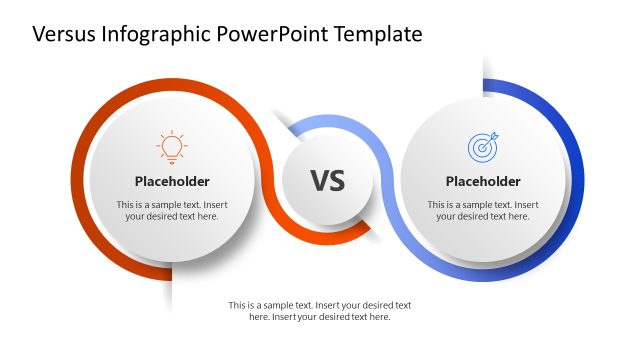
The slide features a two-column layout with a central circular node labeled 'VS'. The left column is blue, containing a chart icon and a text placeholder aligned at the top. The right column is green, featuring a light bulb icon and a similar text placeholder. Each column has a prominent label, 'A' on the left and 'B' on the right, both centered above their respective content. The background is dark, enhancing the contrast of the colors. The overall composition is balanced, with clear visual separation between the two sections.
How to Use It
This layout serves as a direct comparison between two options, making it suitable for scenarios such as product comparisons or performance evaluations. It fits well in a presentation sequence following an introduction or problem statement. Use this slide to highlight the benefits and drawbacks of each choice, facilitating decision-making discussions. It can be applied in business contexts where clear contrasts are necessary for audience understanding.
Text Placeholders & Capacity
Keep your copy within these limits so it fits without resizing. Node body slots can hold approximately 40-50 words each.
| Placeholder | Count | Max characters (approx.) |
|---|---|---|
| Item heading | 2 | 1 |
| Item body | 2 | 200 |
| Chart title | 1 | 30 |
Slide Keywords
Download unlimited PowerPoint templates, charts and graphics for your presentations with our annual plan.
DOWNLOADReturn to Simple A vs B PowerPoint Slide Template.