Slide 1 of 2 from Circles Versus Infographic PowerPoint Template
Editable Infographic PPT Template with Two Circles
Comparison Diagram with Circles
- Diagram
- Comparison Split
- Comparison Slide
- 16:9
- 100% Editable
What’s on This Slide
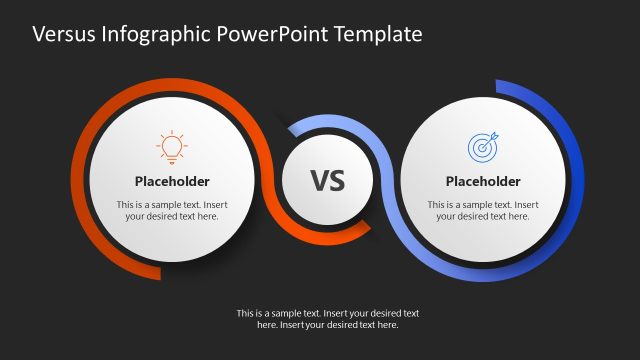
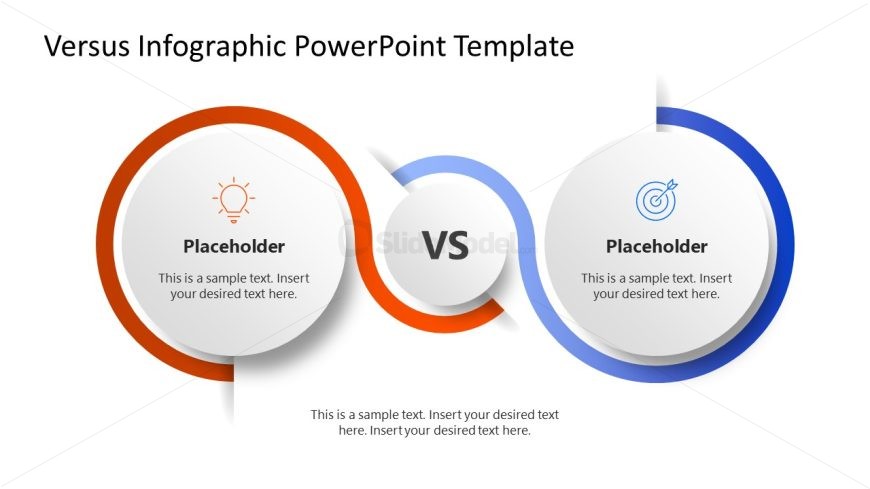
The layout features two large circular shapes positioned on the left and right sides, with a central circle labeled 'VS' connecting them. The left circle has an orange outline and contains a lightbulb icon, while the right circle has a blue outline with a target icon. Each circle has a text placeholder centered within it, with additional text placeholders located below the central circle. The background is white, providing contrast to the colored circles. The visual hierarchy emphasizes the central 'VS' element.
How to Use It
This layout serves as a comparison diagram, effectively contrasting two concepts or products. It fits well in presentations that require a side-by-side analysis, such as product comparisons or performance evaluations. This structure is useful in business scenarios where clear distinctions between options are necessary, such as marketing strategies or project proposals. It can be employed to visually represent advantages and disadvantages, making it suitable for decision-making discussions.
Text Placeholders & Capacity
Keep your copy within these limits so it fits without resizing. Node body slots can hold about 10-12 words each.
| Placeholder | Count | Max characters (approx.) |
|---|---|---|
| Item heading | 2 | 30 |
| Item body | 2 | 60 |
| Callout | 1 | 30 |
Slide Keywords
Download unlimited PowerPoint templates, charts and graphics for your presentations with our annual plan.
DOWNLOAD