Slide 1 of 1 from A vs B Concept Infographic PowerPoint Template
A vs B Concept Infographic PPT Template with Two Text Blocks
A vs B Infographic Comparison Template
- Diagram
- Comparison Split
- Comparison Slide
- 16:9
- 100% Editable
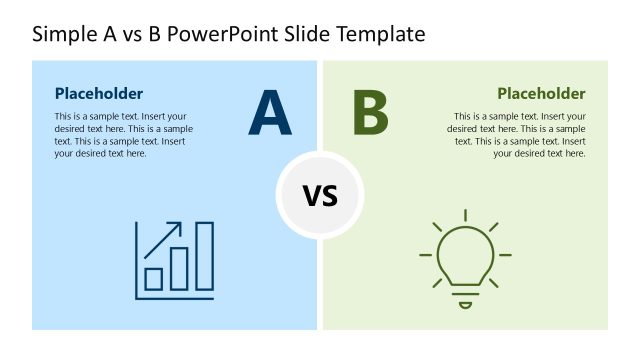
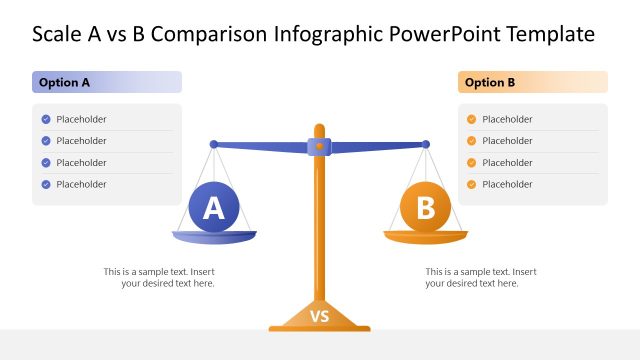
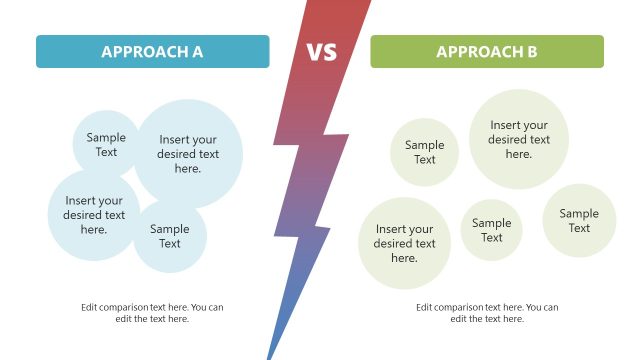
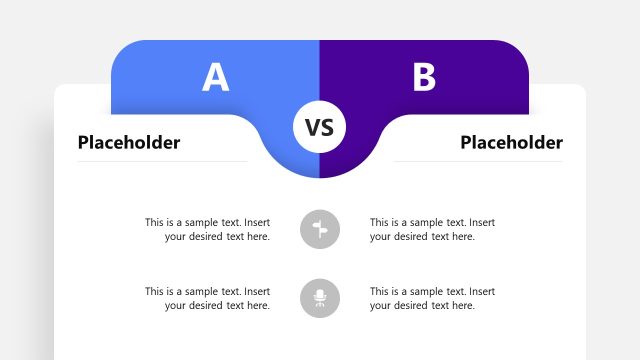
The A vs B Comparison Layout from the A vs B Concept Infographic PowerPoint Template offers a clear and structured way to present contrasting ideas or products. Designed for business presentations and pitch deck templates, this slide uses editable shapes and vector icons to highlight key differences and advantages effectively. Its symmetrical design with distinct color sections enhances visual clarity, making it suitable for decision-making processes and feature analysis within corporate presentations.
What’s on This Slide
The layout features two large sections labeled A and B, positioned on the left and right sides, respectively. Each section contains multiple text placeholders aligned vertically, with a central 'VS' element that connects both sides. The left section has a blue background, while the right section has an orange background, creating a clear visual distinction. The text placeholders are evenly distributed, with a checkmark icon preceding some items in the right section. The overall composition is symmetrical, emphasizing the comparison between the two concepts.
How to Use It
This layout serves as a direct comparison tool, ideal for presenting two contrasting ideas or products side by side. It is suitable for business presentations, marketing strategies, or educational contexts where comparisons are necessary. This slide fits well at the beginning of a discussion on options, following an introduction or problem statement. It can be used to highlight key differences, advantages, or features in a clear and organized manner.
Text Placeholders & Capacity
Keep your copy within these limits so it fits without resizing. Each text slot can hold roughly 5-6 words comfortably.
| Placeholder | Count | Max characters (approx.) |
|---|---|---|
| Item body | 4 | 30 |
| Item body | 4 | 30 |
| Slide title | 1 | 50 |
Slide Keywords
Download unlimited PowerPoint templates, charts and graphics for your presentations with our annual plan.
DOWNLOAD