Slide 4 of 4 from Sequence Diagrams for PowerPoint
6111-02-sequence-diagram-powerpoint-4
Sequence Diagram for PowerPoint Slide
- Diagram
- Arrow Sequence
- Process Slide
- 16:9
- 100% Editable
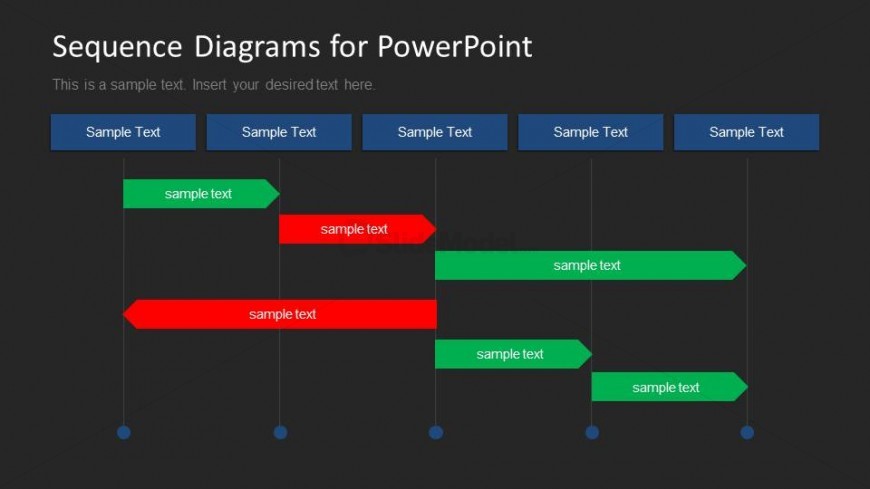
The Sequence Diagram with Text Placeholders slide from the Sequence Diagrams for PowerPoint template provides a clear visual representation of workflows and process interactions. Designed with editable shapes and vector icons, this slide layout supports detailed depiction of event sequences, making it suitable for business presentations and pitch deck templates that require illustrating complex processes or software development timelines.
What’s on This Slide
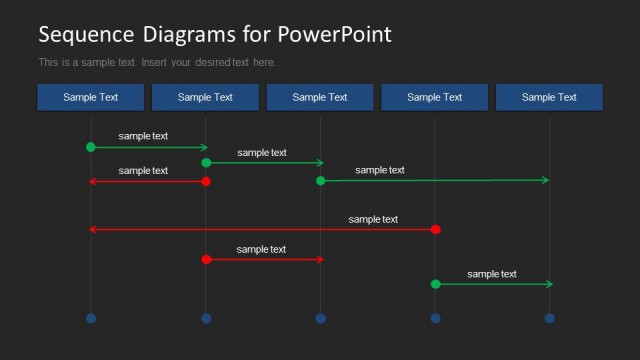
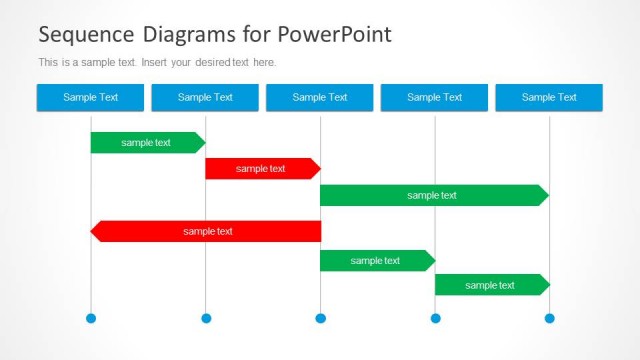
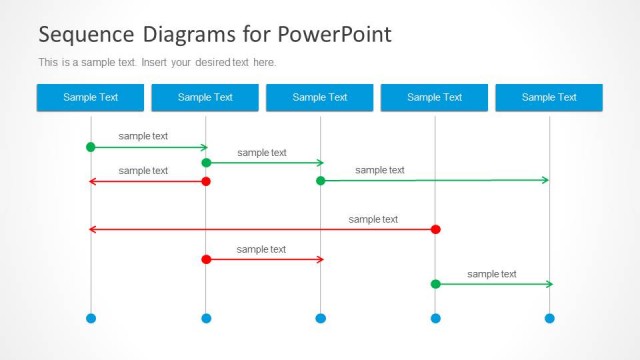
The slide features a sequence diagram with a dark background. At the top, there are four rectangular text placeholders aligned horizontally, each labeled 'Sample Text.' Below, there are multiple arrows indicating flow, with green and red rectangular nodes representing different stages. The nodes are connected by vertical lines, showing the sequence of events. Text placeholders are present within the nodes, with varying lengths. The overall layout is structured to emphasize the flow of information and interactions between elements.
How to Use It
This layout serves as a sequence diagram, ideal for illustrating processes or interactions over time. It fits well in presentations that require a clear depiction of event sequences, such as software development, project timelines, or workflow processes. It can be used in business meetings to clarify roles and responsibilities or in educational contexts to explain complex concepts sequentially. This slide is the final one in a series, summarizing the overall sequence discussed in previous slides.
Text Placeholders & Capacity
Keep your copy within these limits so it fits without resizing. Node labels can hold up to 12 characters each.
| Placeholder | Count | Max characters (approx.) |
|---|---|---|
| Item heading | 6 | 12 |
| Slide title | 1 | 40 |
Slide Keywords
Download unlimited PowerPoint templates, charts and graphics for your presentations with our annual plan.
DOWNLOADReturn to Sequence Diagrams for PowerPoint.