Slide 3 of 4 from Sequence Diagrams for PowerPoint
6111-02-sequence-diagram-powerpoint-3
Sequence Diagram for Event Scenarios
- Diagram
- Sequence
- Process Slide
- 16:9
- 100% Editable
The Sequence Diagram with Events slide from the Sequence Diagrams for PowerPoint template offers a structured way to visualize workflows and event sequences. Designed for business presentations and project planning, this slide layout uses editable shapes and arrows to map interactions clearly, making it suitable for corporate presentations and pitch deck templates that require detailed process illustration.
What’s on This Slide
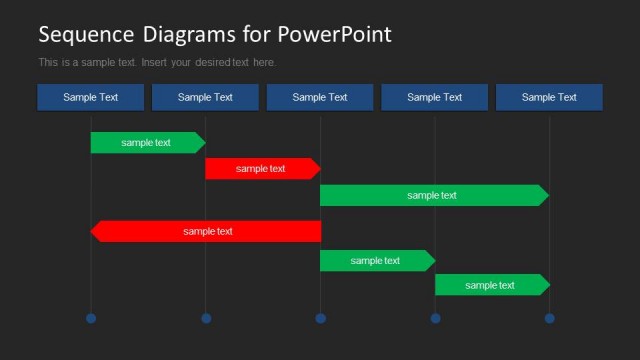
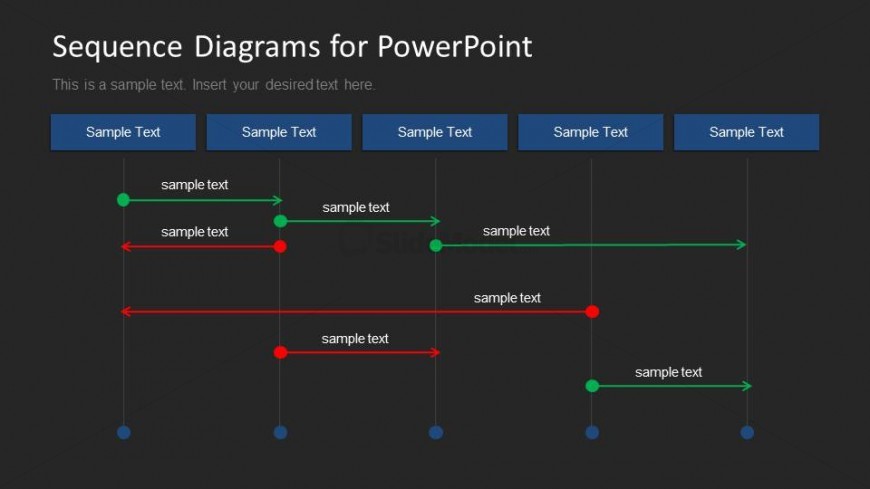
The layout features a sequence diagram with horizontal lines representing interactions between entities. Four vertical sections are present, each containing a header with a placeholder for sample text. Below, green and red arrows indicate the flow of events, with text placeholders positioned along the arrows. The visual hierarchy emphasizes the arrows and sections, with a dark background contrasting against the text. Each section is equal in width, and the overall composition is structured to facilitate understanding of event sequences. Additional text placeholders are located at the top and bottom.
How to Use It
This layout serves as a sequence diagram, ideal for illustrating interactions over time in a presentation. It fits well after problem framing and before solution proposals, effectively showing event scenarios or workflows. This structure is useful in business contexts such as project timelines, software development processes, or customer journey mapping. It allows for clear visualization of sequential events, making it easier for audiences to grasp complex interactions.
Text Placeholders & Capacity
Keep your copy within these limits so it fits without resizing. Node labels can hold about 3-4 words each.
| Placeholder | Count | Max characters (approx.) |
|---|---|---|
| Slide title | 1 | 30 |
| Item heading | 4 | 20 |
| Item body | 4 | 50 |
Slide Keywords
Download unlimited PowerPoint templates, charts and graphics for your presentations with our annual plan.
DOWNLOADReturn to Sequence Diagrams for PowerPoint.