Slide 2 of 6 from Scrum Diagrams for PowerPoint
6164-02-scrum-framework-2
Scrum Cycle Diagram for Agile Presentations
- Diagram
- Circular Cycle
- Process Slide
- 16:9
- 100% Editable
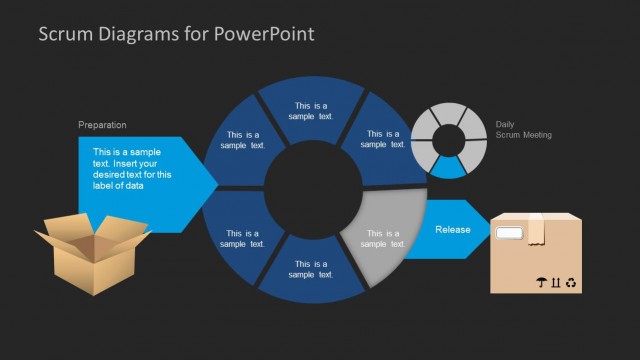
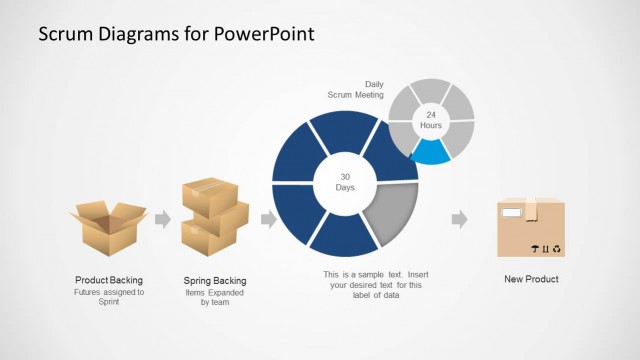
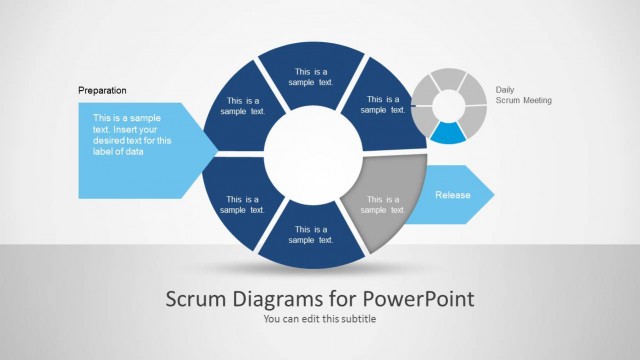
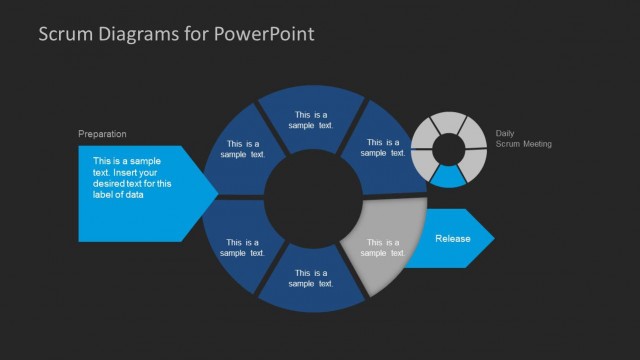
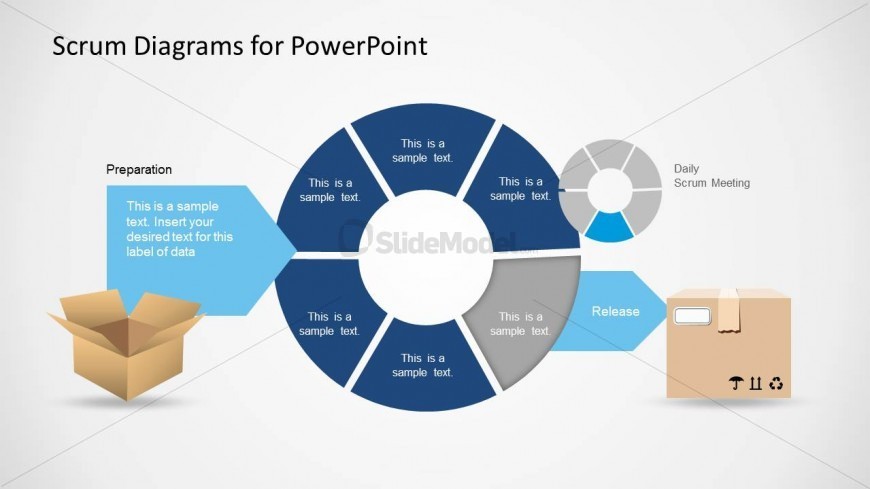
The Scrum Cycle Diagram with Steps slide from the Scrum Diagrams for PowerPoint template visually represents the agile process through a circular diagram divided into six segments. Ideal for agile methodology presentations and Scrum training sessions, this slide uses editable shapes and vector icons to clarify project phases such as preparation and release, supporting effective communication in business presentations and slide decks.
What’s on This Slide
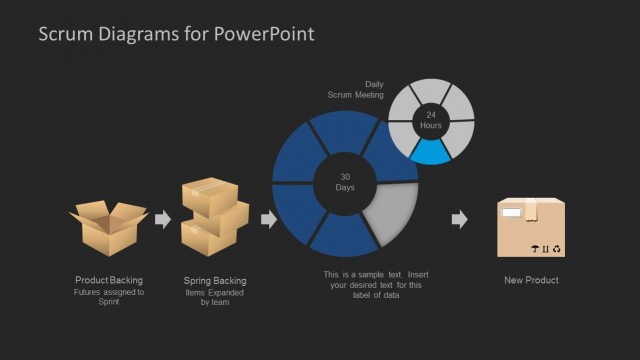
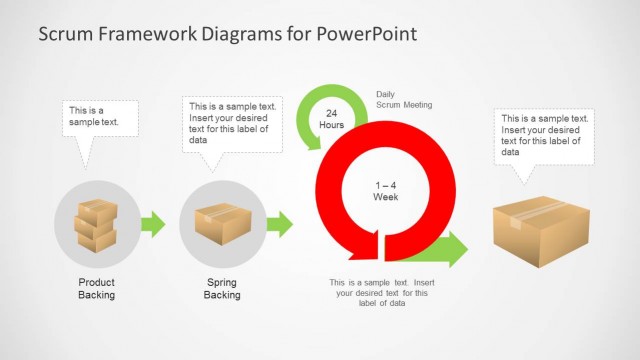
The layout features a circular diagram divided into six segments, each representing a step in the Scrum process. The segments are arranged in a clockwise direction, with labels positioned inside each segment. A text box extends from the first segment labeled 'Preparation,' containing a placeholder for additional text. An icon of a box is placed at the bottom right, indicating a release phase. A smaller circular diagram labeled 'Daily Scrum Meeting' is positioned at the top right. The background is light gray, enhancing visual clarity.
How to Use It
This layout is designed to illustrate a Scrum cycle, making it suitable for presentations on agile methodologies. It fits well after a problem-framing slide, providing a visual representation of processes. This structure is useful for Scrum Masters and product owners to explain project phases, such as preparation and release. It can also be applied in training sessions to educate teams about Scrum practices and meetings, ensuring clarity in agile workflows.
Text Placeholders & Capacity
Keep your copy within these limits so it fits without resizing. Node body slots can hold roughly 10-12 words each.
| Placeholder | Count | Max characters (approx.) |
|---|---|---|
| Item heading | 6 | 30 |
| Item body | 6 | 50 |
| Callout | 1 | 50 |
| Chart title | 1 | 40 |
Slide Keywords
Download unlimited PowerPoint templates, charts and graphics for your presentations with our annual plan.
DOWNLOADReturn to Scrum Diagrams for PowerPoint.