Slide 1 of 3 from Score Meter for PowerPoint
8045-score-meter-blue-1
Score Meter for PowerPoint Presentation
- Chart
- Gauge Meter
- Evaluation Slide
- 16:9
- 100% Editable
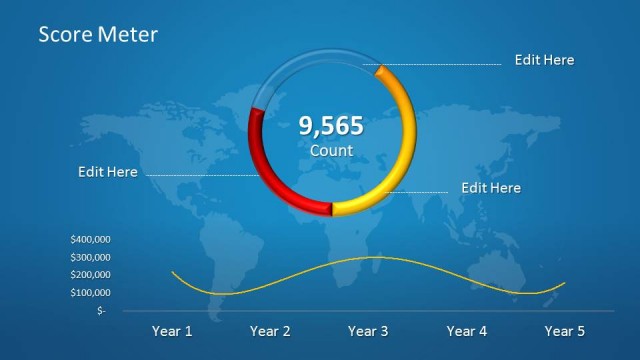
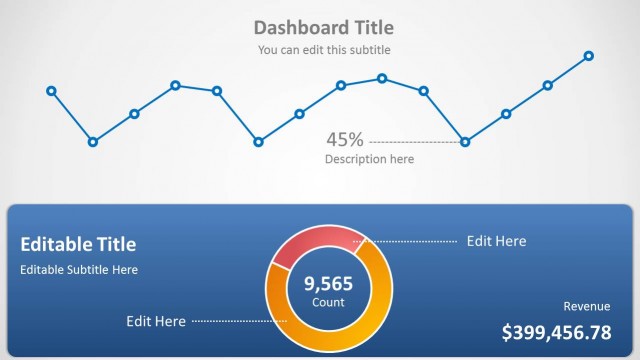
The Score Meter Display slide from the Score Meter for PowerPoint template offers a clear visual evaluation tool combining a circular gauge with a comparative bar chart, ideal for financial performance reviews or KPI presentations. This slide layout integrates editable shapes and vector icons to enhance business presentations and pitch decks, providing a professional way to showcase key metrics and regional data trends within a corporate presentation or slide deck.
What’s on This Slide
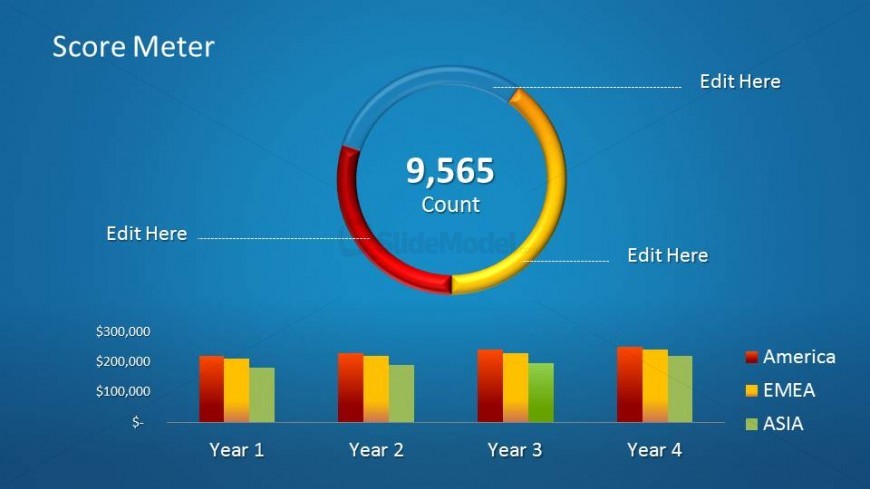
The layout features a circular score meter at the center, displaying a count of 9,565 in bold text. Above the meter, there are three text placeholders aligned horizontally for editing. Below the meter, a bar chart spans the width, representing financial data across four years. The chart has three colored bars for each year, labeled as America, EMEA, and Asia. The background is a gradient blue, enhancing visibility. The visual hierarchy emphasizes the score meter, with the count being the focal point, while the chart provides supporting data.
How to Use It
This layout serves as a score meter to present key performance metrics visually. It is effective for illustrating progress or achievement over time, particularly in financial contexts. This slide fits well at the beginning of a presentation to establish performance benchmarks. It can be used in business reviews, financial reports, or project updates to convey results clearly. The circular meter captures attention, while the bar chart provides detailed comparisons across different regions or time periods.
Text Placeholders & Capacity
Keep your copy within these limits so it fits without resizing. Node labels can accommodate about 8 characters each.
| Placeholder | Count | Max characters (approx.) |
|---|---|---|
| Slide title | 1 | 20 |
| Item body | 4 | 10 |
| Item heading | 3 | 10 |
| Callout | 4 | 10 |
Slide Keywords
Download unlimited PowerPoint templates, charts and graphics for your presentations with our annual plan.
DOWNLOADReturn to Score Meter for PowerPoint.