Slide 2 of 3 from Score Meter for PowerPoint
8045-score-meter-blue-2
Score Meter for Data Presentation
- Chart
- Gauge Meter
- Evaluation Slide
- 16:9
- 100% Editable
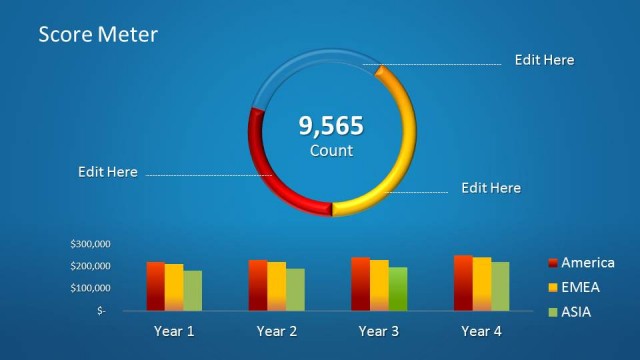
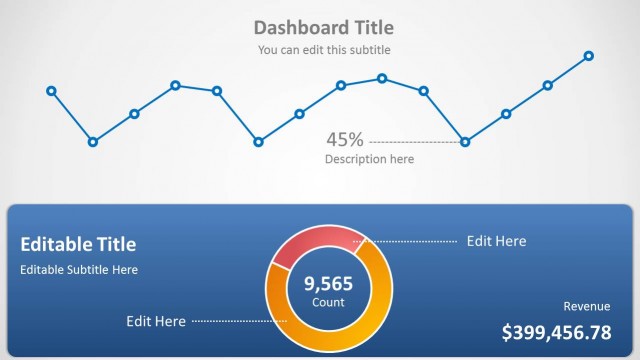
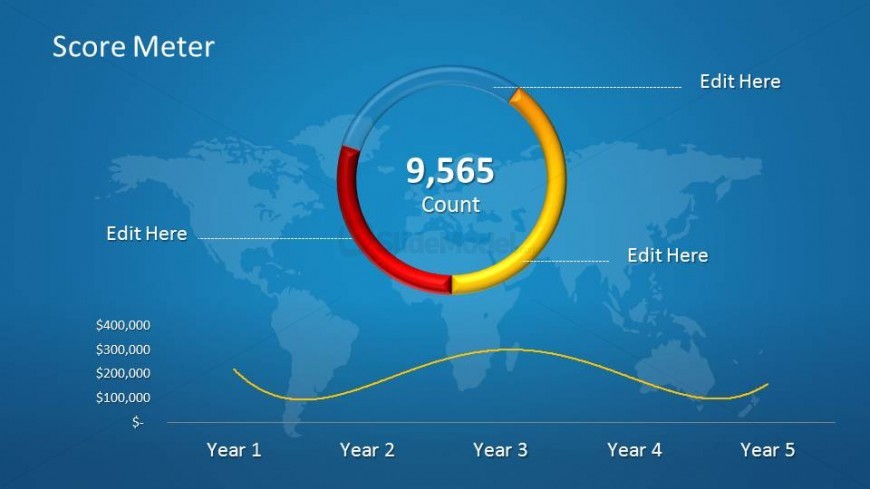
The Score Meter Visualization slide from the Score Meter for PowerPoint template offers a clear and editable layout combining a circular gauge and a line graph to effectively present financial performance and project status updates. This slide integrates editable shapes and vector icons within a business presentation context, making it a practical choice for corporate presentations that require precise metric evaluations and trend analysis.
What’s on This Slide
The layout features a circular score meter prominently in the center, displaying a numeric count of 9,565. Surrounding the meter are three editable text placeholders positioned at the top and sides for additional data input. Below the meter, a line graph illustrates financial data over five years, with labeled axes and a gradient background. The overall color scheme includes blue, yellow, and red, creating a clear visual hierarchy. The background features a world map, adding context to the data presented.
How to Use It
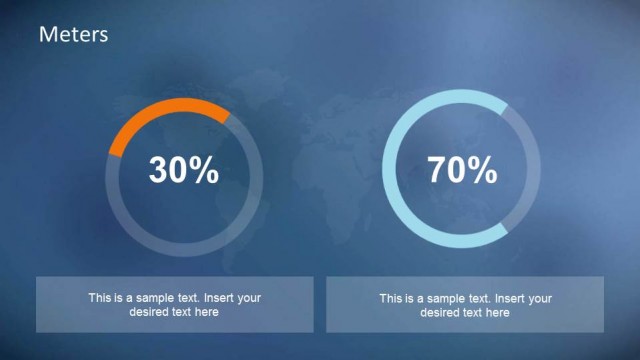
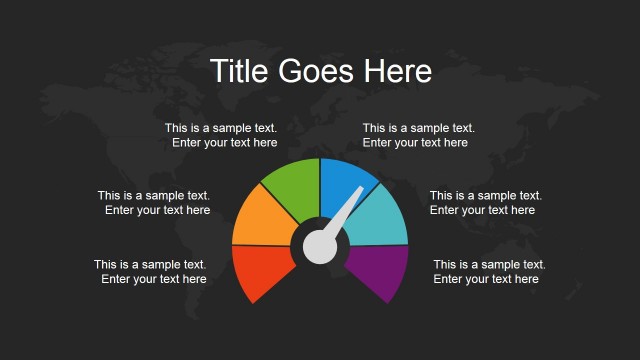
This layout serves as a score meter visualization, ideal for presenting performance metrics or financial data over time. It fits well in a presentation sequence after introductory slides, providing a visual summary of key statistics. Common use cases include financial reports, performance reviews, or project updates. The circular meter effectively highlights a specific count, while the line graph offers a trend overview, making it suitable for business contexts where data visualization is crucial.
Text Placeholders & Capacity
Keep your copy within these limits so it fits without resizing. Node body slots can hold up to 15 characters each.
| Placeholder | Count | Max characters (approx.) |
|---|---|---|
| Slide title | 1 | 20 |
| Item body | 4 | 15 |
| Chart title | 1 | 10 |
| Axis label | 2 | 10 |
Slide Keywords
Download unlimited PowerPoint templates, charts and graphics for your presentations with our annual plan.
DOWNLOADReturn to Score Meter for PowerPoint.