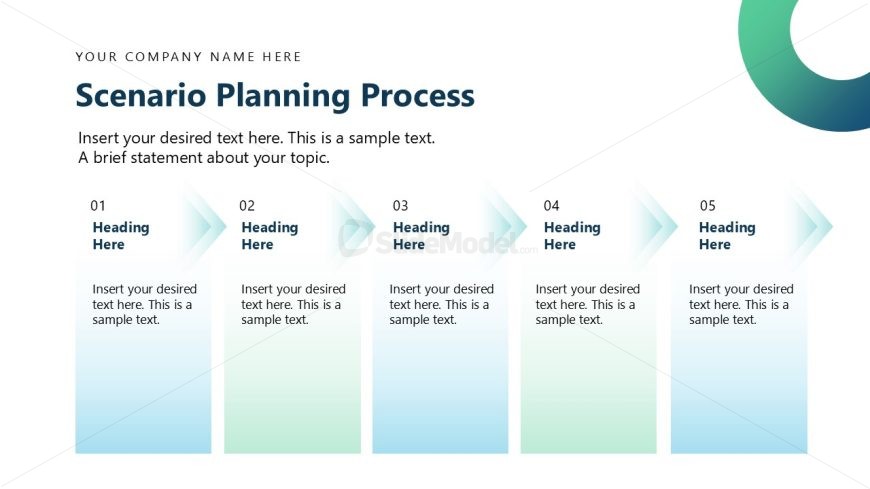
Slide 8 of 13 from Scenario Planning PowerPoint Template
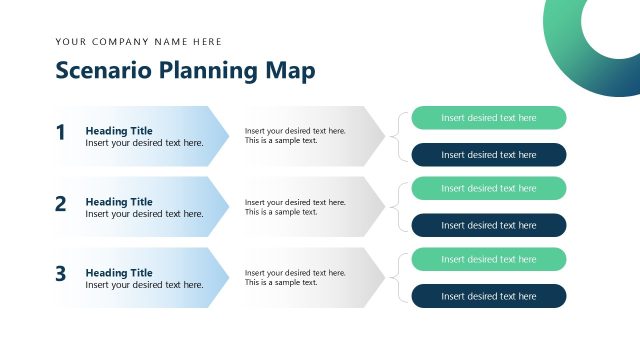
Scenerio Planning Process Slide with Arrows
Scenario Planning Process Slide
- Diagram
- Process Flow
- Process Slide
- 16:9
- 100% Editable
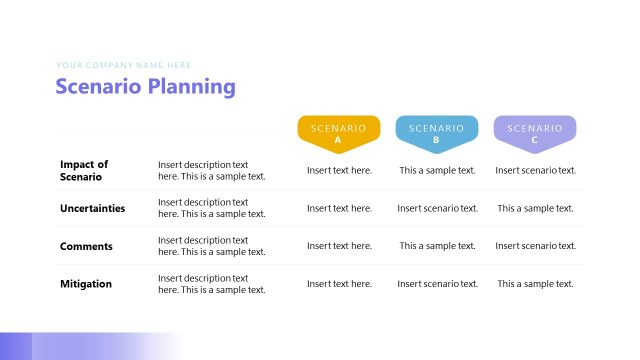
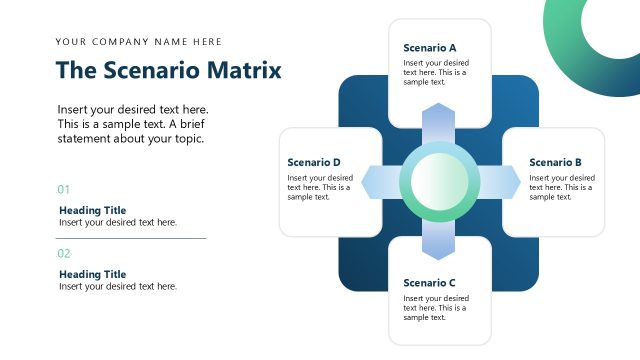
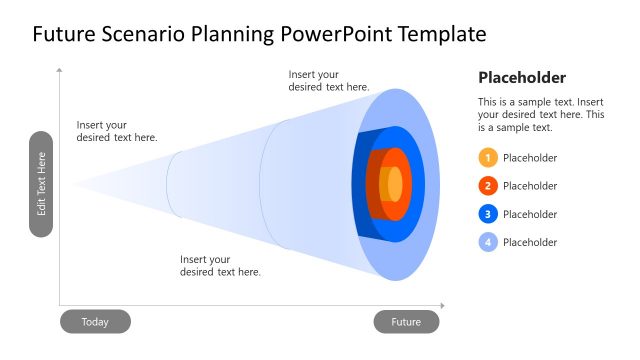
The Scenario Planning Process slide from the Scenario Planning PowerPoint Template offers a clear, structured layout to present sequential strategic steps. This slide layout is ideal for corporate presentations requiring a visual flow of project phases or decision-making processes. Featuring editable shapes and placeholders, it supports customization within business presentations or pitch deck templates, enhancing clarity in scenario planning discussions.
What’s on This Slide
The layout features five vertical sections aligned horizontally across the slide. Each section contains a number label, a heading placeholder, and a text placeholder. The sections are separated by light arrows indicating flow from left to right. The background is a gradient transitioning from white to light blue, enhancing the visual hierarchy. The title is positioned at the top center, with a company name placeholder above it. Each section's text placeholders are aligned centrally, allowing for a structured presentation of information.
How to Use It
This layout serves as a sequential process diagram, ideal for outlining steps in a scenario planning framework. It fits well in a presentation discussing strategic planning or project management. Use it to illustrate phases in a project or to guide stakeholders through a decision-making process. This slide can effectively communicate a structured approach to planning, making it suitable for corporate presentations focused on strategy.
Text Placeholders & Capacity
Keep your copy within these limits so it fits without resizing. Node body slots can hold approximately 15-20 words each.
| Placeholder | Count | Max characters (approx.) |
|---|---|---|
| Slide title | 1 | 30 |
| Item heading | 5 | 15 |
| Item body | 5 | 100 |
Slide Keywords
Download unlimited PowerPoint templates, charts and graphics for your presentations with our annual plan.
DOWNLOADReturn to Scenario Planning PowerPoint Template.