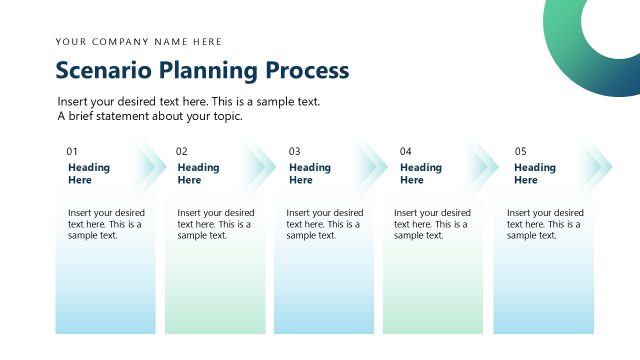
Slide 9 of 13 from Scenario Planning PowerPoint Template
Scenerio Planning Map Diagram Slide
Scenario Planning Map Slide for Presentations
- Diagram
- Matrix Quadrant
- Process Slide
- 16:9
- 100% Editable
The Scenario Planning Map slide from the Scenario Planning PowerPoint Template offers a clear diagram layout ideal for strategic planning and scenario analysis. This slide uses editable shapes and vector icons to visually connect multiple planning stages, making it suitable for business presentations and project planning discussions within a professional slide deck.
What’s on This Slide
The layout features a title at the top center, followed by a large heading labeled 'Scenario Planning Map.' Below, there are three sections aligned vertically on the left, each containing a numbered label and a heading title. Each section has a text placeholder for additional content, arranged in a diamond shape. On the right, corresponding text placeholders are aligned horizontally, connected by curved lines to the left sections. The background is light with a gradient, and the overall composition is structured for clarity and flow.
How to Use It
This layout serves as a scenario planning map, effectively presenting multiple planning options or stages. It fits well in a presentation sequence after outlining key uncertainties or challenges. This structure is suitable for business contexts such as strategic planning sessions, project planning discussions, or scenario analysis workshops. It allows for clear communication of different scenarios and their implications for decision-making.
Text Placeholders & Capacity
Keep your copy within these limits so it fits without resizing. Body slots can accommodate roughly 15-20 words each.
| Placeholder | Count | Max characters (approx.) |
|---|---|---|
| Slide title | 1 | 30 |
| Item heading | 3 | 20 |
| Item body | 3 | 100 |
| Body paragraph | 3 | 100 |
Slide Keywords
Download unlimited PowerPoint templates, charts and graphics for your presentations with our annual plan.
DOWNLOADReturn to Scenario Planning PowerPoint Template.