Slide 6 of 13 from Scenario Planning PowerPoint Template
Critical Uncertainities Slide with Placeholder Text
Critical Uncertainties Matrix for Scenario Planning
- Diagram
- Matrix Quadrant
- Strategic Analysis Slide
- 16:9
- 100% Editable
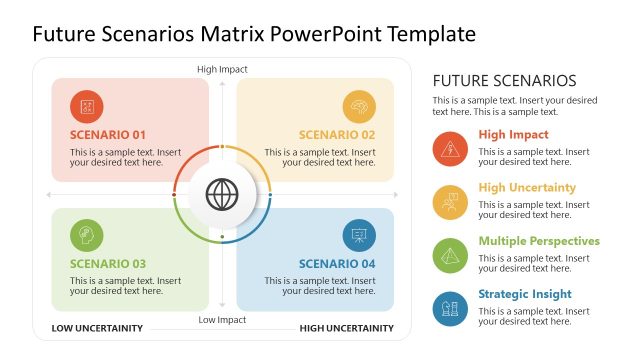
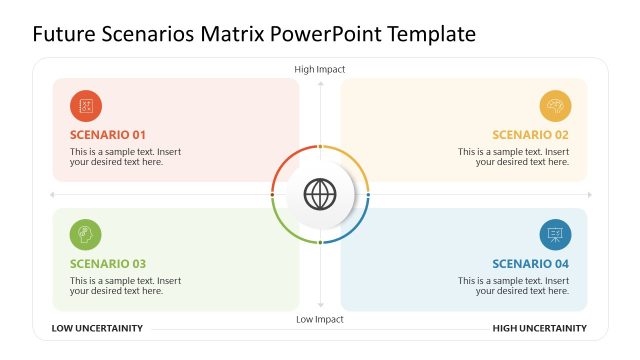
The Critical Uncertainties Matrix slide from the Scenario Planning PowerPoint Template provides a structured four-quadrant layout ideal for strategic analysis. This slide template supports scenario analysis and risk assessment by visually organizing potential outcomes based on key uncertainties. It is designed as an editable slide with clear text placeholders and contrasting background colors, making it suitable for business presentations and corporate planning sessions that require detailed evaluation of project risks and scenarios.
What’s on This Slide
The layout features a four-quadrant matrix centered on the slide. The top two quadrants are labeled 'Critical Uncertainty 1' and the bottom two are labeled 'Critical Uncertainty 2.' Each quadrant contains two text placeholders for 'Scenario A,' 'Scenario B,' 'Scenario C,' and 'Scenario D,' arranged horizontally. The text placeholders are aligned to the left within each quadrant. A circular graphic is positioned in the top right corner, contributing to the visual hierarchy. Background colors vary between quadrants, enhancing separation and clarity.
How to Use It
This layout serves as a matrix for analyzing critical uncertainties in scenario planning. It fits well after introductory slides that outline the context of the planning process. This structure is useful in business settings for evaluating potential scenarios based on varying uncertainties. It can be applied in strategic planning meetings, risk assessments, and project planning discussions to visualize different outcomes based on specific factors.
Text Placeholders & Capacity
Keep your copy within these limits so it fits without resizing. Node body slots can hold roughly 10-12 words each.
| Placeholder | Count | Max characters (approx.) |
|---|---|---|
| Slide title | 1 | 30 |
| Item heading | 4 | 25 |
| Item body | 8 | 50 |
| Heading title | 2 | 30 |
Slide Keywords
Download unlimited PowerPoint templates, charts and graphics for your presentations with our annual plan.
DOWNLOADReturn to Scenario Planning PowerPoint Template.