Slide 2 of 7 from Sacramento California PowerPoint Template
Sacramento California Template Slide with City Tower
Sacramento City Map Layout for Presentations
- Media Layout
- Other
- Context Slide
- 16:9
- 100% Editable
The Sacramento City Map Layout from the Sacramento California PowerPoint Template offers a balanced design featuring a central building silhouette with dual text areas, ideal for city overviews and tourism presentations. This slide integrates editable shapes and vector icons to enhance corporate presentations or pitch decks focused on Sacramento's cultural and historical context.
What’s on This Slide
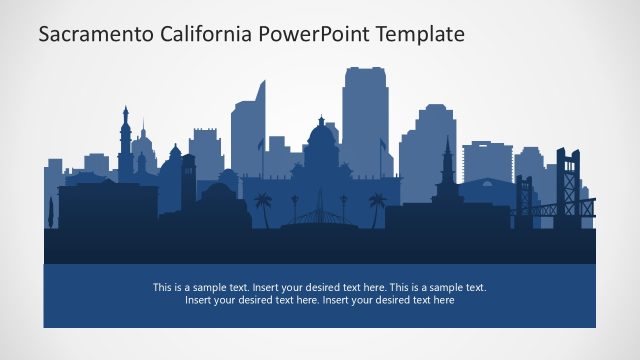
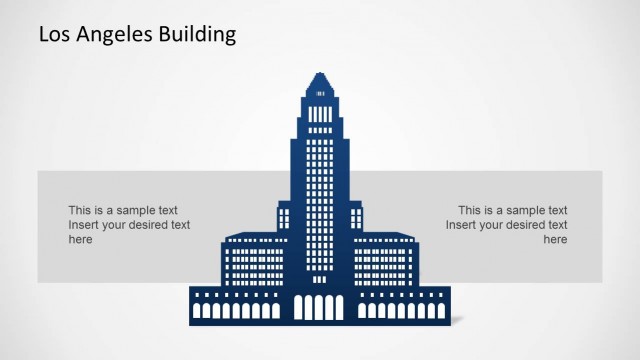
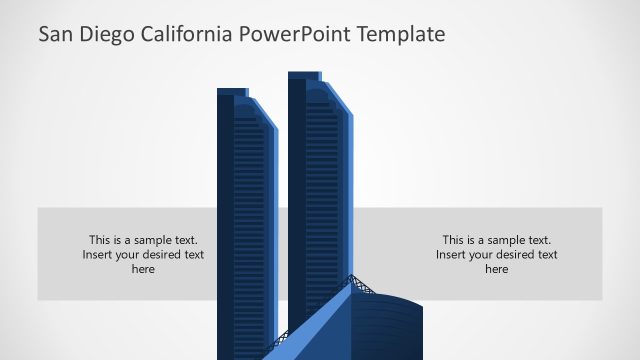
The slide features a central silhouette of a prominent building in Sacramento, California, with a light gradient background. Two rectangular text placeholders are positioned on either side of the building silhouette, aligned horizontally. Each placeholder is centered vertically and contains sample text indicating where to insert desired content. The overall layout emphasizes the building image while providing ample space for textual information, ensuring a balanced visual hierarchy. The color scheme is primarily dark blue for the silhouette against a light background, creating contrast.
How to Use It
This layout serves as a visual introduction to Sacramento, suitable for presentations focusing on city features or tourism. It can be used after a title slide to provide context or to introduce specific topics related to Sacramento. The dual text placeholders allow for the inclusion of key points or descriptions, making it ideal for summarizing city highlights, historical facts, or upcoming events. This structure fits well within a sequence that explores geographical or cultural aspects of the city.
Text Placeholders & Capacity
Keep your copy within these limits so it fits without resizing. Text slots can accommodate roughly 10 words each without overflow.
| Placeholder | Count | Max characters (approx.) |
|---|---|---|
| Body paragraph | 2 | 50 |
Slide Keywords
Download unlimited PowerPoint templates, charts and graphics for your presentations with our annual plan.
DOWNLOADReturn to Sacramento California PowerPoint Template.