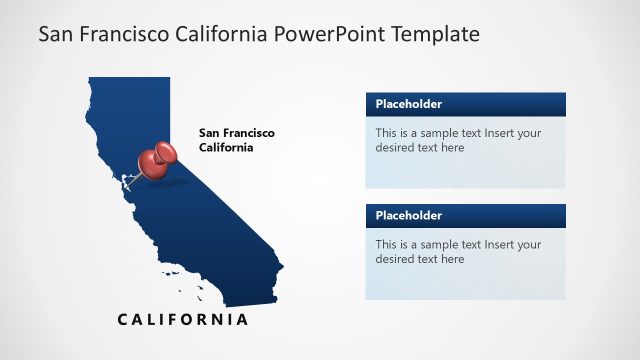
Slide 3 of 7 from Sacramento California PowerPoint Template
Sacramento California Diagram Slide Template
Sacramento Location Map Slide
- Map
- City Map
- Context Slide
- 16:9
- 100% Editable
The Location Map with Markers slide from the Sacramento California PowerPoint Template provides a clear geographic context using editable slides that highlight key areas in Sacramento. This slide layout is suitable for business presentations and urban planning discussions, featuring vector icons and customizable markers to emphasize important locations. It integrates seamlessly into a corporate presentation or pitch deck template focused on city-specific data and development proposals.
What’s on This Slide
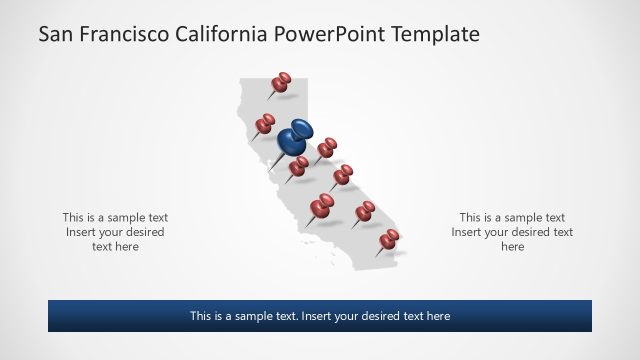
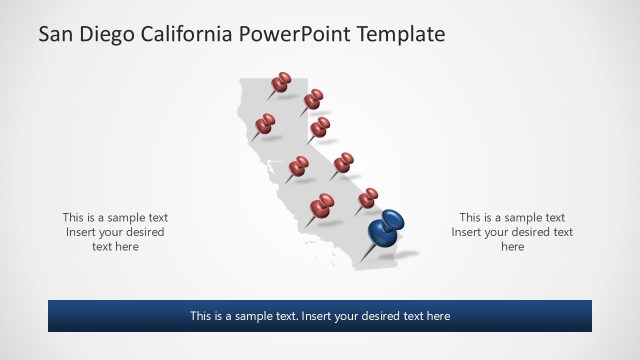
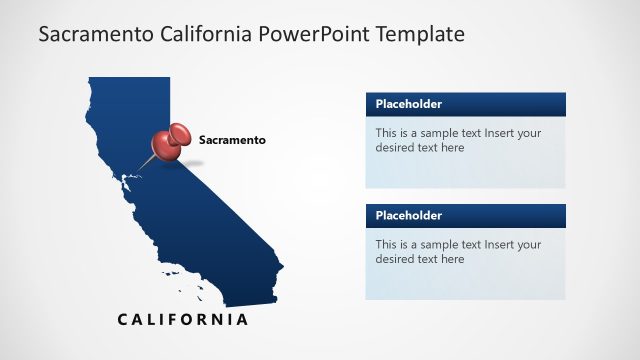
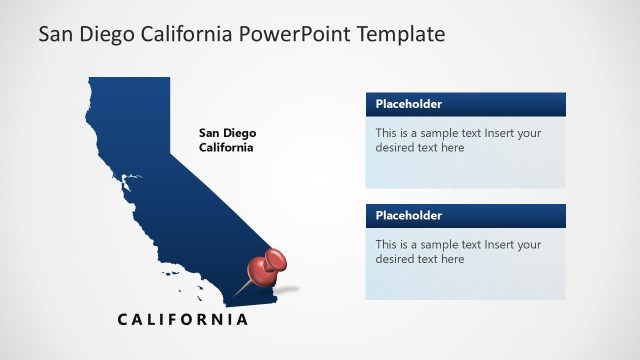
The slide features a map of California centered on Sacramento. It includes multiple location markers, with a prominent blue marker indicating Sacramento's position. The markers are red and vary in size, suggesting different significance. Text placeholders are positioned on the left and right sides of the map, allowing for additional information. A larger text placeholder is located at the bottom, providing space for a title or key points. The background is light, enhancing the visibility of the map and markers, creating a clear visual hierarchy.
How to Use It
This layout serves as a location map, ideal for presentations discussing geographic data or city-specific information. It fits well in a sequence that introduces a city, follows with its features, and concludes with strategic insights. Use this slide to highlight key locations or points of interest within Sacramento, making it suitable for urban planning, tourism, or business development discussions. It can also be used in reports or proposals that require geographic context.
Text Placeholders & Capacity
Keep your copy within these limits so it fits without resizing. Body slots can accommodate roughly 8-10 words each.
| Placeholder | Count | Max characters (approx.) |
|---|---|---|
| Body paragraph | 3 | 50 |
Slide Keywords
Download unlimited PowerPoint templates, charts and graphics for your presentations with our annual plan.
DOWNLOADReturn to Sacramento California PowerPoint Template.