Slide 5 of 7 from Sacramento California PowerPoint Template
Blue Map for Sacramento California Template
California Location Map Slide
- Map
- City Map
- Context Slide
- 16:9
- 100% Editable
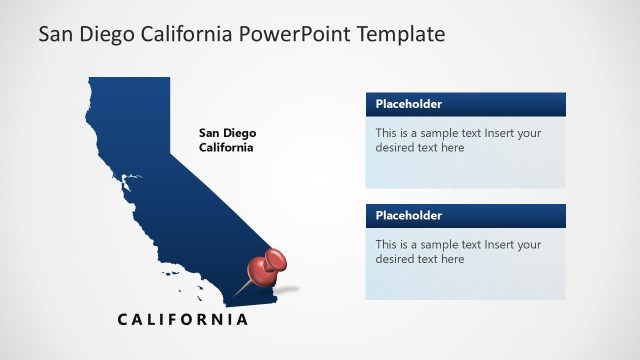
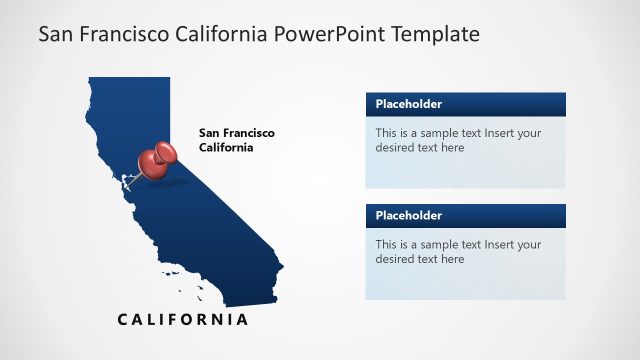
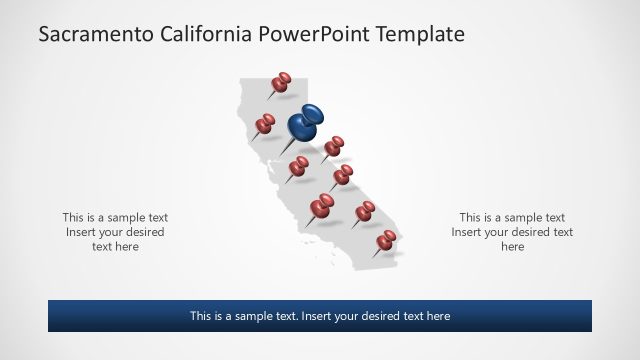
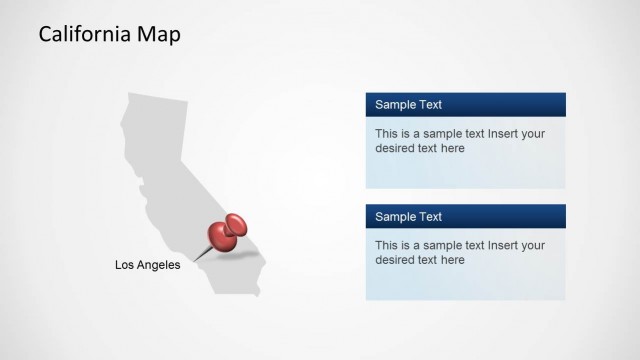
The California Location Map with Text Placeholders slide from the Sacramento California PowerPoint Template offers a clear geographic context with editable shapes and text areas ideal for regional analysis or real estate presentations. This slide layout combines a vector map highlighting Sacramento with space for detailed information, making it suitable for business presentations and city overview slide decks.
What’s on This Slide
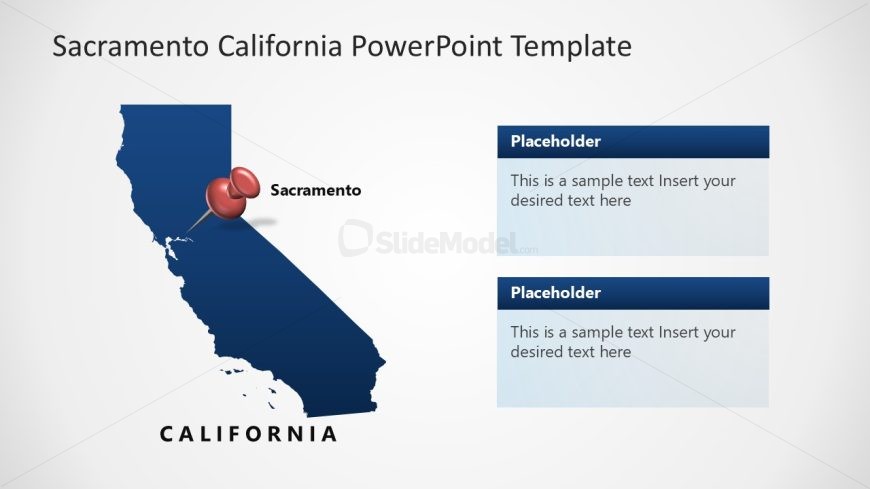
The slide features a map of California with Sacramento highlighted. A red pin marks the city, positioned centrally on the map. Below the map, two text placeholders are aligned vertically, each with a blue background. The first placeholder is at the top, followed by a second placeholder beneath it. The map occupies the left side, while the placeholders are on the right. The word 'CALIFORNIA' is displayed prominently at the bottom in a bold font. The overall layout is balanced, with clear visual separation between the map and text areas.
How to Use It
This layout serves as a location map, ideal for presentations that require geographical context. It fits well in a sequence discussing city-specific data or regional analysis. Use it to highlight key information about Sacramento, such as demographics or business opportunities. This slide is suitable for real estate, tourism, or municipal presentations where location is critical. It can also be employed in discussions about urban planning or city development strategies.
Text Placeholders & Capacity
Keep your copy within these limits so it fits without resizing. Text placeholders can hold about 10-15 words each.
| Placeholder | Count | Max characters (approx.) |
|---|---|---|
| Item body | 2 | 50 |
| Slide title | 1 | 40 |
Slide Keywords
Download unlimited PowerPoint templates, charts and graphics for your presentations with our annual plan.
DOWNLOADReturn to Sacramento California PowerPoint Template.