Slide 4 of 7 from Sacramento California PowerPoint Template
Customizable Sacramento California PPT Template
Sacramento Location Map Slide
- Map
- City Map
- Context Slide
- 16:9
- 100% Editable
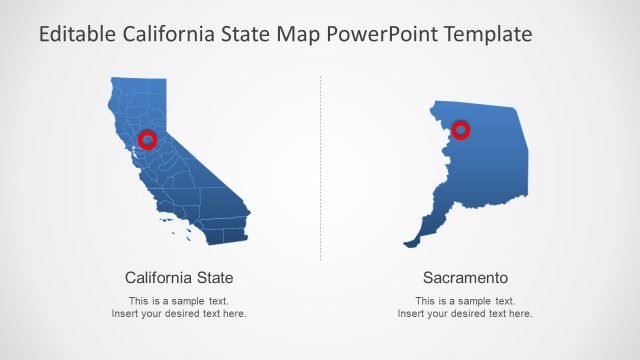
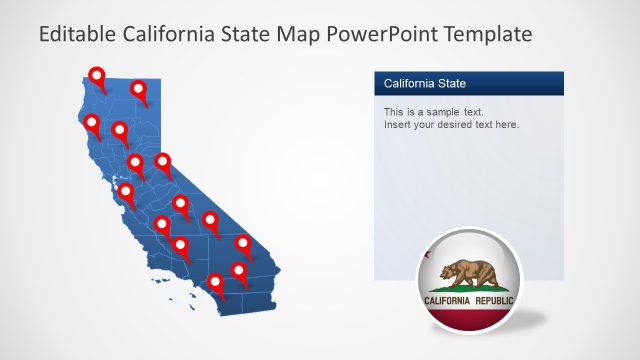
The Sacramento Location Map slide from the Sacramento California PowerPoint Template offers a clear geographic context with editable slides featuring detailed maps and location markers. Ideal for urban development presentations, tourism marketing, and regional planning discussions, this slide integrates vector icons and slide templates to visually highlight Sacramento within California and the United States.
What’s on This Slide
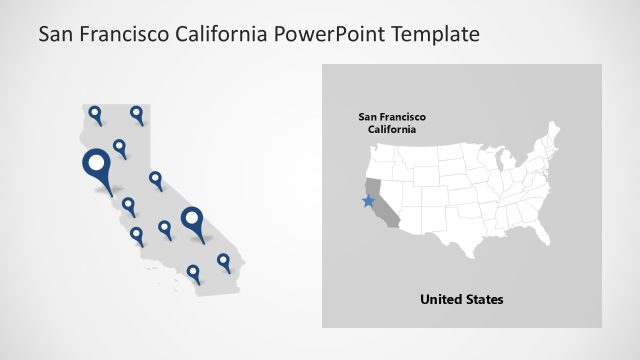
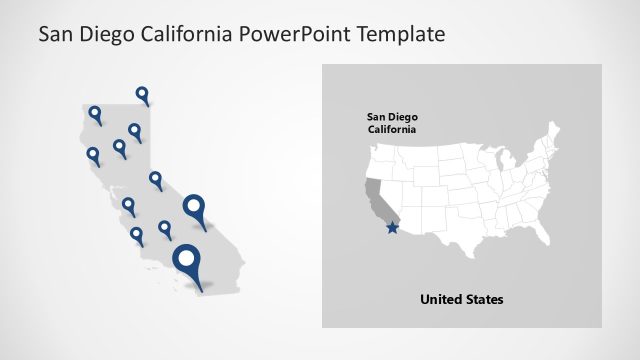
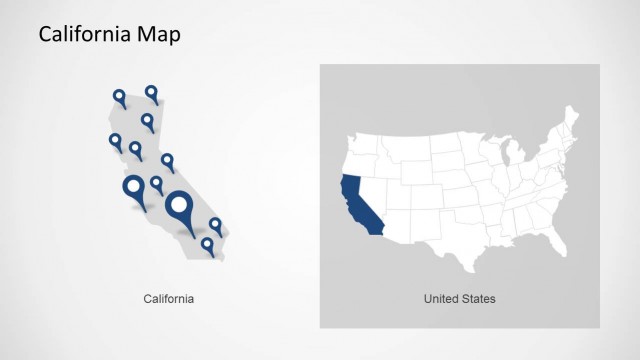
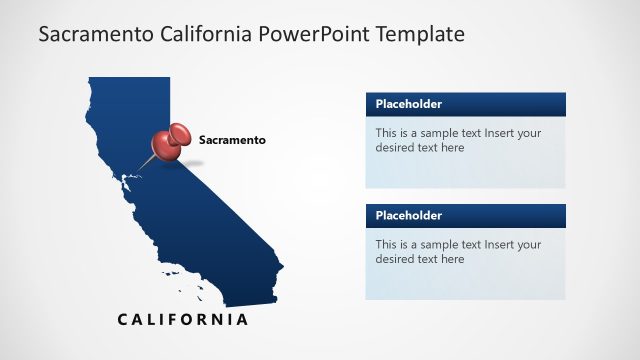
The slide features a two-part layout. On the left, a map of California displays multiple blue location markers indicating various points of interest. The markers are evenly distributed across the state, with a larger marker indicating Sacramento's location. On the right, a simplified map of the United States highlights California, with a star marking Sacramento. The title appears at the top, and there are text placeholders for the title and location details. The overall color scheme is light with blue accents.
How to Use It
This layout serves to visually represent geographic information about Sacramento within the context of California and the United States. It is suitable for presentations discussing urban development, tourism, or regional planning. This slide fits well after introductory content about Sacramento, providing a clear visual reference for the audience. It can be used in business meetings, educational contexts, or marketing presentations focused on the city.
Text Placeholders & Capacity
Keep your copy within these limits so it fits without resizing. Text slots are spacious, allowing for detailed descriptions.
| Placeholder | Count | Max characters (approx.) |
|---|---|---|
| Slide title | 1 | 30 |
| Item heading | 1 | 20 |
| Item body | 1 | 50 |
Slide Keywords
Download unlimited PowerPoint templates, charts and graphics for your presentations with our annual plan.
DOWNLOADReturn to Sacramento California PowerPoint Template.