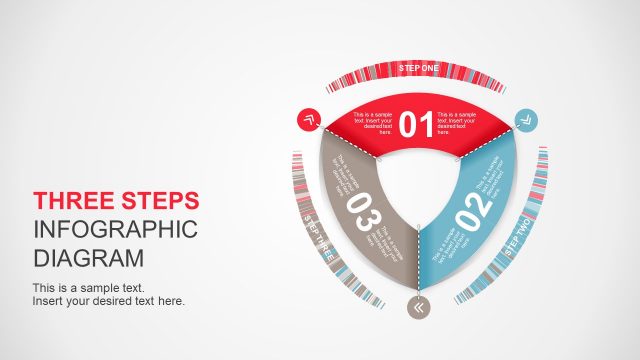
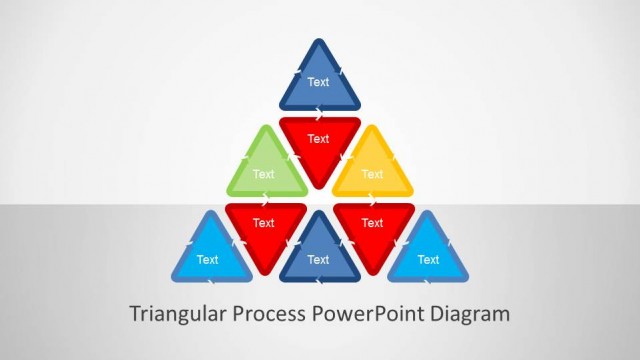
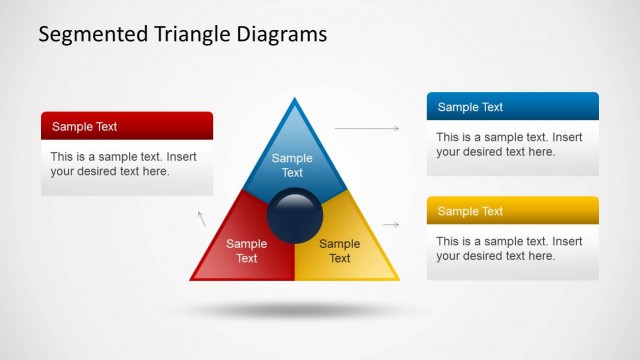
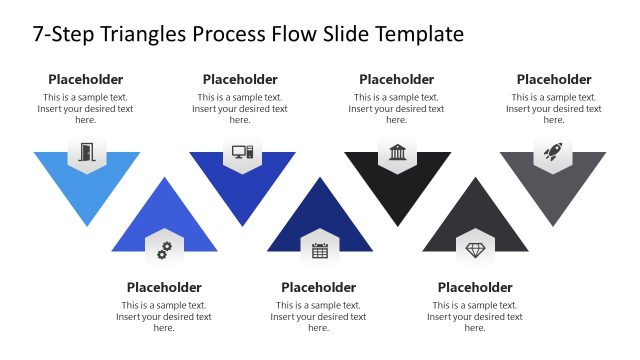
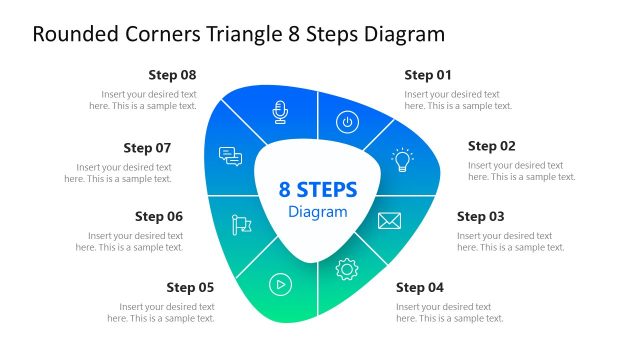
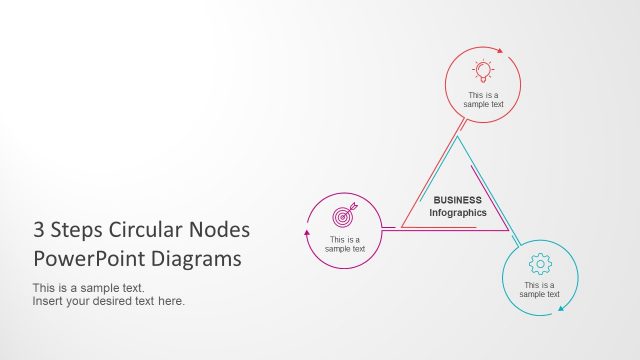
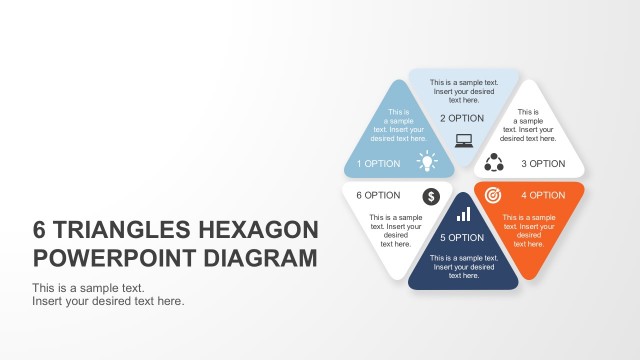
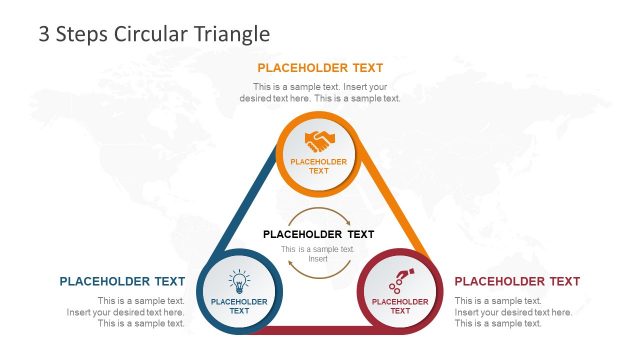
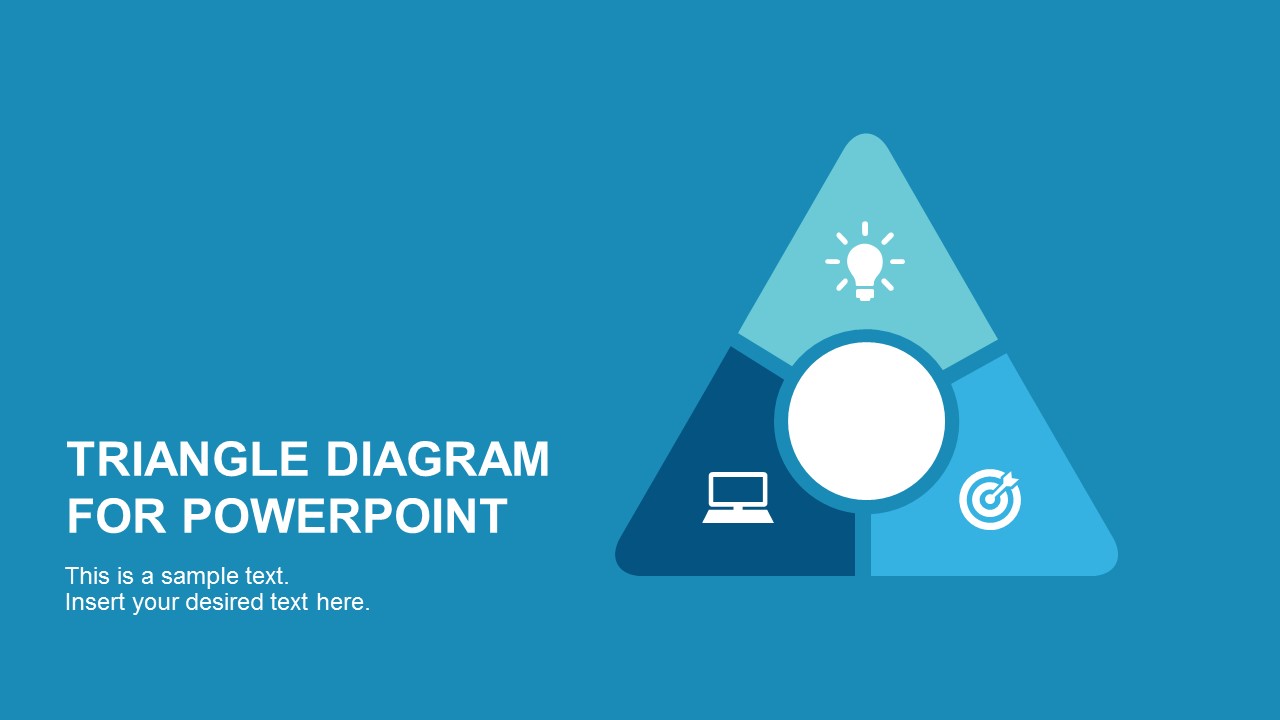
Round Point Flat Triangle PowerPoint Diagram is a modern presentations created using triangular process loop shapes as building blocks. The triangular shapes are designed in modern flat design with round point and targeted circle in the middle of the diagram. This is made to represent the business and marketing process flow. Each Triangular Process Shape has a different color with PowerPoint icons allowing the user to identify each step of the process. Each triangle represents a loop itself, that can be interpreted as a vital process.
3-Stage Process Round Point Flat Triangle PowerPoint Diagram has 5 slides with different focus. It mainly emphasized business and marketing ideas, process and overall goal. This PowerPoint templates and diagrams have been crafted with the graphic of three staged triangle and icons diagrams. Each slide has text boxes and text fields within and outside the flat triangle to highlight business points. This Powerpoint diagrams contains the concept of business data analysis and process flow.
All the figures and building blocks are created with PowerPoint shapes and effect. This provides high flexibility of customization, without losing any shapes quality. Save your time and change the way you create business presentations with our thousands of fabricated PowerPoint Templates made available for you. All in easy access!
What’s inside this template
Example presentation scenarios
- A marketing manager can use the triangle process diagram to explain three campaign stages and connect each stage to the central business goal.
- A consultant can present a client workflow by assigning one action to each icon-labeled triangle segment and using the callout panels to expand each step.
- A project manager can brief stakeholders on three workstreams by using the focused segment slides to discuss technology, ideation, and targeting one at a time.
- An operations leader can show a simple continuous process model where each rounded triangle segment represents a recurring activity tied to a shared outcome.
Features
- 100% editable presentation template
- Compatible with Microsoft PowerPoint and Google Slides
- 16:9 aspect ratio slides
- Scalable vector shapes, icons and illustrations
- AI-Ready for Microsoft Copilot and Claude
- Instant access and download
Frequently asked questions
Q: How should a presenter explain the three triangle segments without making the model feel abstract?
A: Start with the center circle as the shared goal, then define each triangle segment as one necessary action that supports it. Use Slide 2 for the full model, then move to the focused segment slides to add examples, owners, or decisions. Keep each segment label action-oriented so the diagram reads as a process, not a decoration.
Q: Who is this template best suited for in a business presentation?
A: It fits presenters who need to simplify a three-part idea, such as marketers explaining campaign stages, consultants framing a client process, or project leads aligning teams around three priorities. The triangle format is most useful when the three parts are connected and equal, not when one point is clearly more important than the others.
Q: Why use a triangle with a center circle instead of a standard numbered list?
A: The triangle metaphor makes the three steps appear interdependent, while the center circle gives the audience a visual anchor for the common goal. The repeated icon focus slides help the presenter zoom into one point without losing the original structure. This improves recall because every detail remains tied to the same model.


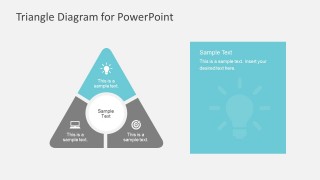
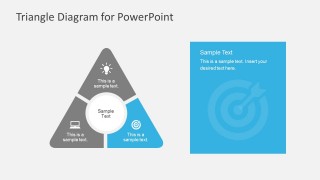
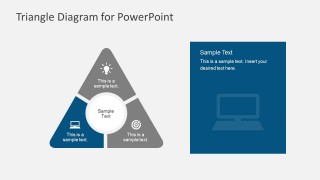
Round Point Flat Triangle PowerPoint Diagram
5-slide presentation template for a 3-step triangle process with icons and goal callouts
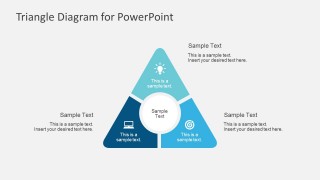
Round Point Flat Triangle PowerPoint Diagram is a 5-slide diagram template for explaining a three-part process, business cycle, or marketing flow. It includes a title slide, a central triangle loop diagram, icon-labeled process segments, and single-step emphasis layouts with square callout panels for PowerPoint and Google Slides.
- Category
- Diagrams
- Rating


 Loading...
- Aspect ratio
- 16:9, 4:3
- Item ID
- 7224
- Colors
 Microsoft PowerPoint
  Microsoft Copilot
  Claude for PowerPoint
 Other formats supported
Subscribe today and get immediate
access to download our PowerPoint templates.