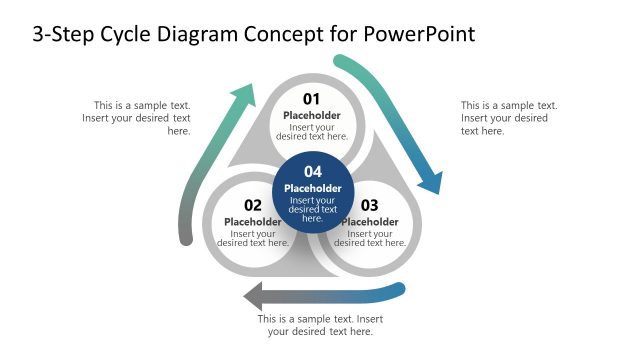
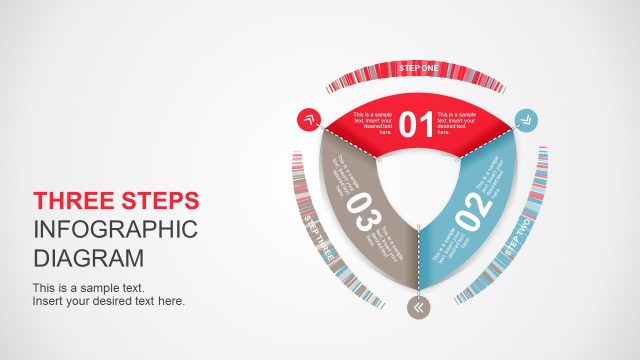
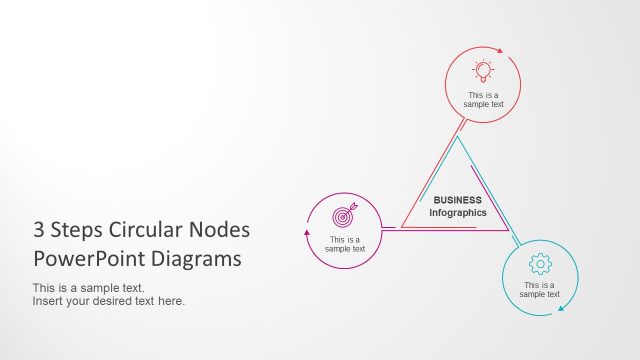
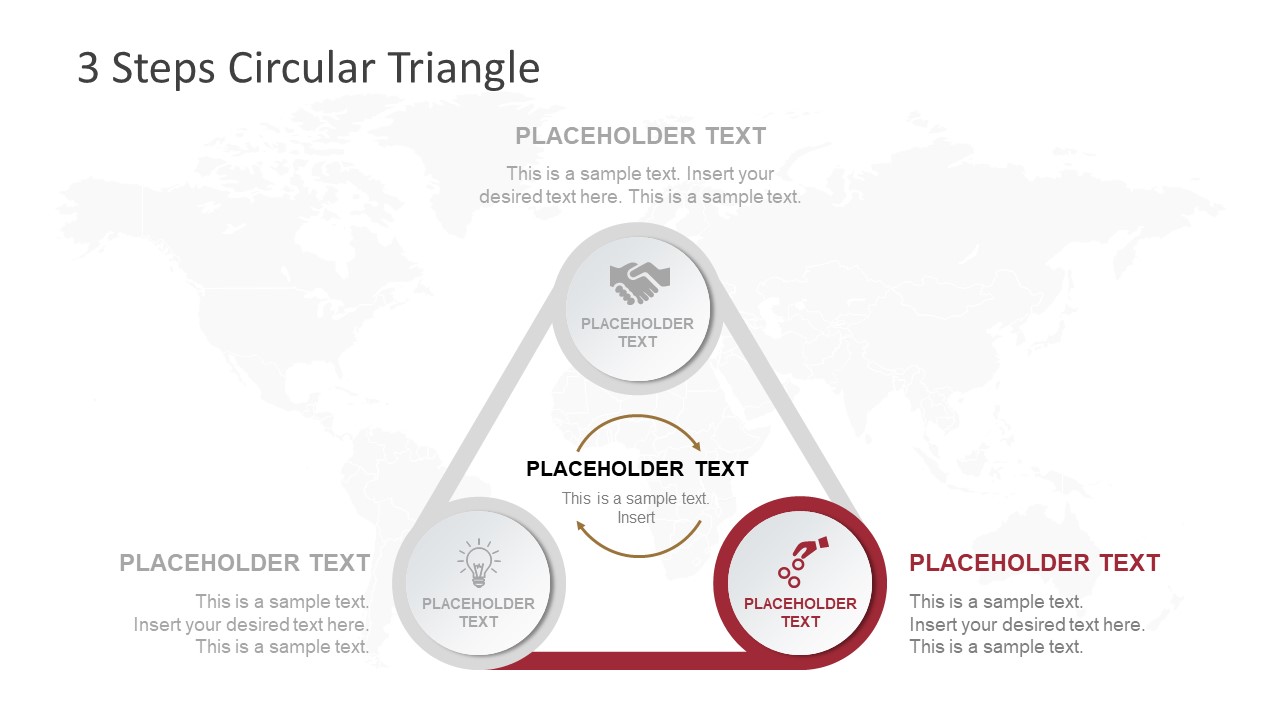
The Three Steps Cycle Diagram PowerPoint Template is an infographic layout of triangular design. It is a professional presentation diagram to discuss several process cycle concepts. This diagram displays a simple conveyer belt with three process segments. There are four slides for 3 steps cycle diagram to highlight each segment individually. It is a colorful PowerPoint of infographic segments. And, after the overview, each slide highlights different unit through distinct colors. It is an ideal PowerPoint diagram template to demonstrate production cycle in three easy steps. For example, introducing company’s operations to new staff, or highlight a recurring set of business activities. Furthermore, it could present three individual and interconnected parts from whole by adding main element in the middle. The diagram can also present ideas and concepts as continuing sequence of stages, tasks, or events in circular flow.
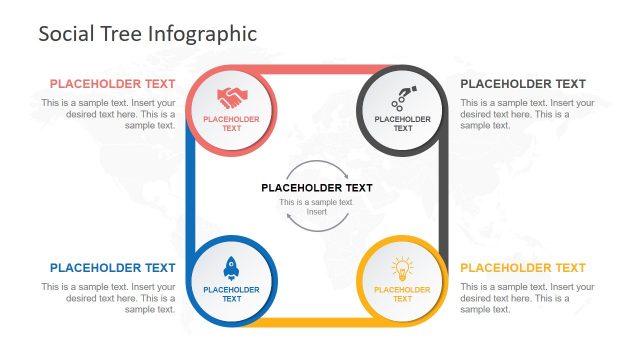
The Three Steps Cycle Diagram PowerPoint presents editable graphics and text placeholders. The infographics such as handshake, lightbulb, and hand-giving (information sharing). But users can replace these infographics with other clipart shapes and images. Similarly, change the colors, add textual content, and shape styling options to give a personalized effect. Therefore, 3 steps PowerPoint diagram is suitable for business and marketing process flow concepts. It focuses on stages and central idea in cyclical flow of information. In short, three steps cycle diagram is a modern presentation layout to create triangular process loop as building blocks. Check out the flat triangle PowerPoint diagram for a slightly different design.
What’s inside this template
Example presentation scenarios
- An operations manager can present a recurring production cycle by using the overview slide to name the full loop and the focus slides to explain each stage in order.
- A marketing lead can explain a three-stage customer lifecycle by replacing the icons and using the colored triangle segments to connect awareness, engagement, and follow-up.
- A trainer can introduce a standard operating procedure to new employees by showing the full cycle first, then discussing the highlighted orange, red, and blue steps one at a time.
- A consultant can map three connected workstreams in a client workshop by using the central concept area for the main business objective and the outer nodes for supporting actions.
Features
- 100% editable presentation template
- Compatible with Microsoft PowerPoint and Google Slides
- 16:9 aspect ratio slides
- Scalable vector shapes, icons and illustrations
- AI-Ready for Microsoft Copilot and Claude
- Instant access and download
Frequently asked questions
Q: How should I present the three-step cycle so it does not feel like a static list?
A: Start with the full triangle overview to show the complete loop and define the central concept. Then move through the three focus slides, using each highlighted node as the speaking point for one action, owner, or outcome. Close by returning verbally to the loop, so the audience understands the steps as a repeatable system.
Q: Who is this template best suited for in a business presentation?
A: This template fits managers, consultants, marketers, and trainers who need to explain a small recurring process rather than a long project plan. It works well for onboarding, operational briefings, campaign cycles, and service delivery explanations where three connected stages must stay visible as part of one repeatable model.
Q: Why does the triangular cycle metaphor improve the message?
A: The triangle creates three clear anchors, while the circular flow implies that the work repeats instead of ending after step three. The central text area keeps the main idea visible, and the grayed-out steps on the focus slides reduce distraction while reminding the audience that each stage depends on the others.




Three Steps Cycle Diagram PowerPoint Template
4-slide presentation template for triangular process cycle diagrams and three-step workflows in business decks
The Three Steps Cycle Diagram PowerPoint Template is a 4-slide diagram template for explaining recurring three-part processes. It includes a full triangular cycle overview, three highlighted step variations, circular icon nodes, central concept text, and side note placeholders for business, operations, marketing, training, and planning presentations in Microsoft PowerPoint and Google Slides.
- Category
- Diagrams
- Rating


 Loading...
- Aspect ratio
- 16:9, 4:3
- Item ID
- 13082-01
- Colors
 Microsoft PowerPoint
 Microsoft Copilot
 Claude for PowerPoint
Other formats supported
Subscribe today and get immediate
access to download our PowerPoint templates.