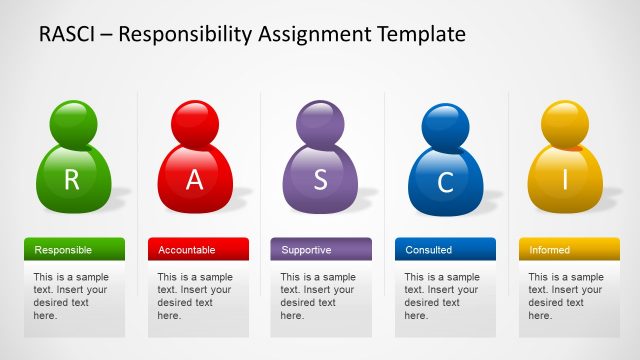
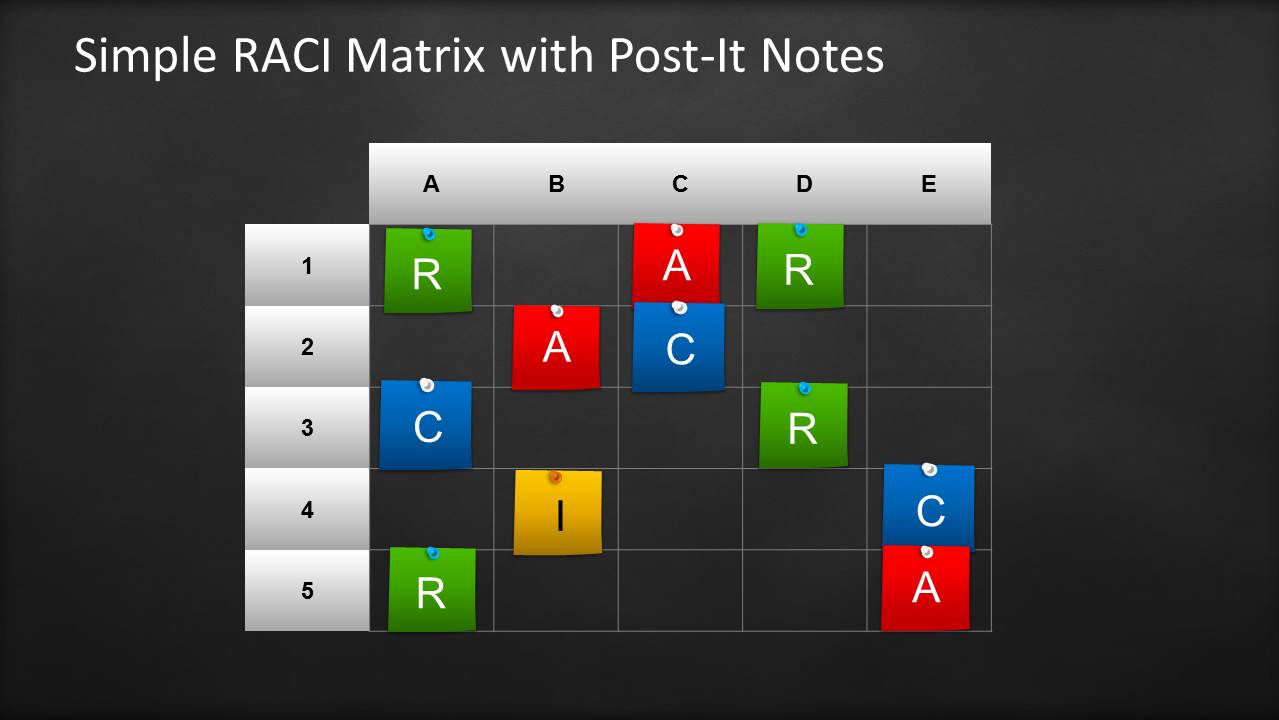
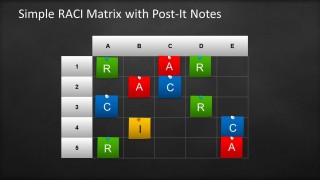
RACI Template for PowerPoint with Sticky Notes (Post it notes) over a dark blackboard. If you need to prepare a responsibility assignment matrix in PowerPoint then you can download this template containing a simple RACI Matrix design created in PowerPoint and useful to prepare RACI or ARCI matrix (also known as linear responsibility chart).
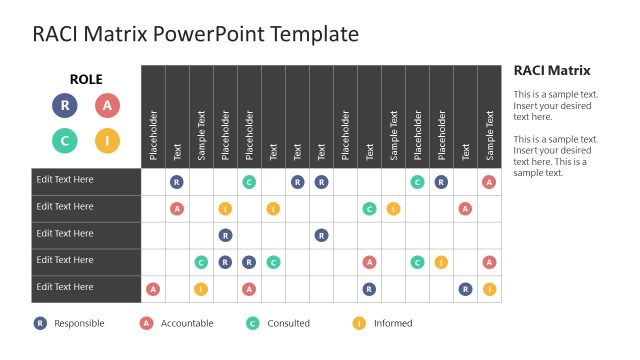
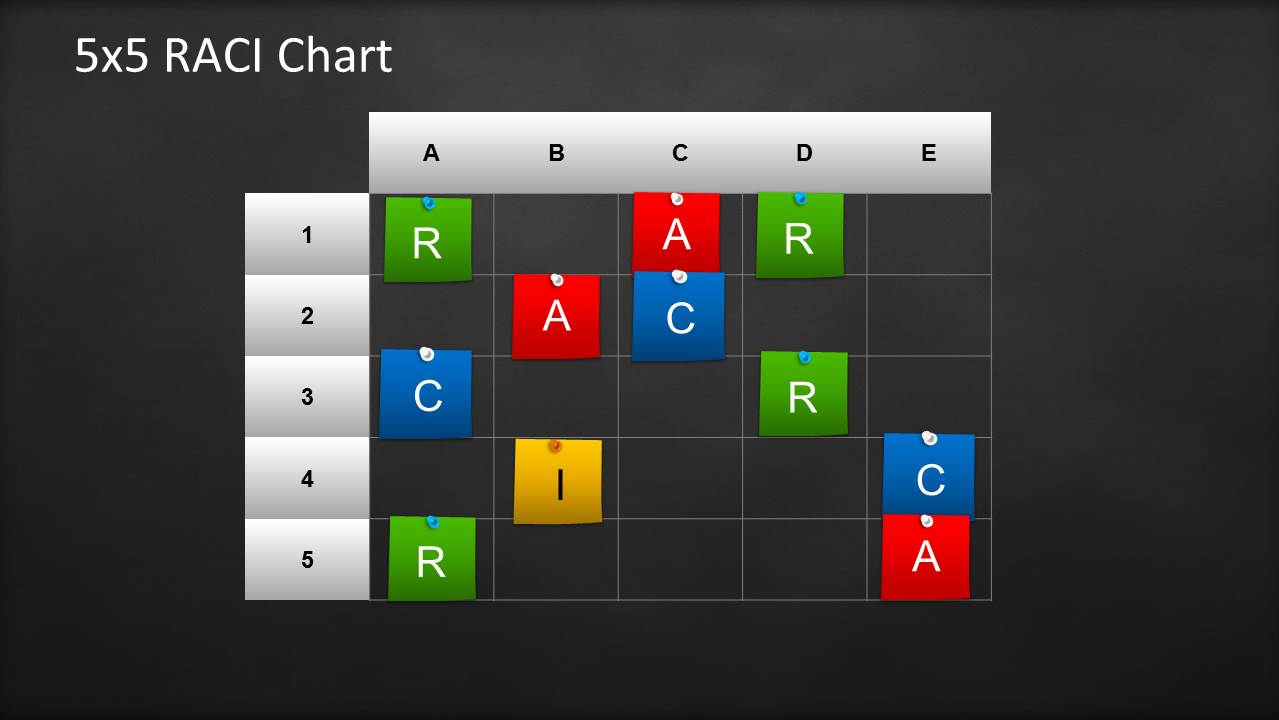
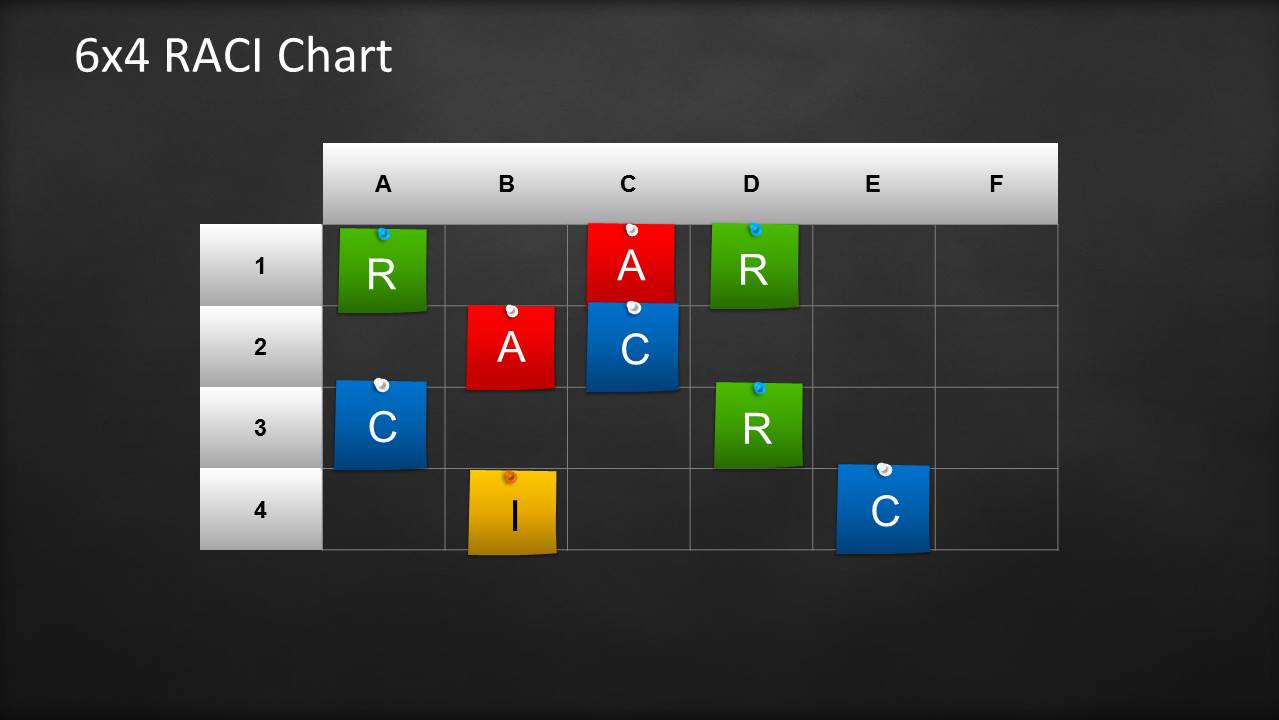
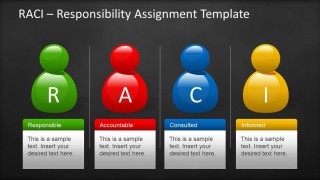
This RACI template for PowerPoint contains sticky notes or post it notes over a dark blackboard background design and illustrations simulating the roles in a RACI matrix. You can use this template to describe each of the roles in a RACI matrix and define the participation by various roles in completing tasks or deliverables for a project or business process.
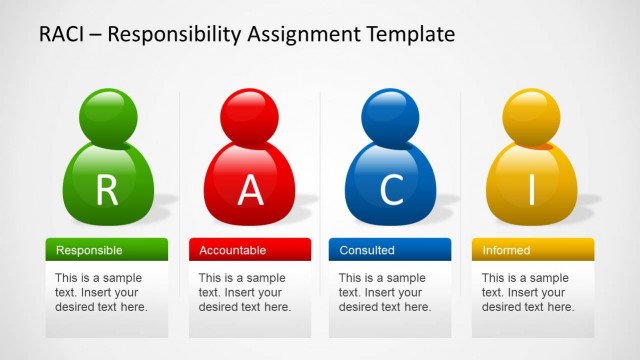
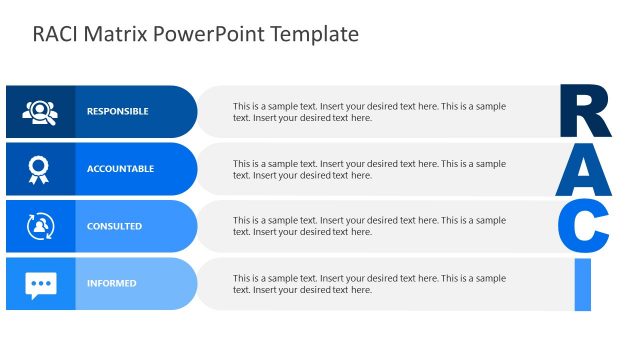
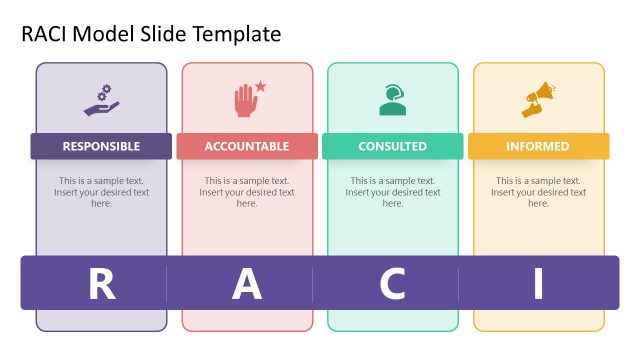
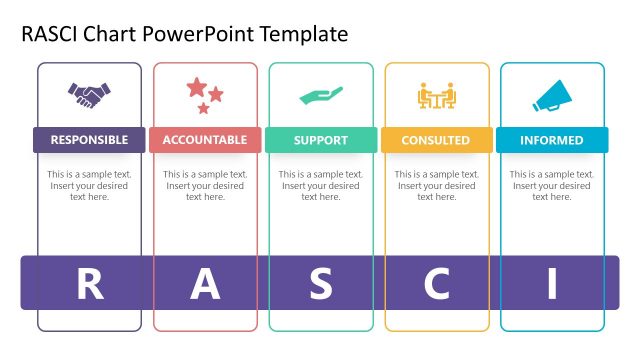
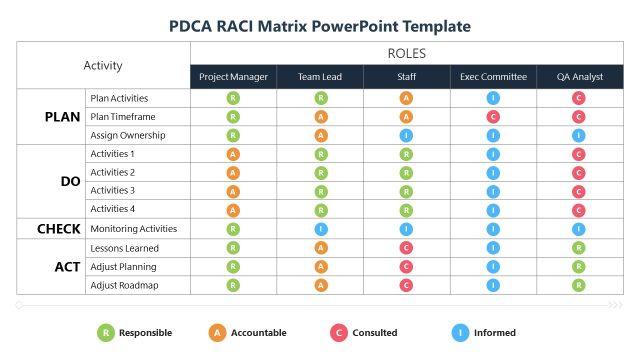
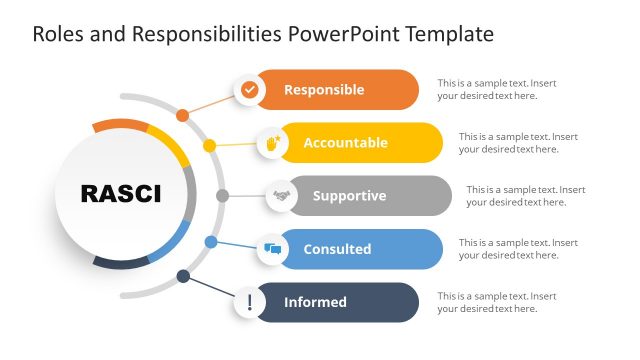
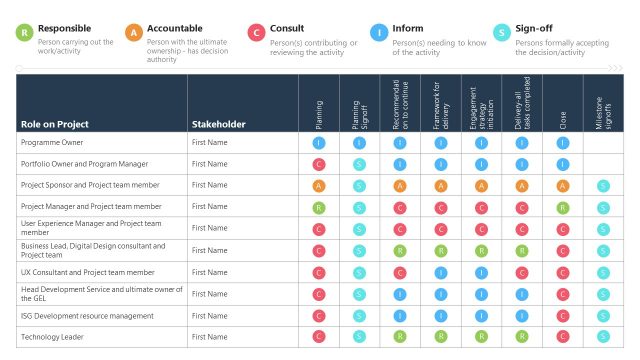
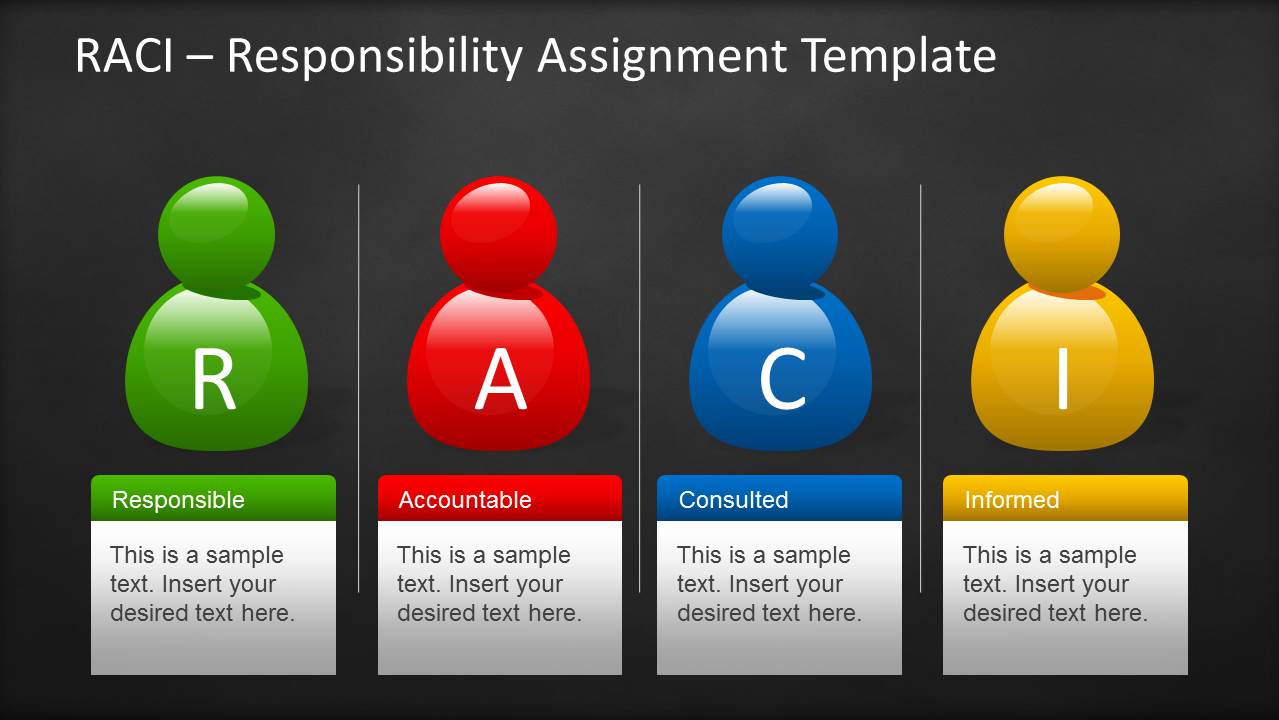
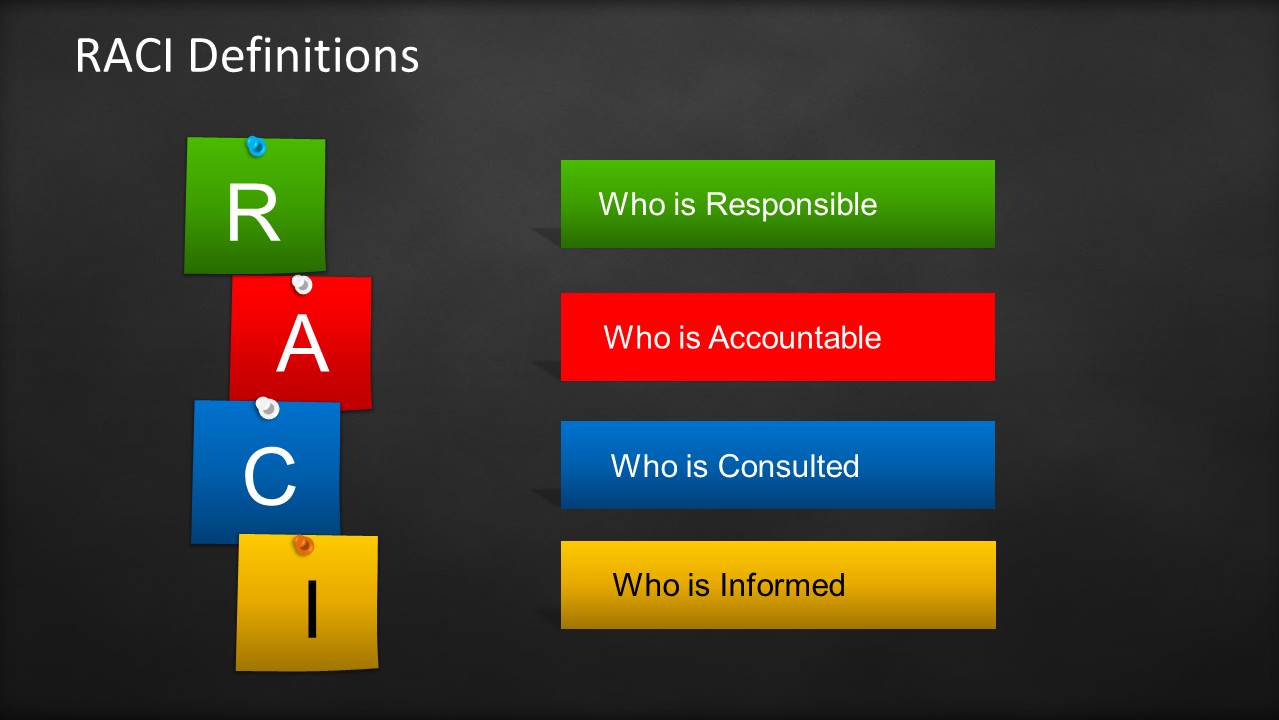
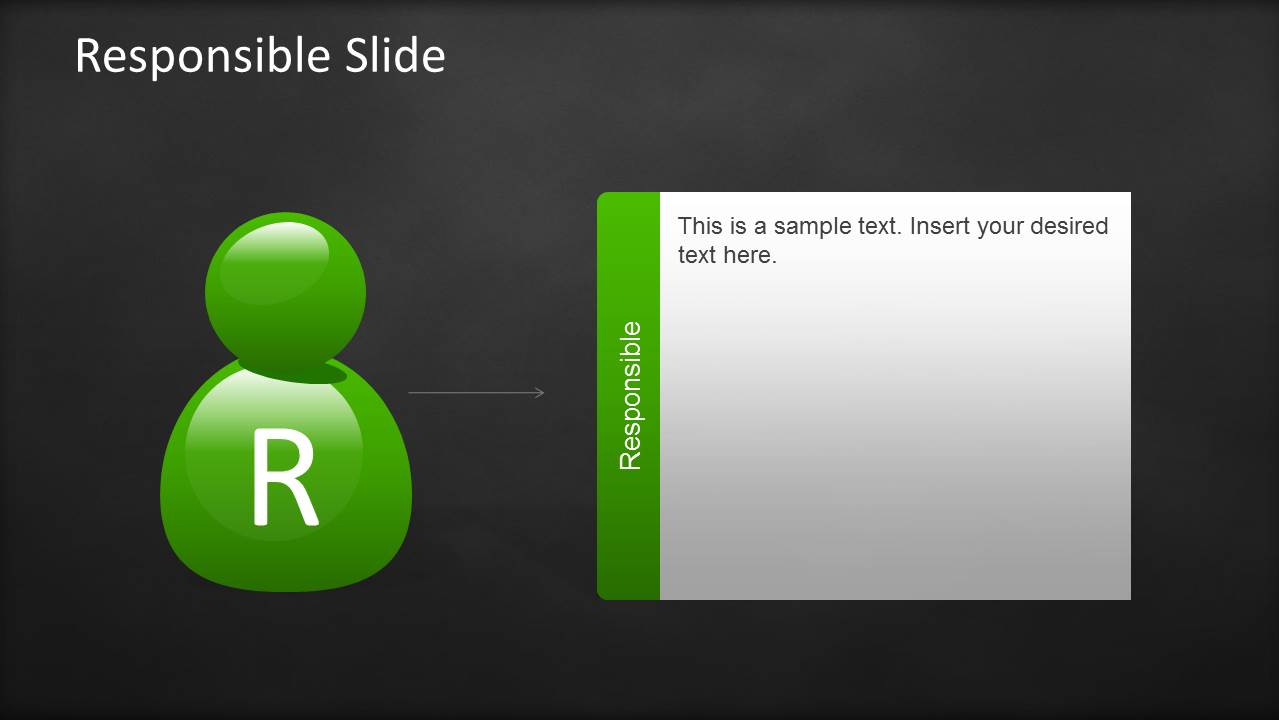
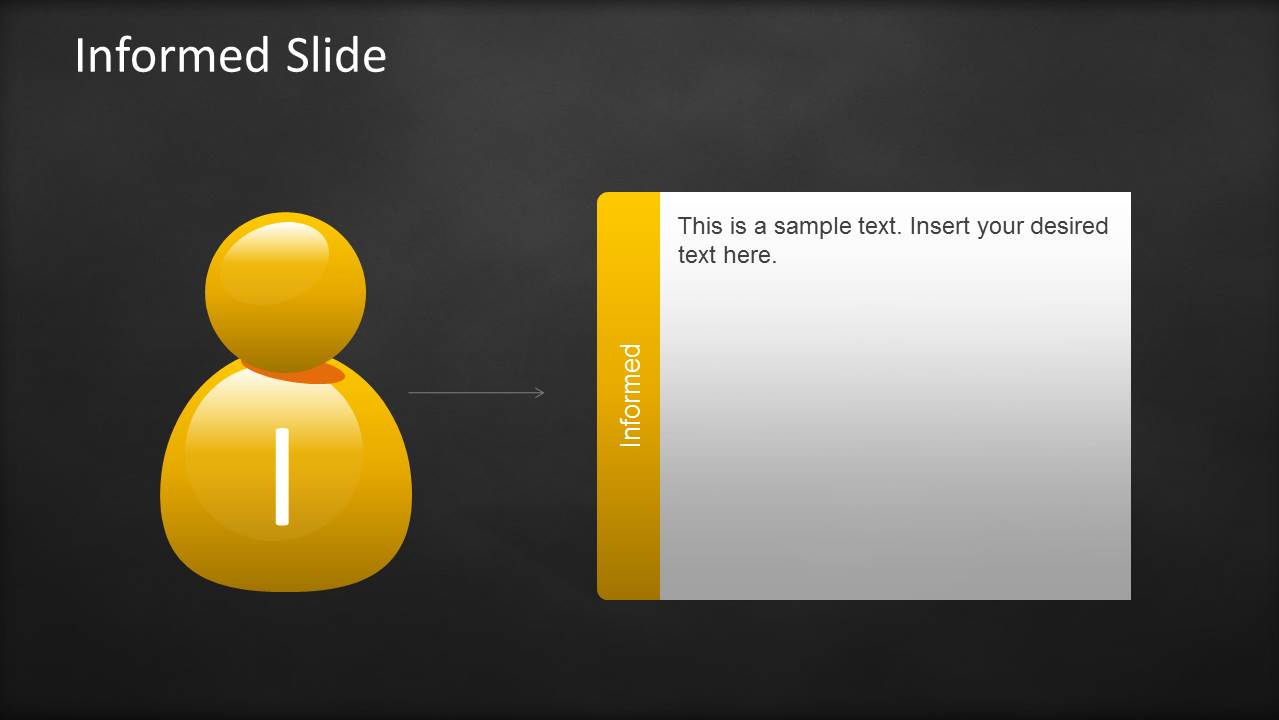
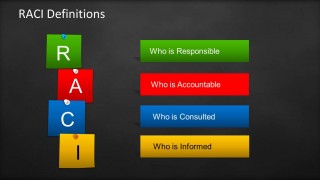
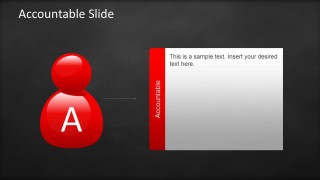
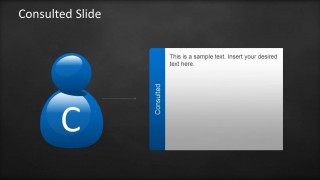
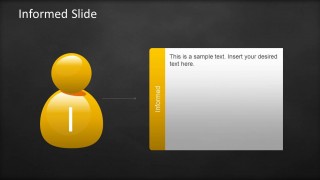
Using the RACI Chart template can help to clarify the roles and responsibilities in cross-functional departmental projects and processes. The four key responsibilities used in a RACI matrix are: Responsible, Accountable, Consulted and Informed.
What’s inside this template
Example presentation scenarios
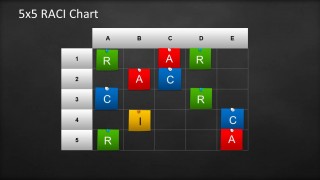
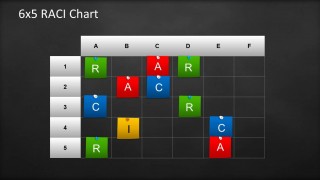
- A project manager can use the 5x5 or 6x5 RACI chart to assign task ownership during a project kickoff and confirm who is responsible, accountable, consulted, and informed.
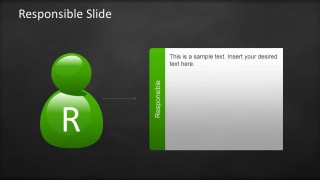
- A process owner can use the RACI definitions slide and four role detail slides to teach a cross-functional team how decision rights and communication responsibilities differ.
- A consultant can use the sticky-note matrix layouts to map client departments against deliverables and expose unclear accountability before implementation begins.
- A PMO leader can use the role icons and matrix slides to standardize how teams document responsibilities across recurring programs or internal initiatives.
Features
- 100% editable presentation template
- Compatible with Microsoft PowerPoint and Google Slides
- Scalable vector shapes, icons and illustrations
- AI-Ready for Microsoft Copilot and Claude
- Instant access and download
Frequently asked questions
Q: How should a presenter explain the RACI model with this template?
A: Start with the full matrix to show that RACI is about matching roles to work, not listing job titles. Then define Responsible, Accountable, Consulted, and Informed before filling the 5x5 or 6x5 chart. This sequence helps the audience understand the code before debating assignments.
Q: Who is this template best suited for?
A: This template is best for project managers, process owners, PMO teams, and consultants who need to make accountability visible in a meeting. It fits kickoff sessions, process redesign workshops, and governance discussions where teams must agree on who does the work, who owns decisions, and who receives updates.
Q: Why does the sticky-note blackboard design help communicate responsibility assignments?
A: The blackboard background and colored sticky notes make the matrix feel like a working session rather than a static policy document. Green, red, blue, and yellow separate the four RACI roles quickly, while the pinned-note metaphor supports discussion, movement, and refinement of task ownership.



RACI Template for PowerPoint with Sticky Notes & Blackboard
10-slide PowerPoint presentation template for RACI matrices, sticky notes, and responsibility roles
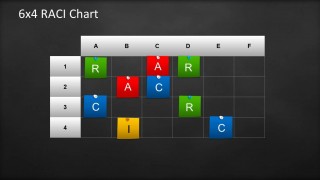
This is a 10-slide PowerPoint RACI presentation template with a blackboard background and sticky-note style assignments. It includes a responsibility assignment matrix, RACI definitions, four role explanation slides, and 5x5, 6x5, and 6x4 RACI charts for project managers, process owners, and business teams.
- Category
- Business PowerPoint Templates
- Rating


 Loading...
- Item ID
- 6332-02
- Colors
 Microsoft PowerPoint
  Microsoft Copilot
  Claude for PowerPoint
 Other formats supported
Subscribe today and get immediate
access to download our PowerPoint templates.