Slide 1 of 10 from Rocket Infographics PowerPoint Template
Editable Rocket Infographics PPT Template Cover Slide
Rocket Infographics PowerPoint Template - Slide 1
- Media Layout
- Other
- Context Slide
- 16:9
- 100% Editable
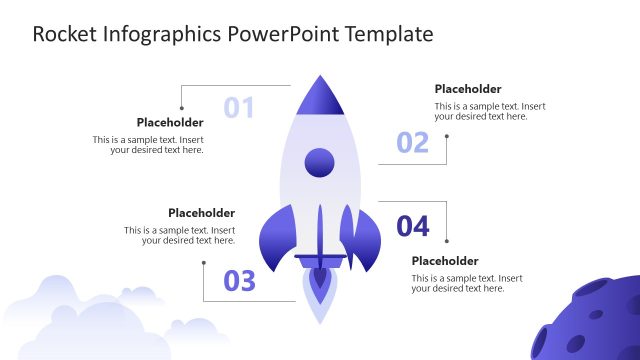
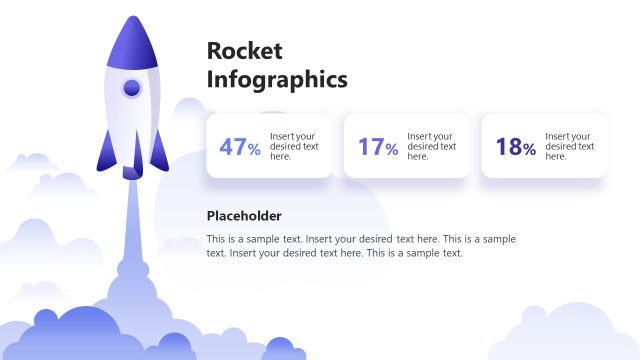
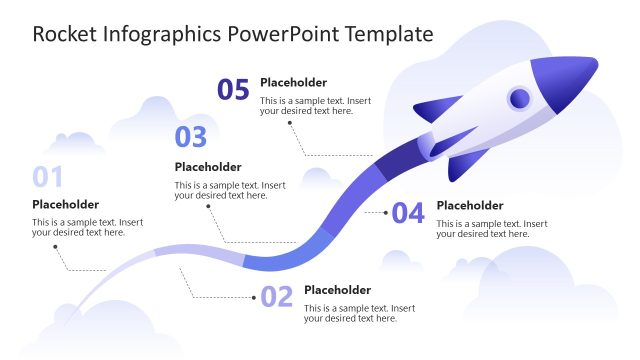
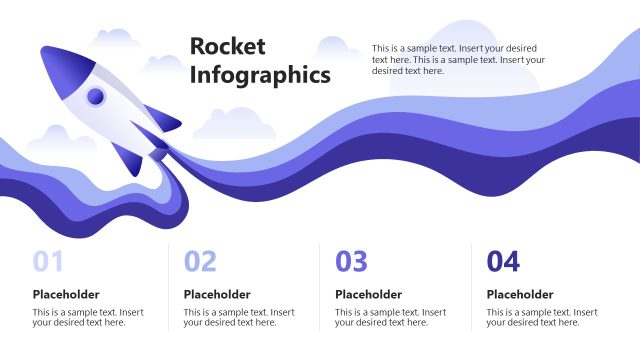
The Rocket Infographics Introduction slide from the Rocket Infographics PowerPoint Template offers a clean and spacious layout ideal for opening business presentations or pitch decks. Featuring a central rocket graphic against a soft blue and white background, this slide sets a thematic context for infographic-driven slide decks. Its design supports clear communication and audience engagement, making it a practical choice among editable slides and Google Slides templates focused on process visualization.
What’s on This Slide
The slide features a prominent rocket graphic positioned centrally, launching upwards against a soft blue and white cloud background. The title 'ROCKET' is displayed in large, bold font at the top left, while 'INFOGRAPHICS' is positioned below in a slightly smaller size. A smaller text placeholder for a subtitle is located at the bottom left. The overall layout emphasizes the rocket as the focal point, with a clean and spacious design that enhances visual clarity. The background gradient transitions from white to light blue, creating a serene atmosphere.
How to Use It
This layout serves as an introductory slide, ideal for opening presentations focused on infographics or process-related topics. It effectively captures audience attention while setting the thematic tone for subsequent slides. Suitable for business pitches, educational sessions, or marketing presentations, it establishes a visually engaging context. This slide is positioned first in the sequence, making it essential for framing the overall narrative and objectives of the presentation.
Text Placeholders & Capacity
Keep your copy within these limits so it fits without resizing. Title slot can hold roughly 5 words; subtitle can fit about 10 words.
| Placeholder | Count | Max characters (approx.) |
|---|---|---|
| Slide title | 1 | 30 |
| Subtitle | 1 | 50 |
| Footer | 1 | 30 |
Slide Keywords
Download unlimited PowerPoint templates, charts and graphics for your presentations with our annual plan.
DOWNLOADReturn to Rocket Infographics PowerPoint Template.