Slide 4 of 5 from Traffic Cone Shapes for PowerPoint
3 Traffic Cone Milestones for PowerPoint
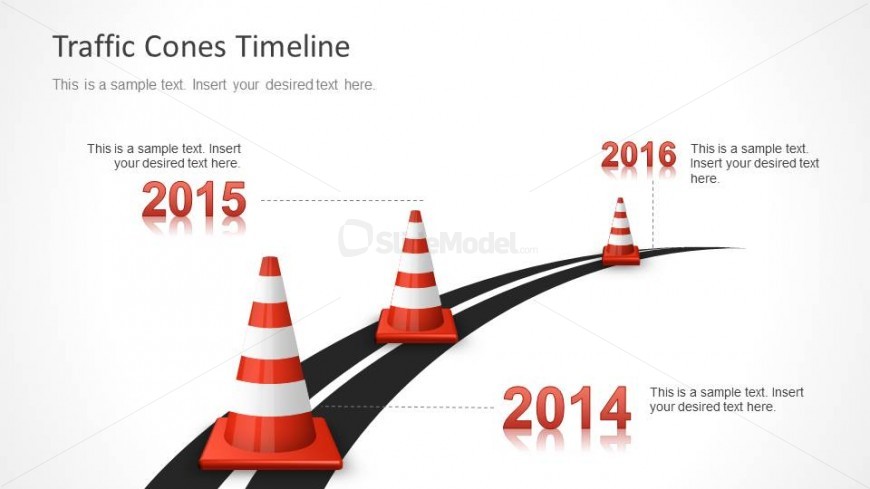
Traffic Cones Timeline Slide for Presentations
- Diagram
- Timeline Horizontal
- Timeline Slide
- 16:9
- 100% Editable
The Traffic Cones Timeline slide from the Traffic Cone Shapes for PowerPoint template offers a clear horizontal timeline layout ideal for illustrating project milestones or historical progress. Featuring editable shapes of traffic cones along a curved path, this slide integrates well into business presentations or event planning decks. Its design supports the effective communication of sequential developments, making it a practical choice for corporate presentations requiring a visual timeline in PowerPoint templates or Google Slides templates.
About This Slide
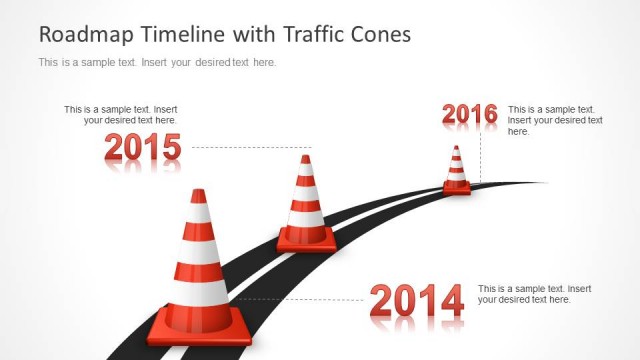
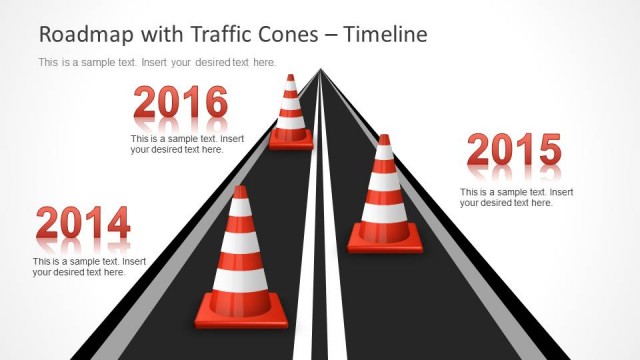
Timeline design for PowerPoint with three milestones using traffic cones and date labels next to each milestone. The timeline design has a curved road design that makes this slide very attractive and original to impress your audience.
What’s on This Slide
The slide features a timeline layout with three traffic cone shapes positioned along a curved black road. The cones are evenly spaced, with the first cone representing 2014, the second for 2015, and the last for 2016. Each cone has an associated text placeholder beneath it, aligned centrally, allowing for the insertion of relevant information. The background is light, enhancing visibility, while the road curves from left to right, creating a dynamic flow. The visual hierarchy emphasizes the cones and timeline dates, guiding the viewer's attention along the path.
How to Use It
This layout serves as a timeline to represent milestones or events in a sequential manner. It is suitable for presentations focused on project updates, historical progress, or planning phases. The slide fits well after problem identification slides, providing a clear visual representation of time-based developments. It can be used in various business contexts, such as project management, safety presentations, or construction timelines, where chronological order is essential for understanding progress.
Text Placeholders & Capacity
Keep your copy within these limits so it fits without resizing. Node body slots can hold about 40 characters each.
| Placeholder | Count | Max characters (approx.) |
|---|---|---|
| Item heading | 3 | 4 |
| Item body | 3 | 40 |
| Slide title | 1 | 30 |
Slide Keywords
Download unlimited PowerPoint templates, charts and graphics for your presentations with our annual plan.
DOWNLOADReturn to Traffic Cone Shapes for PowerPoint.