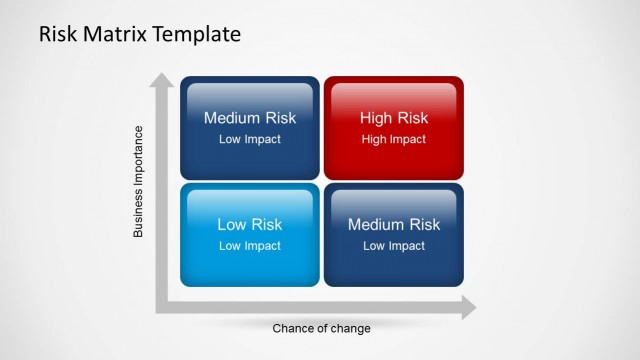
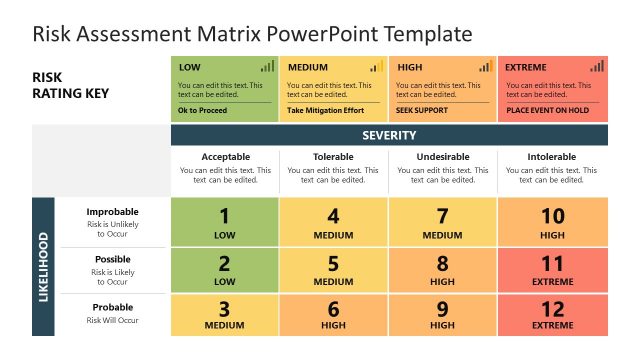
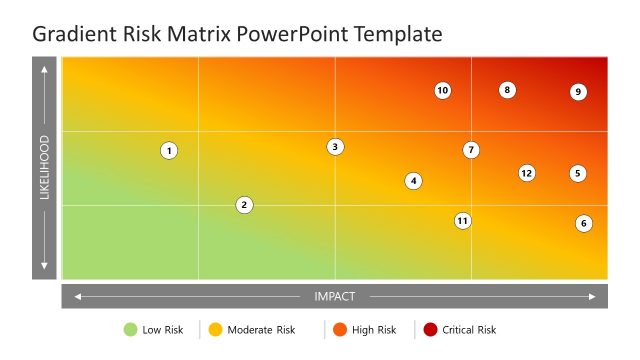
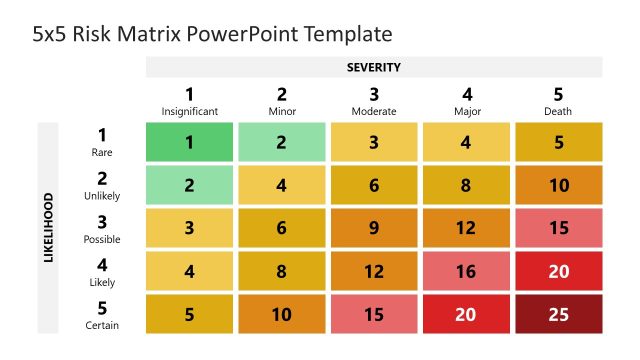
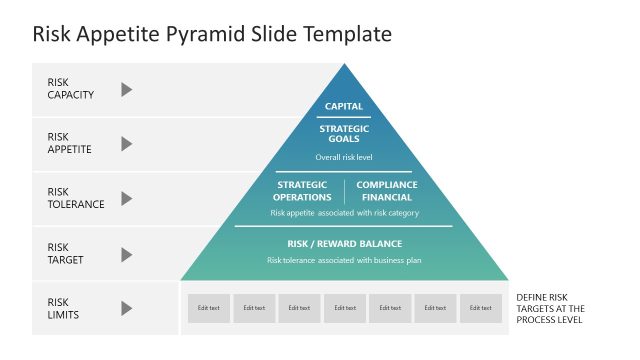
Risk Matrix Template for PowerPoint with Flat Style is a presentation design and PowerPoint template that you can use in presentations on Risk Management and Risk PPT presentation slides. This template can be useful for example if you need to create a presentation on Safety Management System or use a creative Risk Matrix design to decorate your slides. The Risk matrix template design can also be used in presentations on Incident Response plans or Incident Management in ITIL presentations or Incident Management presentations.
Alternatively you can download other good matrix templates for PowerPoint including slide design with tables and popular business models like the Ansoff Matrix PPT template.
What’s inside this template
Example presentation scenarios
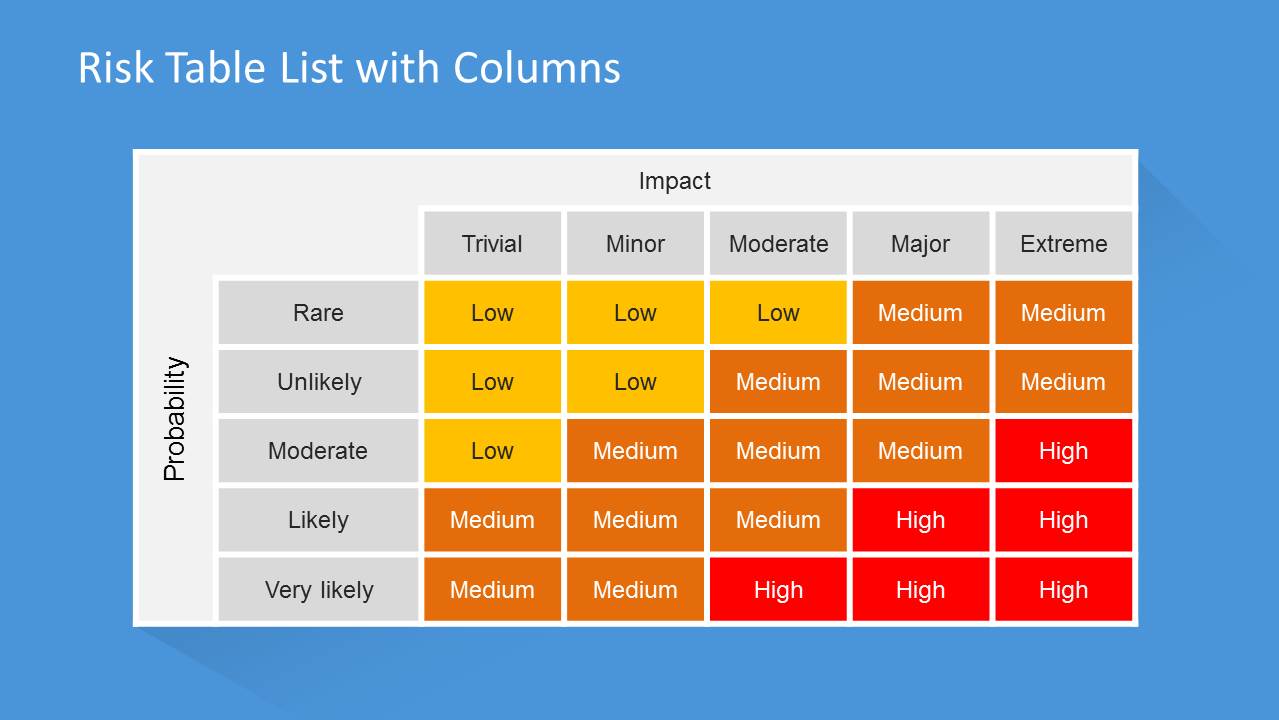
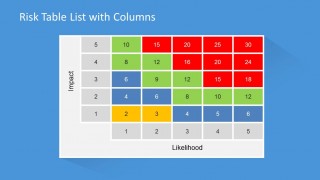
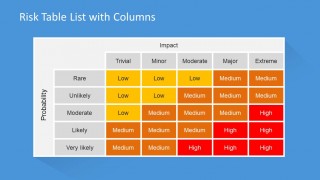
- A risk manager can use the likelihood-impact matrix to explain how probability and severity combine into low, medium, and high ratings during a risk review meeting.
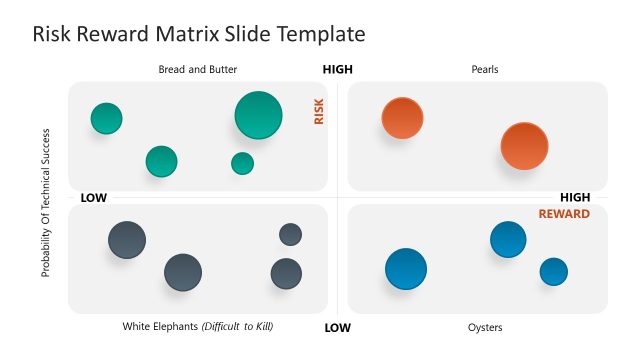
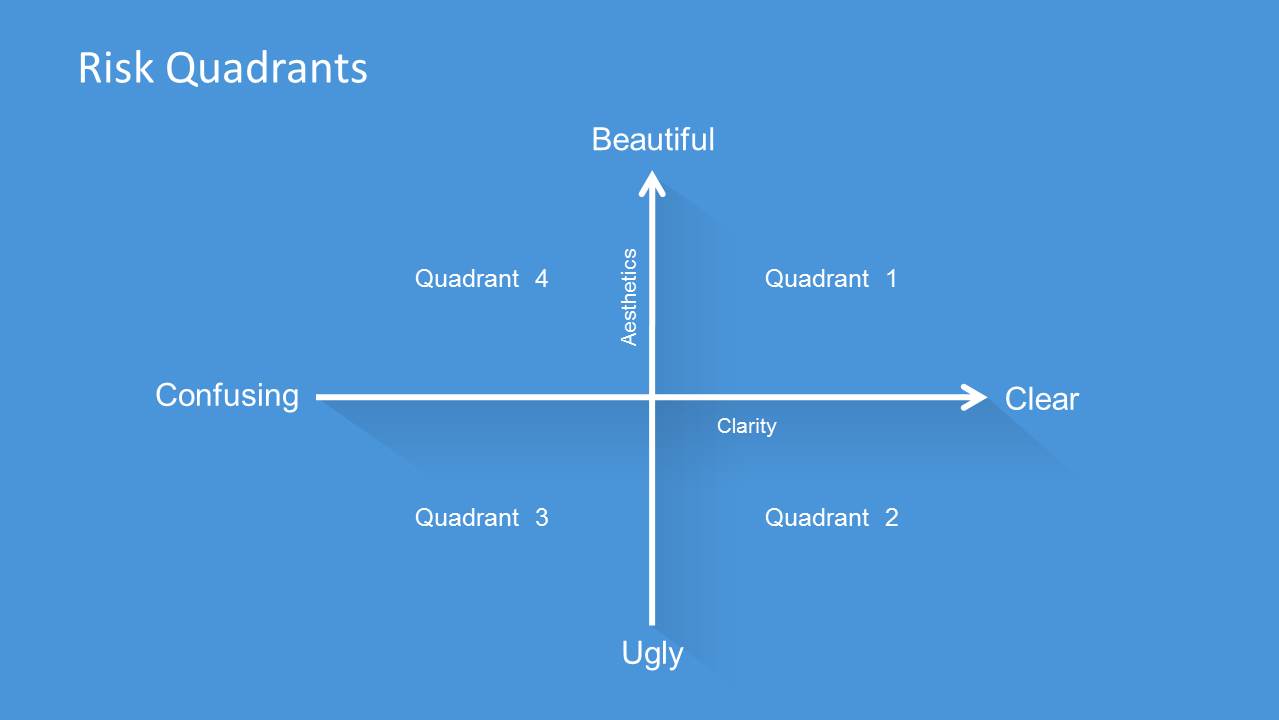
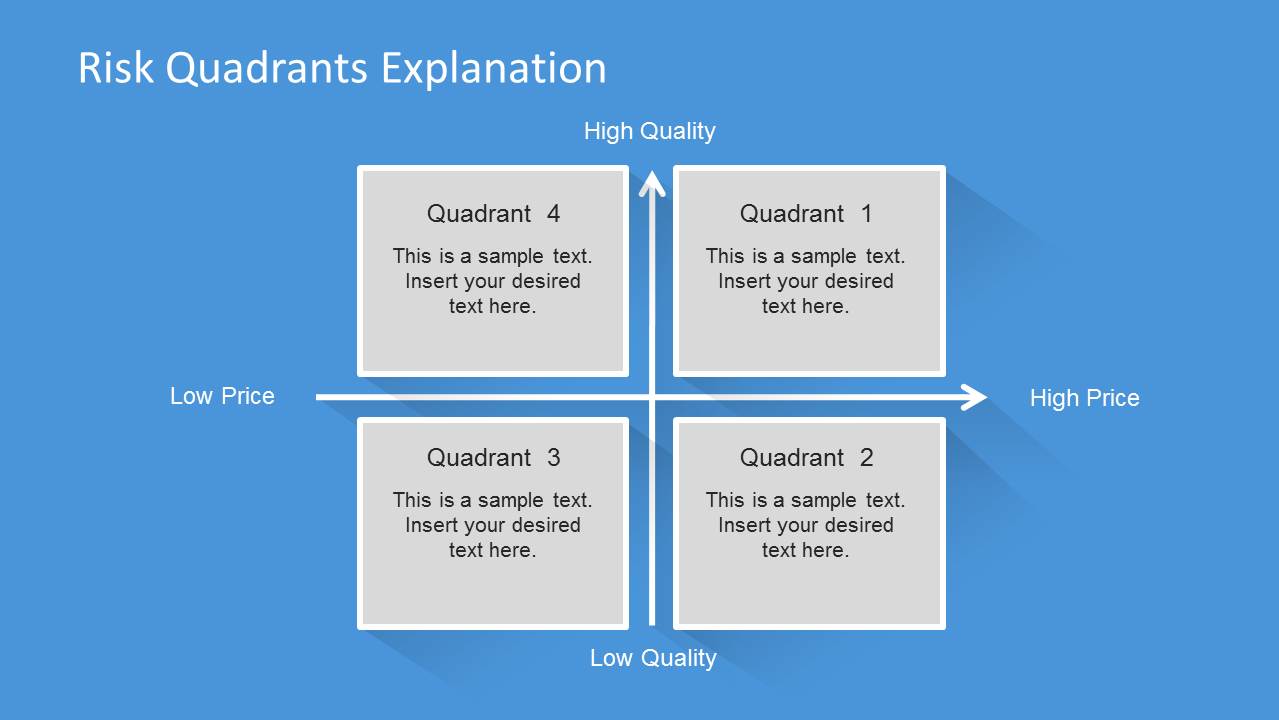
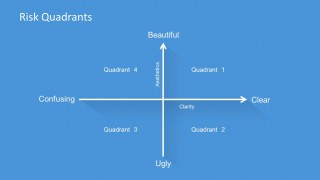
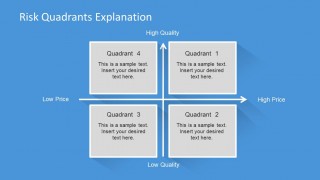
- An incident response lead can use the quadrant map and explanation slide to compare response priorities across quality, price, clarity, or other decision criteria.
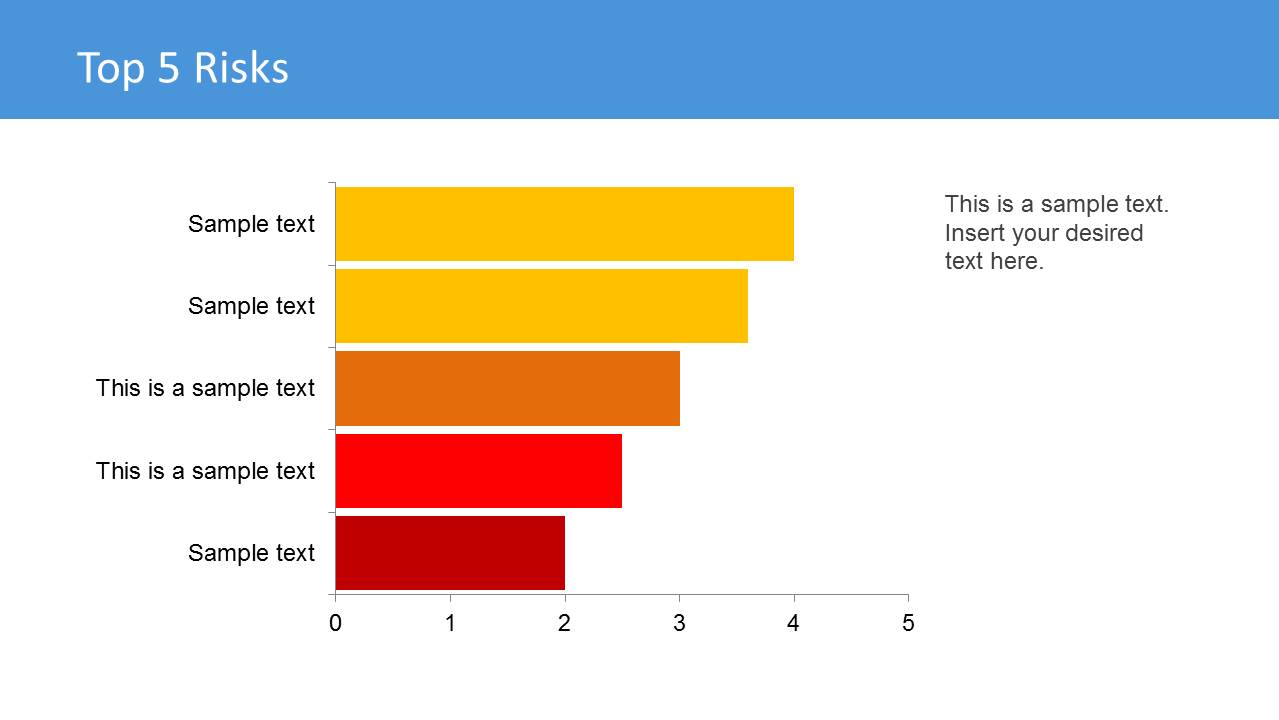
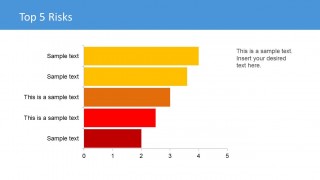
- A project manager can use the top 5 risks bar chart to summarize the highest current exposures for sponsors before discussing mitigation work.
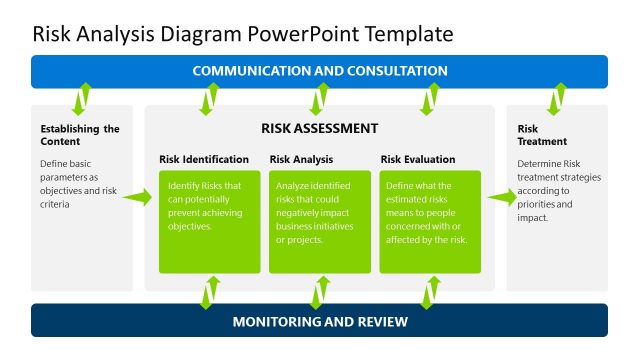
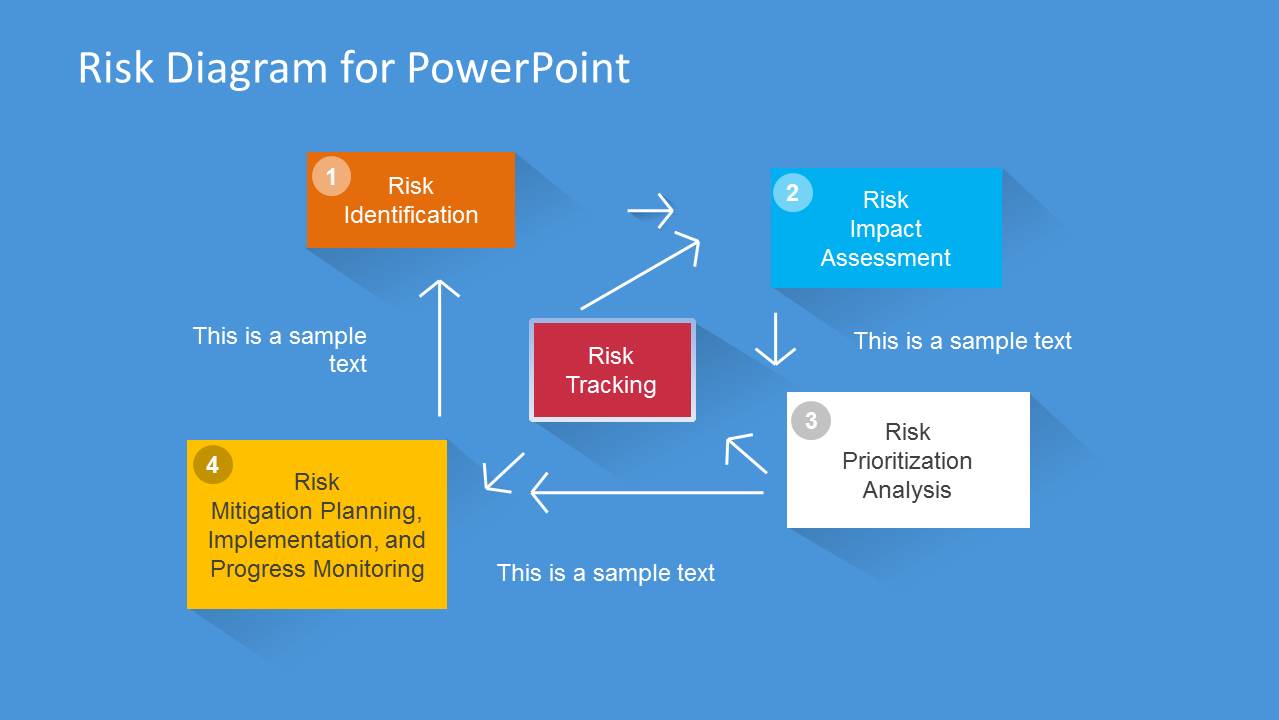
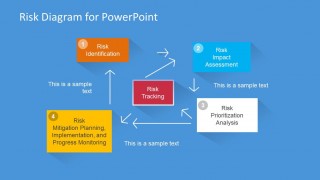
- A safety officer can use the process diagram to walk a team through risk identification, impact assessment, prioritization, tracking, and mitigation planning.
Features
- 100% editable presentation template
- Compatible with Microsoft PowerPoint and Google Slides
- 16:9 aspect ratio slides
- Scalable vector shapes, icons and illustrations
- AI-Ready for Microsoft Copilot and Claude
- Instant access and download
Frequently asked questions
Q: How should a presenter explain the risk matrix without overwhelming the audience?
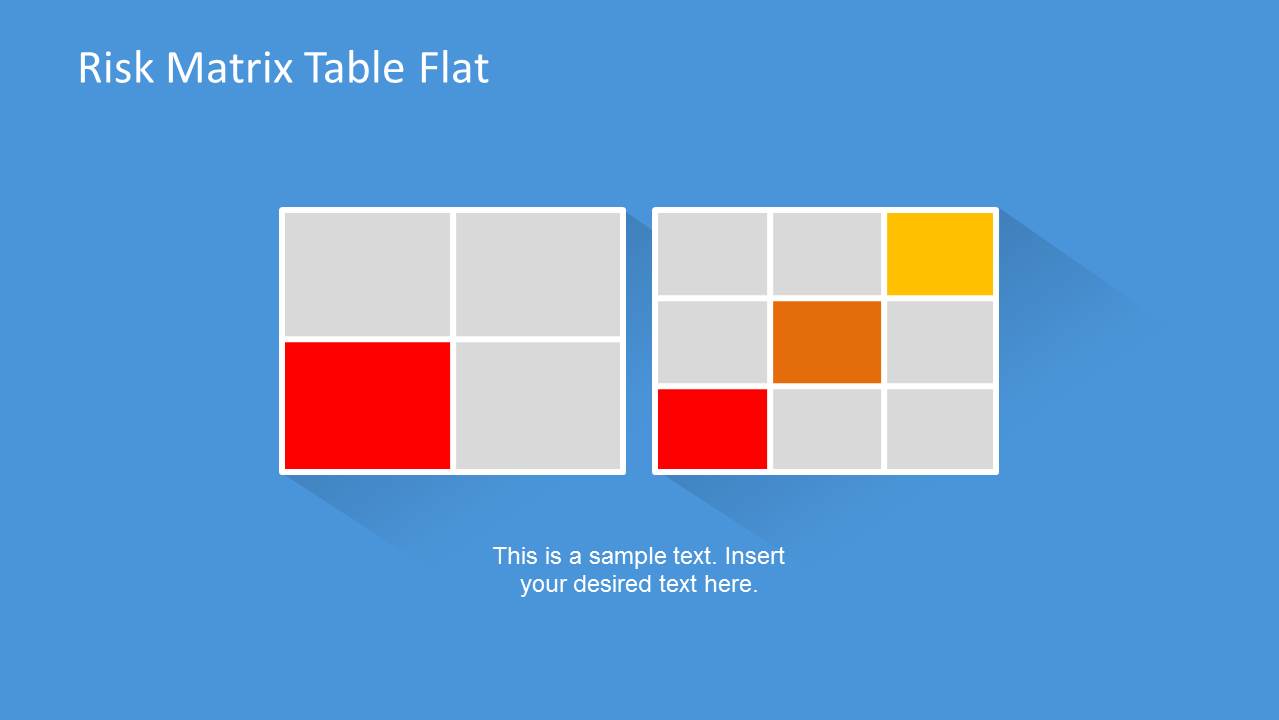
A: Start with the axis logic before showing individual ratings. Use the likelihood-impact table to define what the colors mean, then move to the top 5 risks chart to focus the discussion on the most important items. Keep the scoring language consistent so the audience understands why a risk moves from low to medium or high.
Q: Who is this template best suited for in a risk meeting?
A: It fits presenters who need to translate risk assessment into decisions, such as risk managers, project leads, safety officers, and incident response coordinators. The deck is strongest when the audience must compare threats, assign priority, and agree on next actions using the matrix tables, quadrant map, and mitigation process diagram.
Q: Why do the quadrant and heat-map layouts help communicate risk?
A: The quadrant metaphor turns trade-offs into a visible position, while the heat-map colors turn probability and impact into an at-a-glance priority signal. Together, they reduce abstract risk language and give the audience a shared visual reference for deciding which items need monitoring, escalation, or mitigation.

Risk Matrix Template for PowerPoint with Flat Style
7-slide risk matrix presentation template with quadrant maps, heat tables, and prioritization visuals
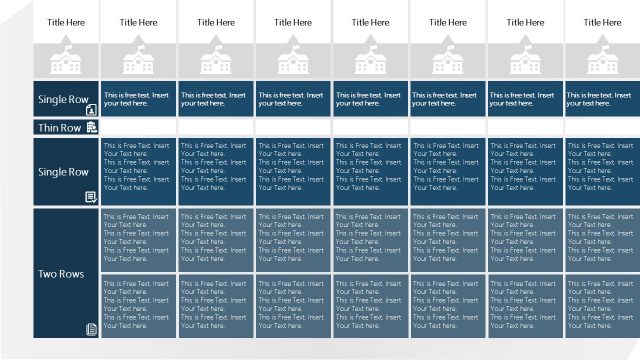
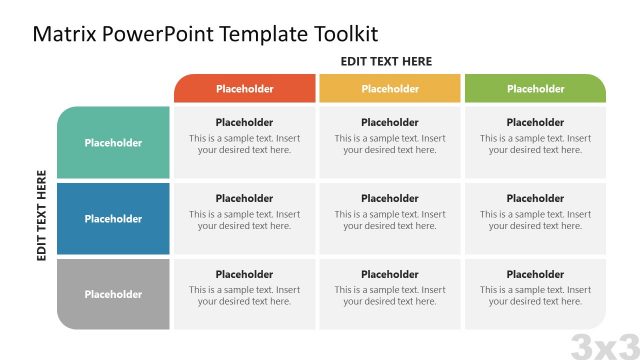
Risk Matrix Template for PowerPoint with Flat Style is a 7-slide risk assessment presentation template for Microsoft PowerPoint and Google Slides. It includes colored risk matrix tables, four-quadrant positioning maps, a likelihood-impact grid, a top 5 risks bar chart, and a risk management process diagram for incident response and safety reviews.
- Category
- Business PowerPoint Templates
- Rating


 Loading...
- Aspect ratio
- 16:9, 4:3
- Item ID
- 6570-01
- Colors
 Microsoft PowerPoint
  Microsoft Copilot
  Claude for PowerPoint
 Other formats supported
Subscribe today and get immediate
access to download our PowerPoint templates.